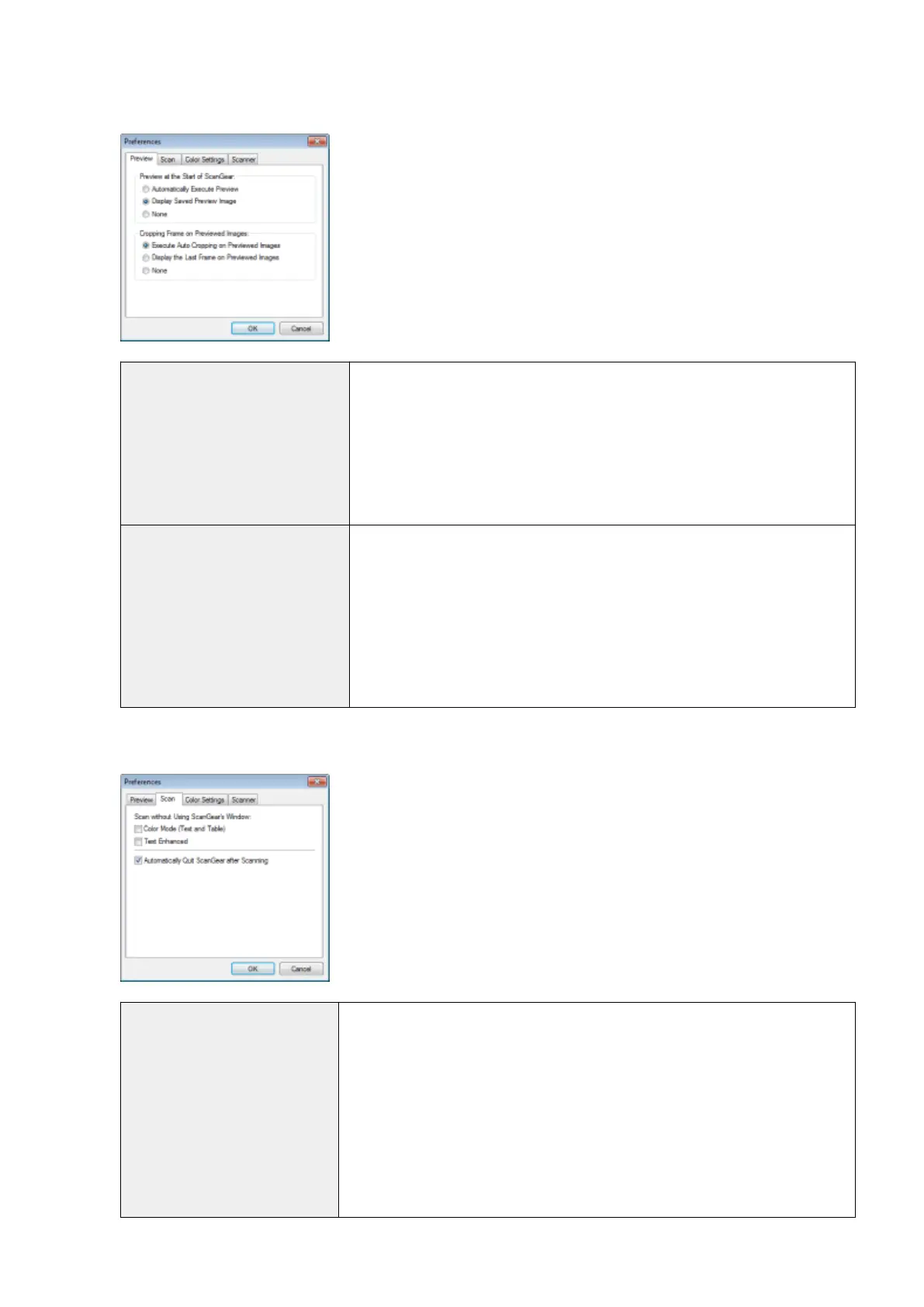
[Preview] tab
[Preview at the Start of ScanGear]
Select the preview mode when you start the ScanGear MF.
● [Automatically Ex
ecute Preview]
The preview starts automatically when the ScanGear MF is started.
● [Display Saved Preview Image]
Display the last previewed image.
● [None]
No preview image is displayed.
[Cropping Frame on Previewed
Images]
Specify how you want the scan area displayed within the image displayed in the
preview area.
● [Execute Auto Cropping on Previewed Images]
The scan area is automatically selected and scaled to t to the document size.
● [Display the Last Frame on Previewed Images]
Display the scan area last dened.
● [None]
No frame is displayed.
[Scan] tab
[Scan without Using ScanGear's
Windo
w]
Documents are scanned using application-dened settings when scanning using
applications such as OCR software that performs scans without opening the ScanGear
MF main window. To perform a scan in a specic color mode instead of using the
application-dened settings, specify this option.
● [Color Mode (Text and Table)]
The document is scanned in [Color (Documents)] mode. Application-dened
settings are disregarded.
● [Text Enhanced]
The document is scanned in [Text Enhanced] mode. Application-dened settings
are disregarded.
Scan
145












 To Next Page