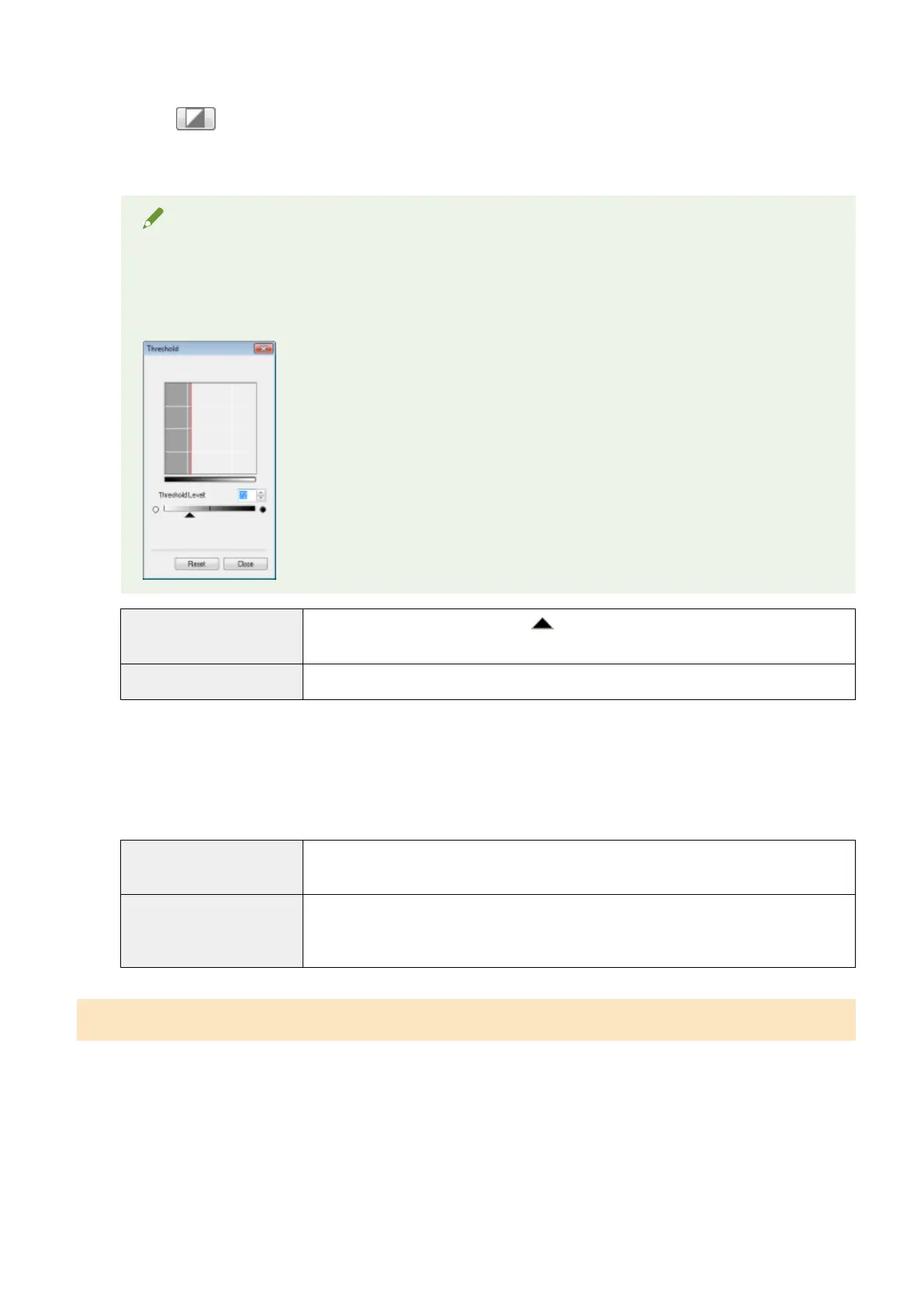
Threshold
You can adjust the threshold setting. By adjusting the threshold, you can sharpen text within the document and
r
educe print-through that often happens to newspapers.
NOTE
Threshold
The brightness of color and gr
ay images can be specied as a value from 0 up to 255, while the
brightness of black and white images is expressed in black and white including all shades between black
and white. A threshold is the boundary to dene whether images are black or white.
[Threshold Level]
Adjust the threshold level by moving [
] on the slider or manually entering a value from 0
up to 255.
[Reset] Restore all current settings to default settings.
Tone curve/threshold drop-down list
Y
ou can save the color settings specied for scan areas. If there are no specic scan areas, the settings specied
for the entire image displayed in the preview area are saved. You can also recall the saved settings to apply to
the selected scan area.
[Custom]
You can custom-dene each setting. The settings can be modied after these settings wer
e
applied to the image.
[Add/Delete]
Display the [Add/Delete Threshold Settings] dialog box when [Black and White] is selected
for [Color Mode] in the [Add/Delete Tone Curve Settings] dialog box. You can register the
current settings set for the image in the preview area under a specied name.
Preferences
The [Preferences] dialog box appears when [Preferences] is clicked in the [Advanced Mode] tab. You can change
the scan and preview settings within this dialog box.
Scan
144












 To Next Page