Not Print Spaces at the Top/Bottom
Not Print Spaces at the Top/Bottom
You can save paper on not to feed roll paper for the empty spaces when the print data contains spaces at the top or
bottom.
1
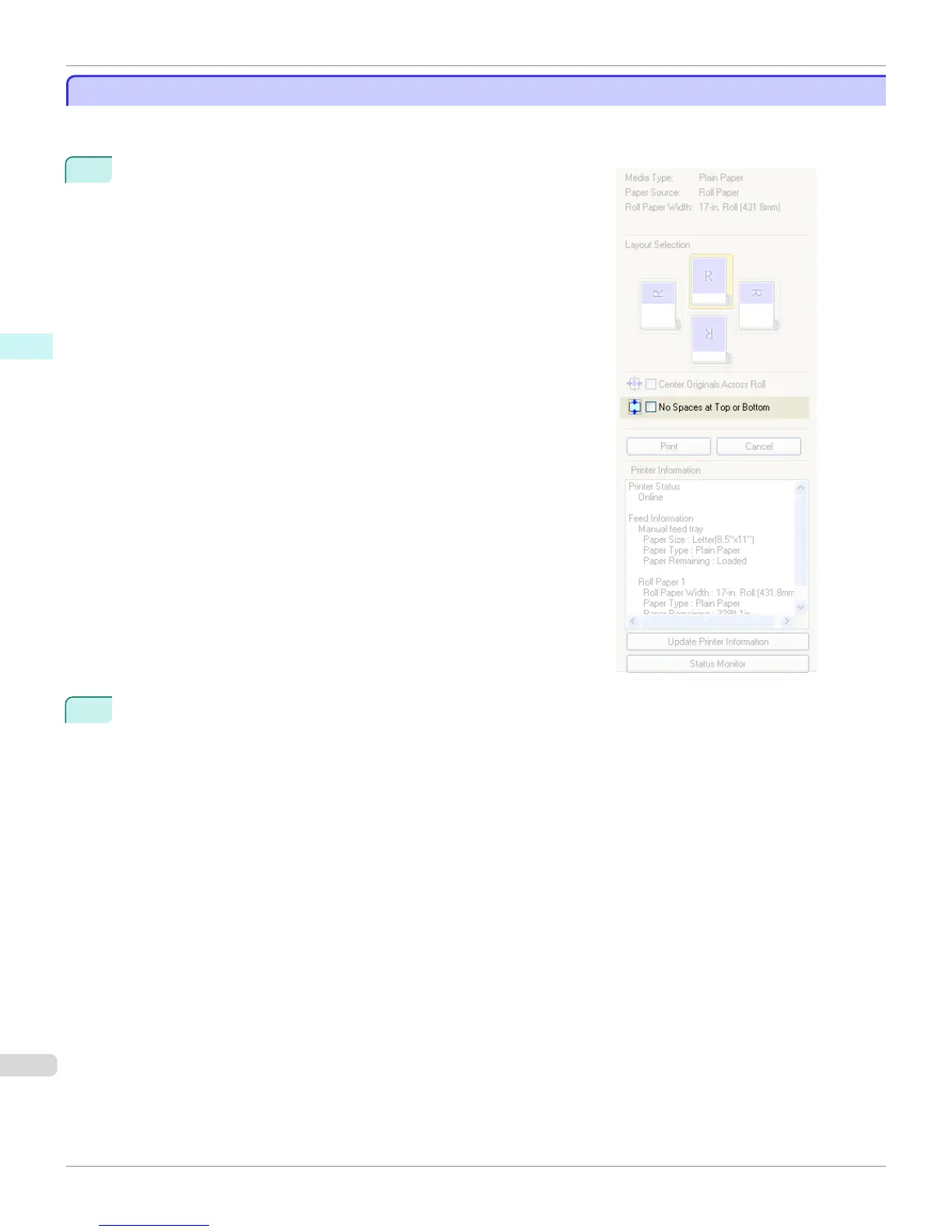
Click the No Spaces at Top or Bottom check box on.
2
Click the
Print button.
Printing on the settings with no spaces at top or bottom begins.
Not Print Spaces at the Top/Bottom
iPF9400
User's Guide
Windows Software Preview
216


 To Next Page
 Loading...











