Free Layout starts, laying out the document created
with application software in the layout area as an ob-
ject.
7
Leaving Free Layout running, open other files with other application software and repeat the above steps.
Selecting an Object
Selecting an Object
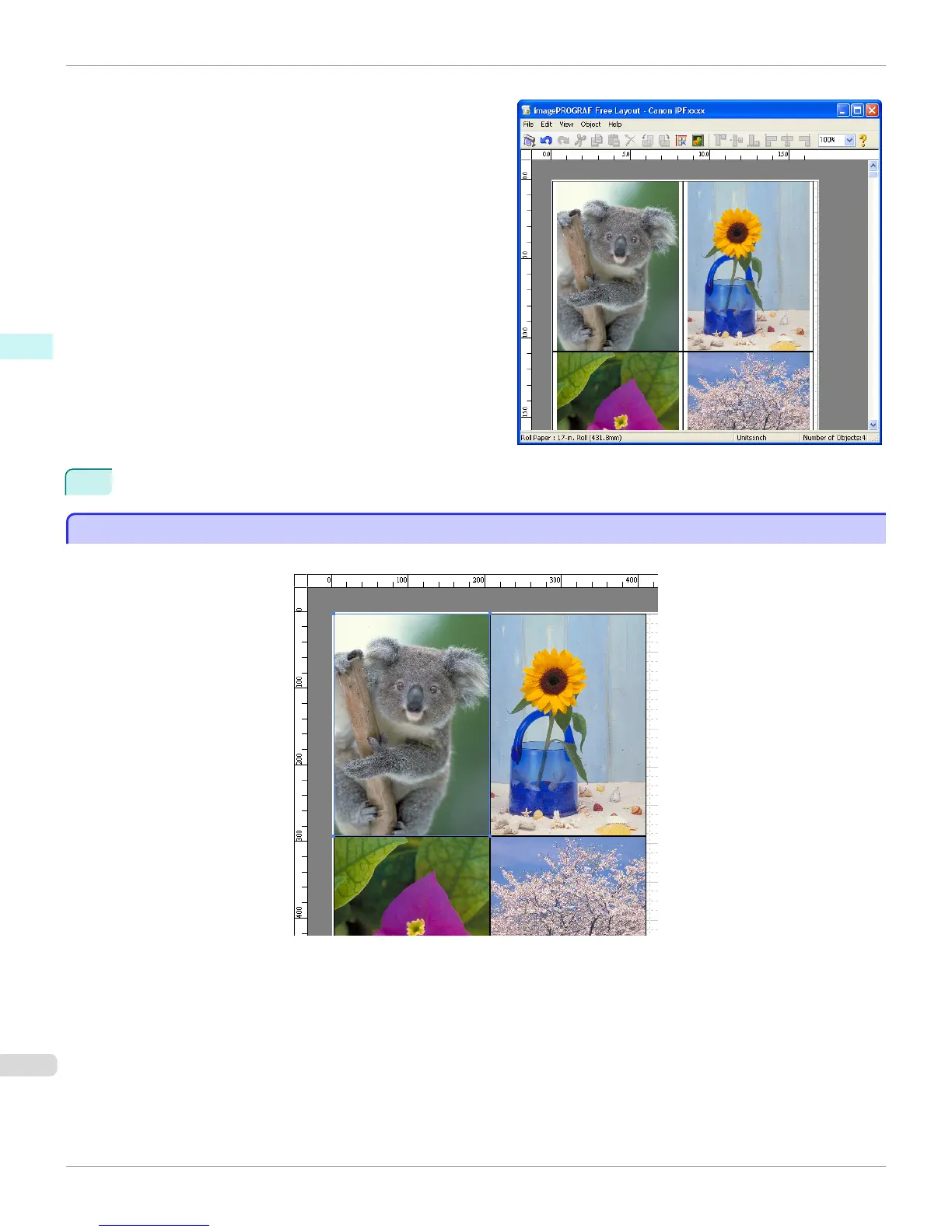
When an object is selected, a select box (blue border) appears around the object.
Selecting an Object (Windows)
iPF9400
User's Guide
Windows Software Free Layout
230


 To Next Page
 Loading...











