1
On the Paper Settings Panel →P.387 , select Roll Paper in Paper Source.
2
On the Output Settings Panel →P.392 , click the No
Spaces at Top or Bottom check box on.
3
Click the Print button.
Printing on the settings with no spaces at top or bottom begins.
Print Page Rotated 90 Degrees
Print Page Rotated 90 Degrees
You can save paper by printing in landscape orientation on roll paper.
1
On the Paper Settings Panel →P.387 , select Roll Paper in Paper Source.
2
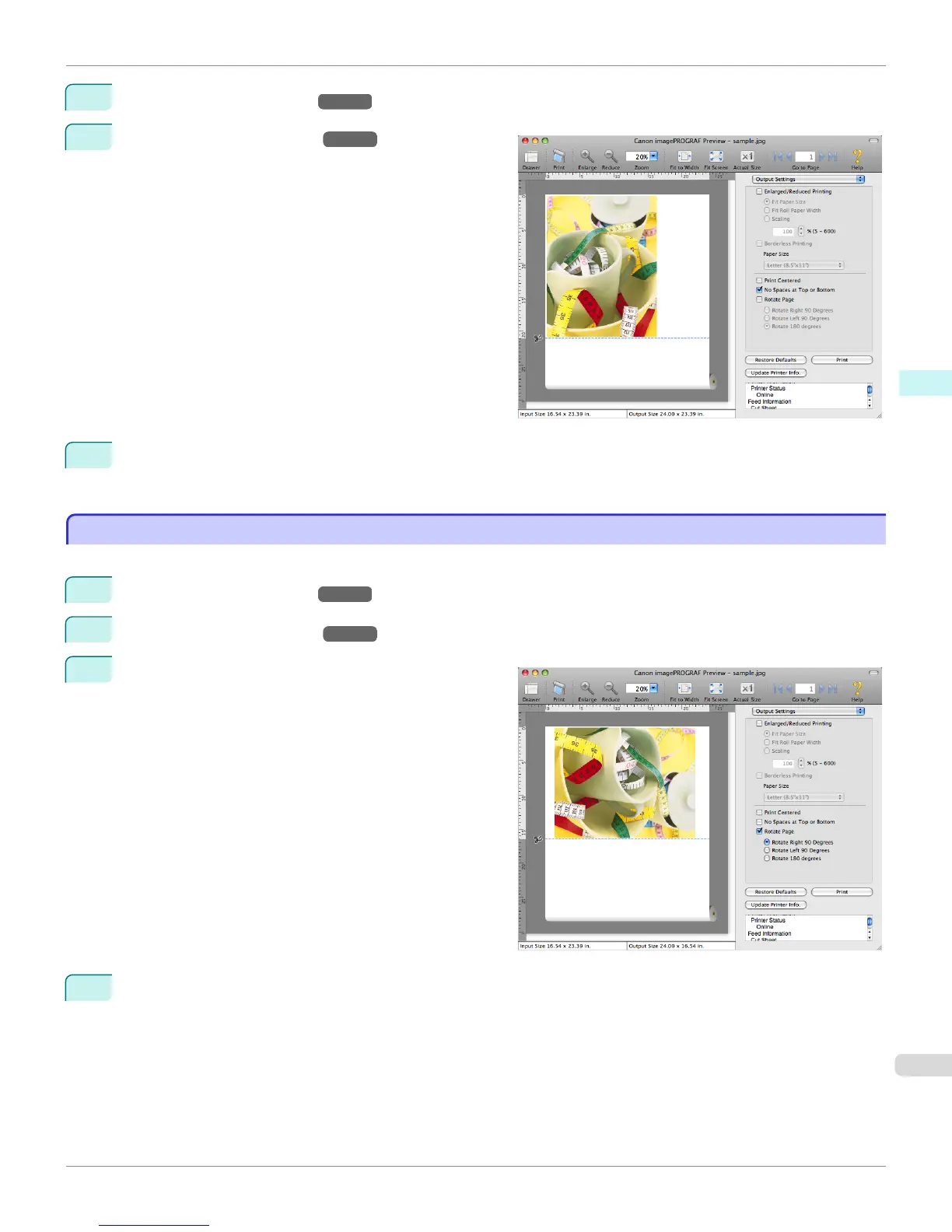
On the Output Settings Panel →P.392 , click the Rotate Page check box on.
3
Select Rotate Right 90 Degrees or Rotate Left 90 De-
grees.
4
Click the Print button.
Printing on rotating 90 degrees begins.
iPF9400
Print Page Rotated 90 Degrees (Mac OS X)
User's Guide
Mac OS X Software Preview
407


 To Next Page
 Loading...











