•
Print Quality
Selecting print quality strikes a balance between the quality of the printed image and printing speed.
The level of the print quality and resolution settings are displayed in the following combinations.
Setting Details
Print Quality Highest / High / Standard / Draft
Resolution 600dpi / 300dpi
Note
• The availability of settings is determined by the media type and print priority selections.
• Printing time is longer and more ink is consumed with High than with Draft, however, print quality is higher.
• Printing time is shorter and less ink is consumed with Draft than with High, however, print quality is lower.
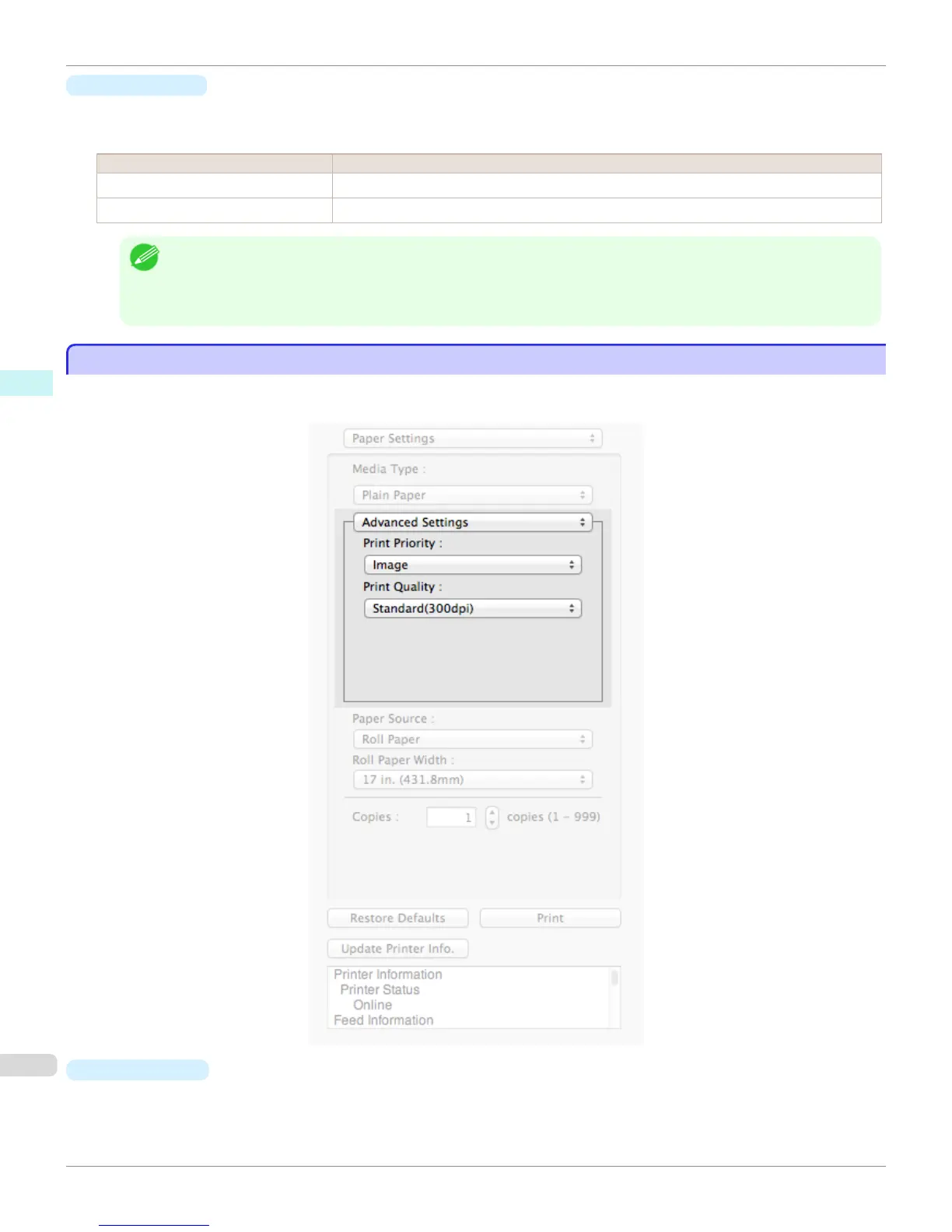
Advanced Settings
Advanced Settings
Presents detailed settings for the print quality, the color mode, and other items so you can select the values for these
settings yourself.
•
Print Priority
Select a print quality mode that is appropriate for the print job.
Advanced Settings (Mac OS X)
iPF9400
User's Guide
Mac OS X Software Preview
390


 To Next Page
 Loading...











