Preview Main Window
Preview Main Window
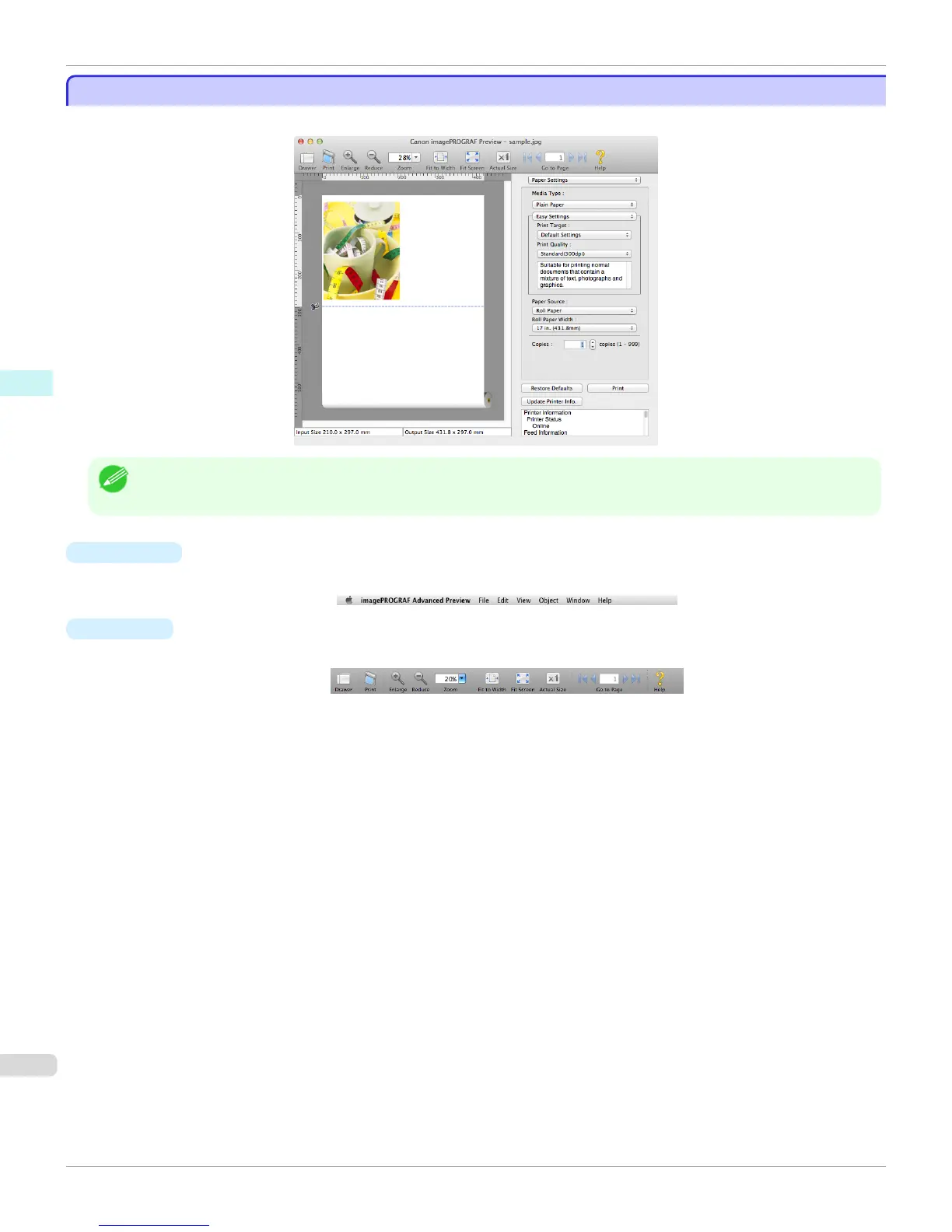
The Preview main window consists of the menu and tool bars, and preview, dialog , drawer and status area.
Note
• You can use the View menu to show or hide the tool bar.
•
Menu Bar
This allows you to select menus required for operations.
•
Tool Bar
This allows you to select tool buttons required for major operations.
Preview Main Window (Mac OS X)
iPF9400
User's Guide
Mac OS X Software Preview
384


 To Next Page
 Loading...











