MV750i E, MV730i E, MV700i E, MV700 E, MV690 E
SERVICE MODE · ADJUSTMENT
12
5. Adjustment Procedures
5-1 Adjustment Items in Part Replacement
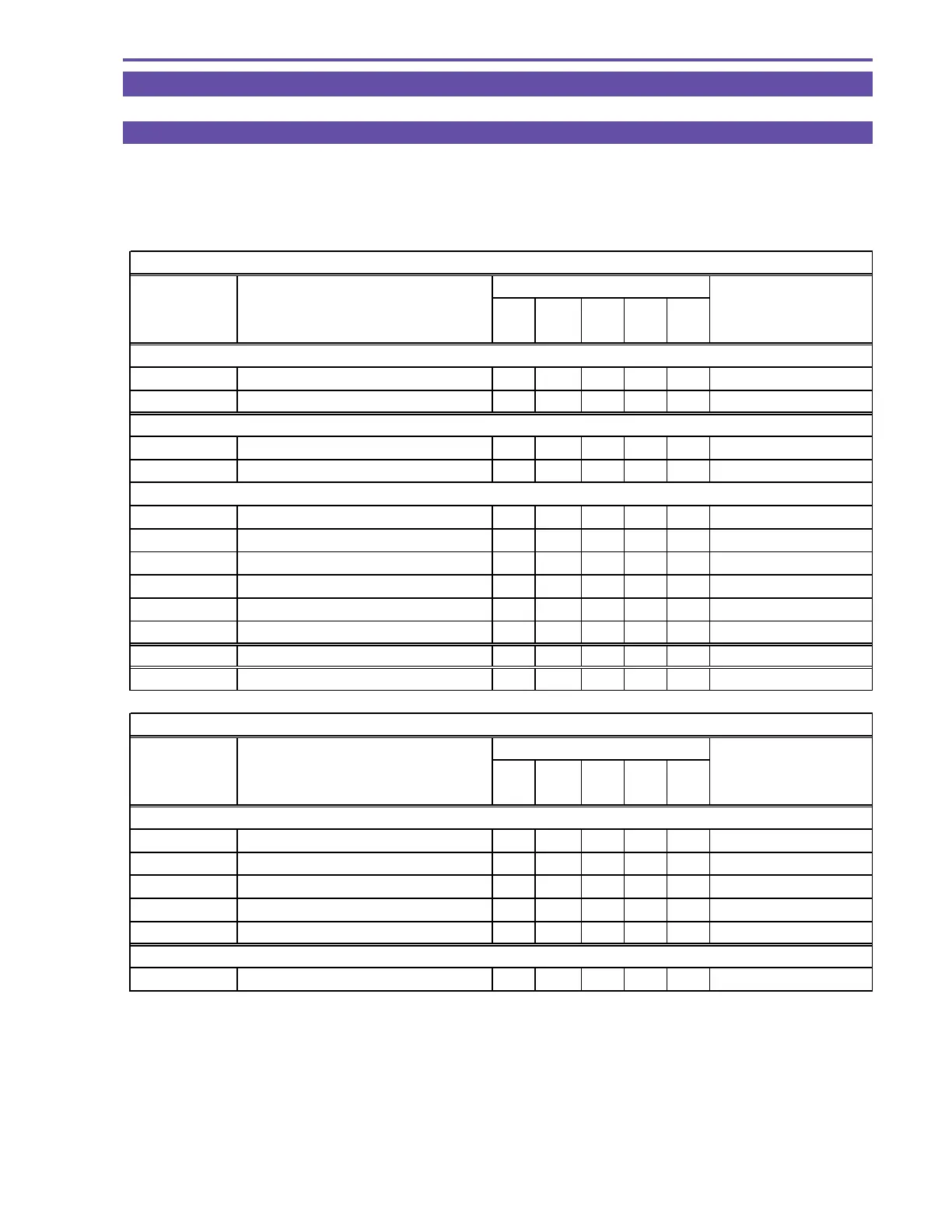
After replacement of major parts, carry out adjustment referring to the table shown below. Note that the following table shows minimum
required adjustments to be performed after replacing any major part. In case that two or more parts have been replaced or any faulty
condition has occurred, take a proper adjustment procedure accordingly.
○
: Adjustment required
Camera system
Part name
No. Adjustment item
Lens
JACK2
PCB
CCD
MAIN
PCB
CA
PCB
Adjustment setting
5-2 AF section
5-2-1 CZ Automatic Adjustment
○○○
Product condition
5-2-2 Cam correction (AUTO)
○○○
Product condition
5-3 IS section
5-3-1 Gyro Offset Adjustment
○○
Product condition
5-3-2 Virtual EEPROM and Flash Memory Writing
○○
Product condition
5-4 Camera section
5-4-1 Iris Adjustment
○ ○○○
Product condition
5-4-2 WB Adjustment (1)
○ ○○○
Product condition
5-4-3 Color Balance Adjustment
○ ○○○
Product condition
5-4-4 WB Adjustment (2)
○ ○○○
Product condition
5-4-5 WB Adjustment (3)
○ ○○○
Product condition
5-4-6 Virtual EEPROM and Flash Memory Writing
○ ○○○
Product condition
5-5 CCD Pixel Missing Compensation
○○
Product condition
5-6 Color Balance Check
○ ○○○
Product condition
Recorder system
Part name
No. Adjustment item
MAIN
PCB
DMC
III
Adjustment setting
5-7 Recorder section
* 5-7-0 Setting for Destination
○
Product condition
5-7-1 SWP Adjustment
○○
Product condition
5-7-2 C. FG Adjustment
○○
Product condition
5-7-3 Automatiac Adjustment of Reel FG
○○
Product condition
5-7-4 Flash Memory Writing
○○
Product condition
DMC III
5-8 Tape Path Adjustment Tape path adjustment setting
* MV690 E only



 To Next Page