MV750i E, MV730i E, MV700i E, MV700 E, MV690 E
GENERAL DESCRIPTION OF PRODUCT
40
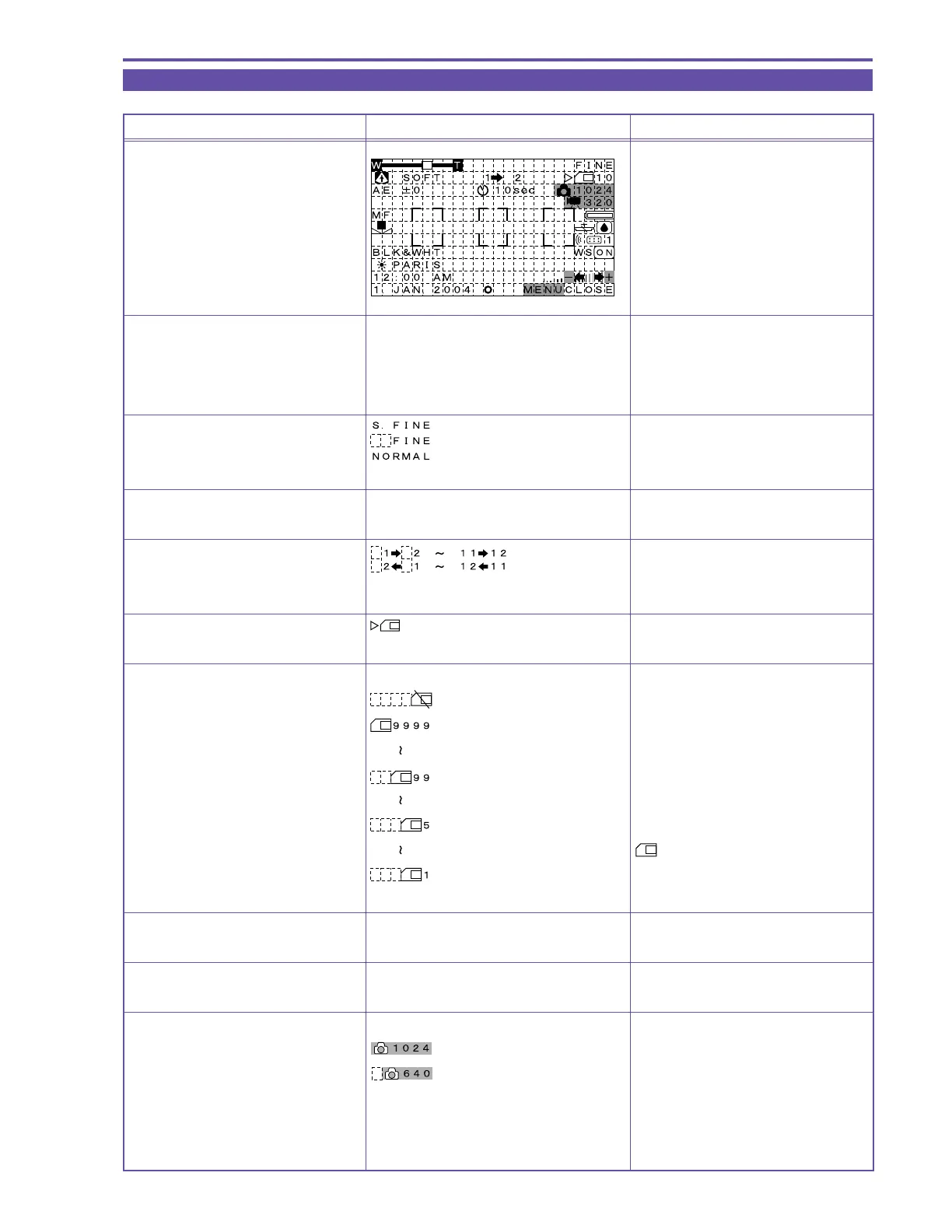
5-3 Card / Camera mode (MV750i E, MV730i E only)
MENU INDICATION PAL MODEL REMARKS
Card/Camera mode
Zoom display
Zoom display Same as Camera mode
(except that Digital zoom is 88/80× only)
Card recording quality display
Program AE mode display Same as during Camera mode
Stitch Assist quantity display Clockwise
Counter-clockwise
Card access display
Writing and reading
Card remaining display
No card (flashes red)
9999 or more images can be recorded
99 images can be recorded
5 images can be recorded
Yellow display
1 image scan be recorded
AE shift compensation display Same as during Camera/Tape mode
Self-timer display Same as during Camera mode
Still image size display
1024 × 768 is selected
640 × 480 is selected



 To Next Page