MV750i E, MV730i E, MV700i E, MV700 E, MV690 E
GENERAL DESCRIPTION OF PRODUCT
35
MENU INDICATION PAL MODEL REMARKS
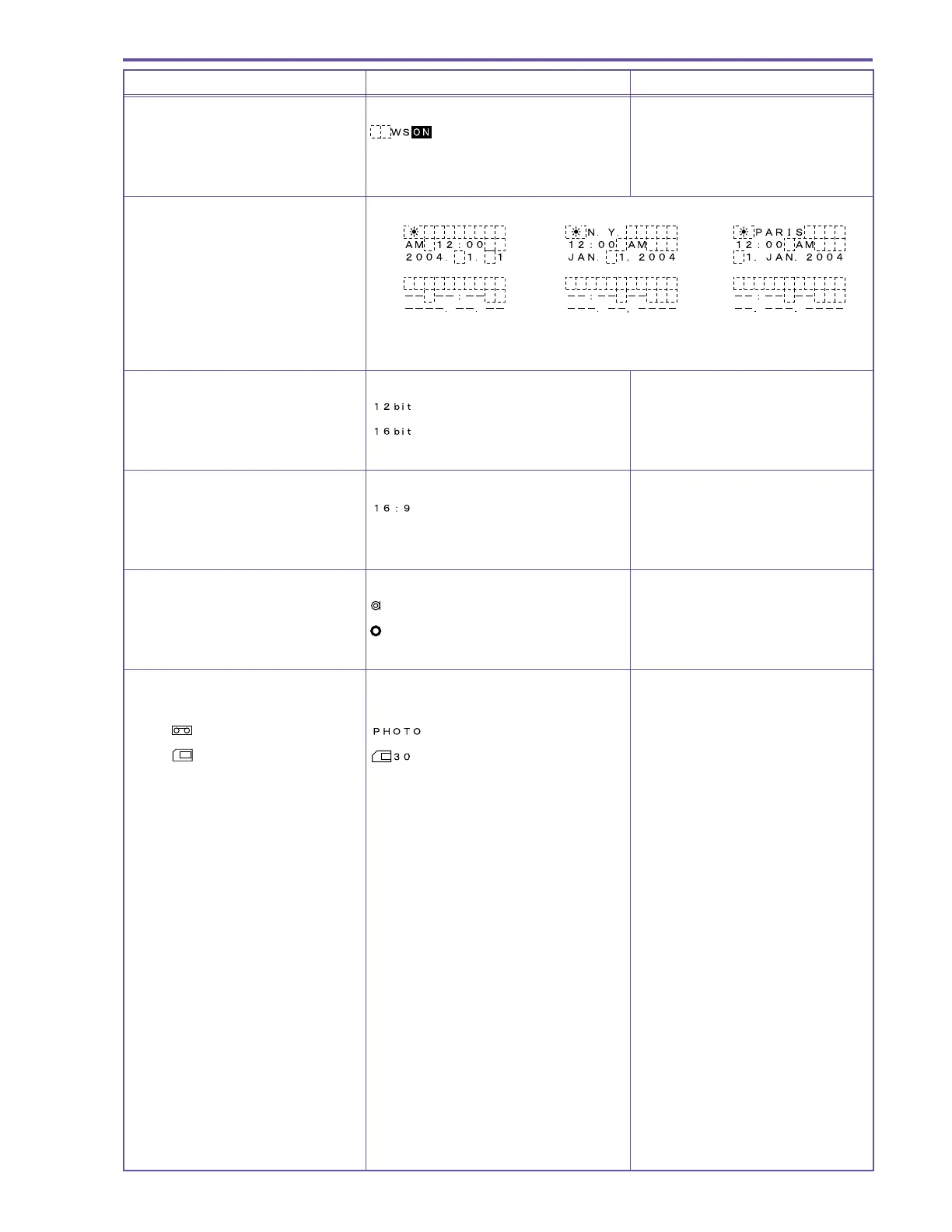
Wind screen display
Wind screen is turned ON
Wind screen is turned OFF No display
Area Summer Time display
Area Summer Time display
Time and date is not set
* The desired style can be selected from among the styles shown above.
Audio mode display
12-bit
16-bit
16:9 mode display
When 16:9 shooting is selected
when it is not selected No display
Photo half-pressed lock display
AF / AE operation in progress
flashes
After AF / AE lock
green light
Photo / Card information display MV750i E, MV730i E only
Regular recording No display
Tape
is selected
Card is selected



 To Next Page