MV750i E, MV730i E, MV700i E, MV700 E, MV690 E
GENERAL DESCRIPTION OF PRODUCT
38
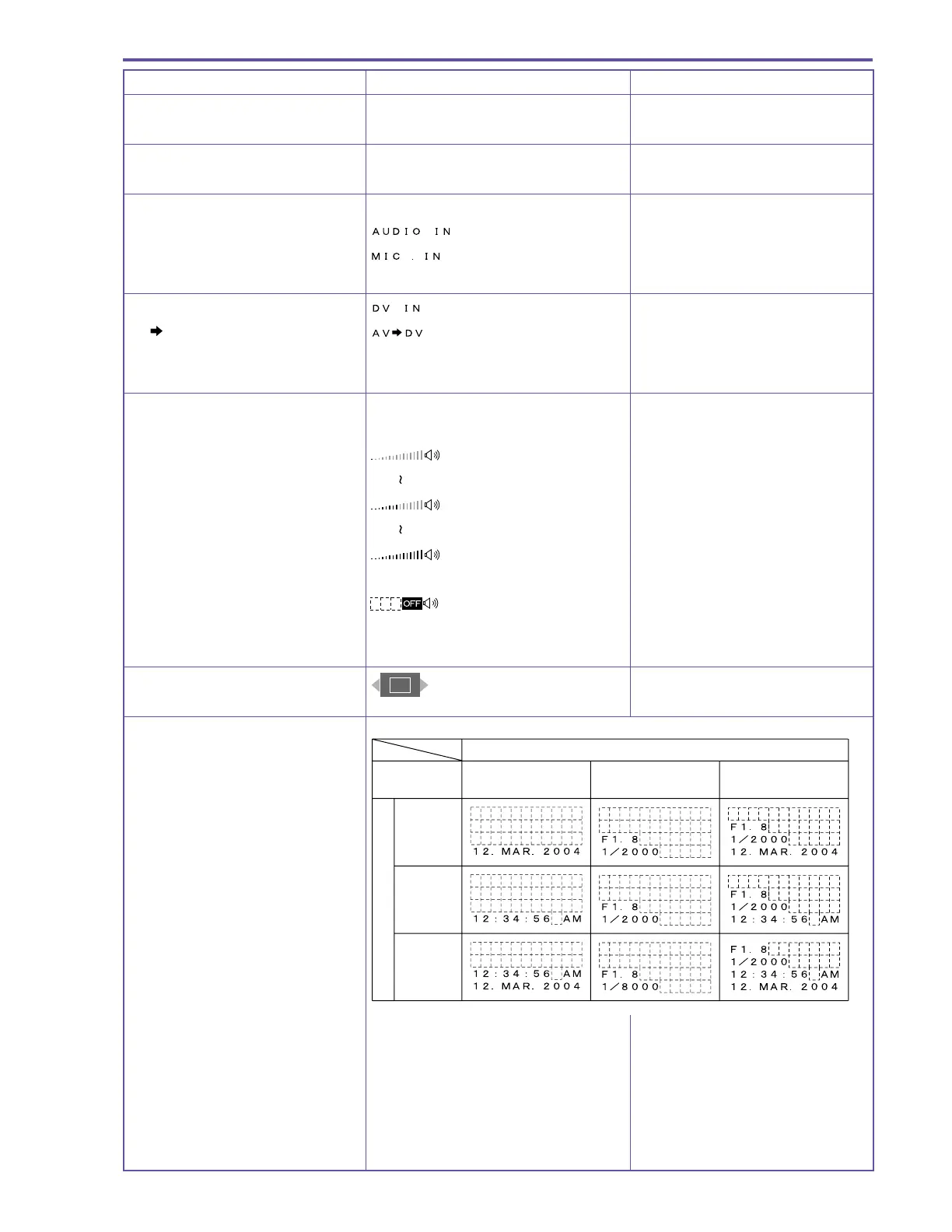
MENU INDICATION PAL MODEL REMARKS
Digital feature display Same as during camera mode
Audio mode display Same as during camera mode
Audio input display MV750i E, MV730i E only
Audio input terminal is selected
Microphone is selected
DV input display Excluding model MV700 E, MV690 E
AV
DV signal conversion is selected
Other No display
Speaker / Headphone volume
adjustment display
When Speaker is selected
When volume is at OFF
When Headphone is selected Same as during Camera mode
Playback zoom display
Data code display
Data code settings
Time and date Camera data
Date and time &
camera data
Time
setting
Date
setting
Date &
time
settings
Date and time selection



 To Next Page