Setting Page
127
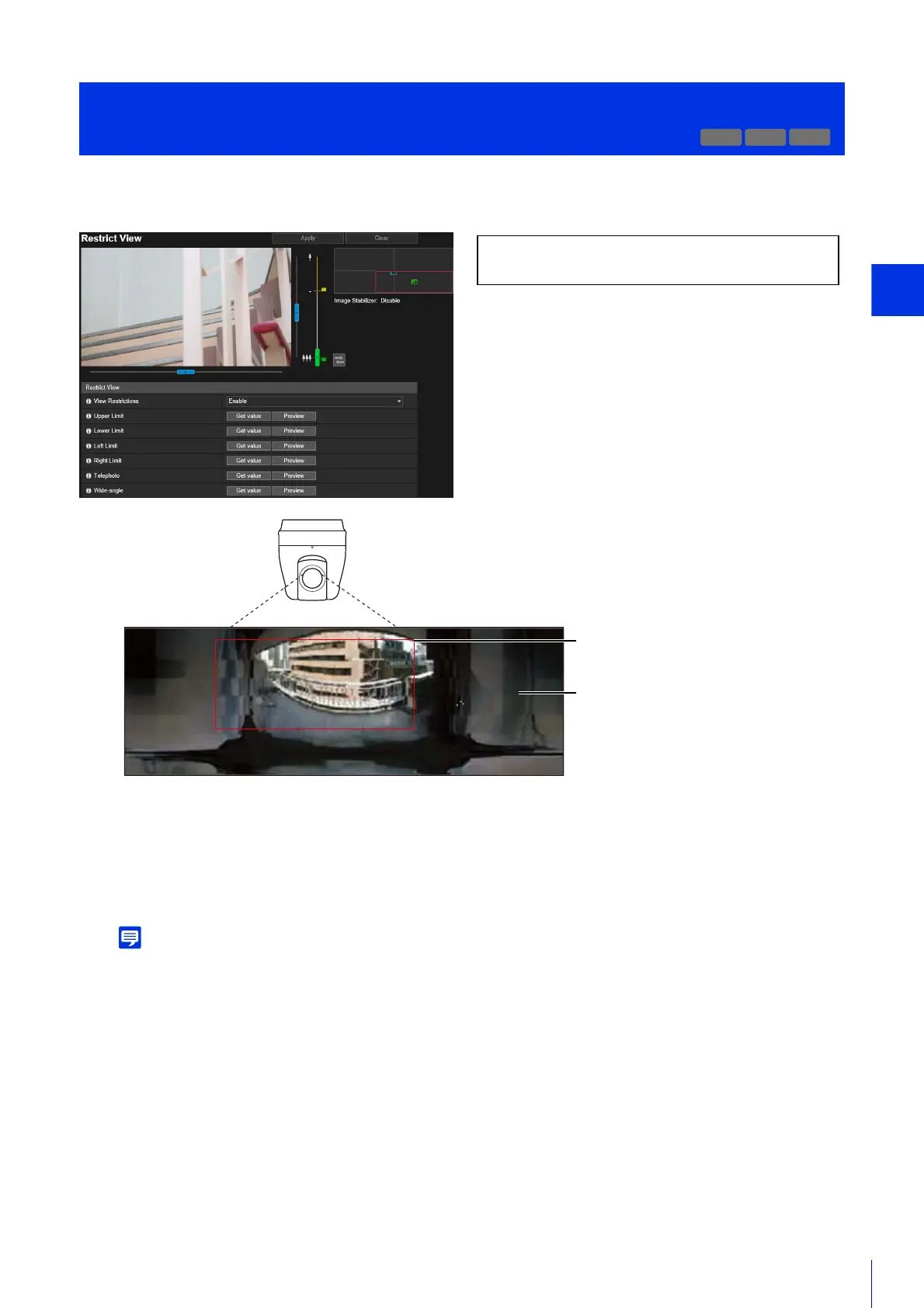
Set the range that the camera can capture.
You can use this, for example, to limit zoom or the field of view to a certain range when publishing live video.
Scope of View Restriction Settings
Restrictions set by the view restriction function are applied in the following cases.
• When the Camera Viewer is accessed with authorized user or guest user privileges.
• When accessed via RM-Lite.
• For presets or functions that move to preset positions.
Even when view restrictions are set, an area outside the view restriction may still be displayed momentarily when the camera is
controlled near the boundary of the view restriction.
[Camera] > [Restrict View]
Setting View Restriction
R13
M50
The following settings can be configured here.
• Restrict View
View restriction
Recording outside the view restriction
is not possible.



 To Next Page