154
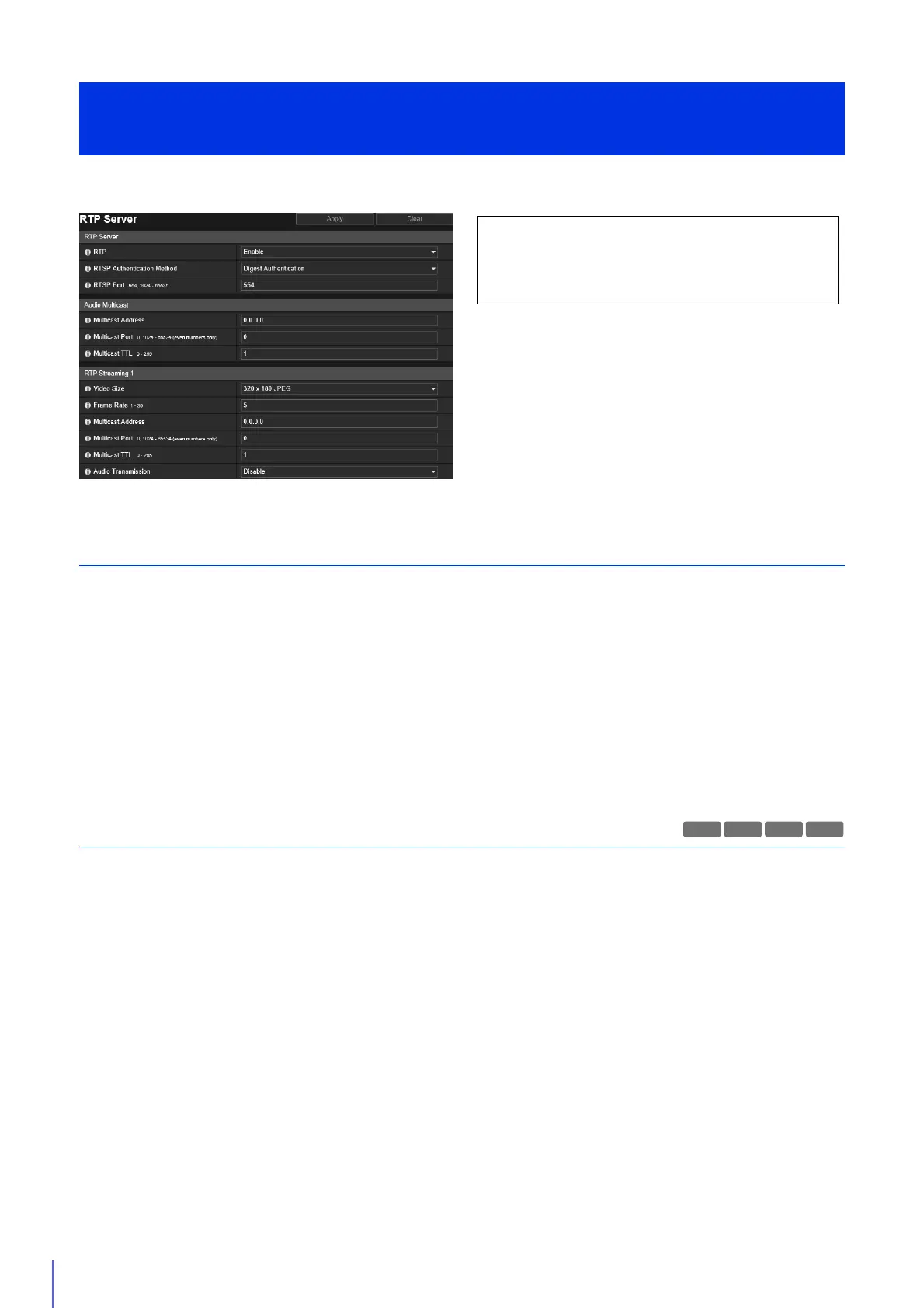
Set the video and audio transmission using RTP.
RTP Server
Enable RTP, and set the RTSP authentication method and port number.
[RTP]
Select this to enable or disable RTP.
[RTSP Authentication Method]
Select an authentication method for RTSP. Since the RTSP authentication method is configured independently of the HTTP
authentication method, you need to configure each authentication method.
[RTSP Port]
Enter the RTSP port number.
Normally use [554] (factory default setting).
Audio Multicast
Set multicast for audio transmission.
[Multicast Address]
Enter the multicast address for audio transmission as follows.
IPv4: Range from 224.0.0.0 to 239.255.255.255.
IPv6: Address starting with ff00::/8
Set IPv4 to [0.0.0.0] and IPv6 to [::0 (::)] to disable multicast.
[Multicast Port]
Enter the multicast port number for audio transmission.
If set to [0], multicast is disabled.
[Multicast TTL]
Enter the effective range for multicast transmission.
If set to [0], multicast is disabled.
The TTL (Time To Live), representing the effective range for multicast transmission, is decremented each time the signal
passes through a router. When the value reaches 0, the signal can no longer pass through the router and be transmitted.
For example, if TTL is set to [1], multicast transmission is confined to the local segment only and cannot pass through the
router to be transmitted.
[Server] > [RTP Server]
RTP Settings
The following settings can be configured here.
• RTP Server
• Audio Multicast
• RTP Streaming 1 to 5
R13
H651



 To Next Page