Setting Page
95
Video Output
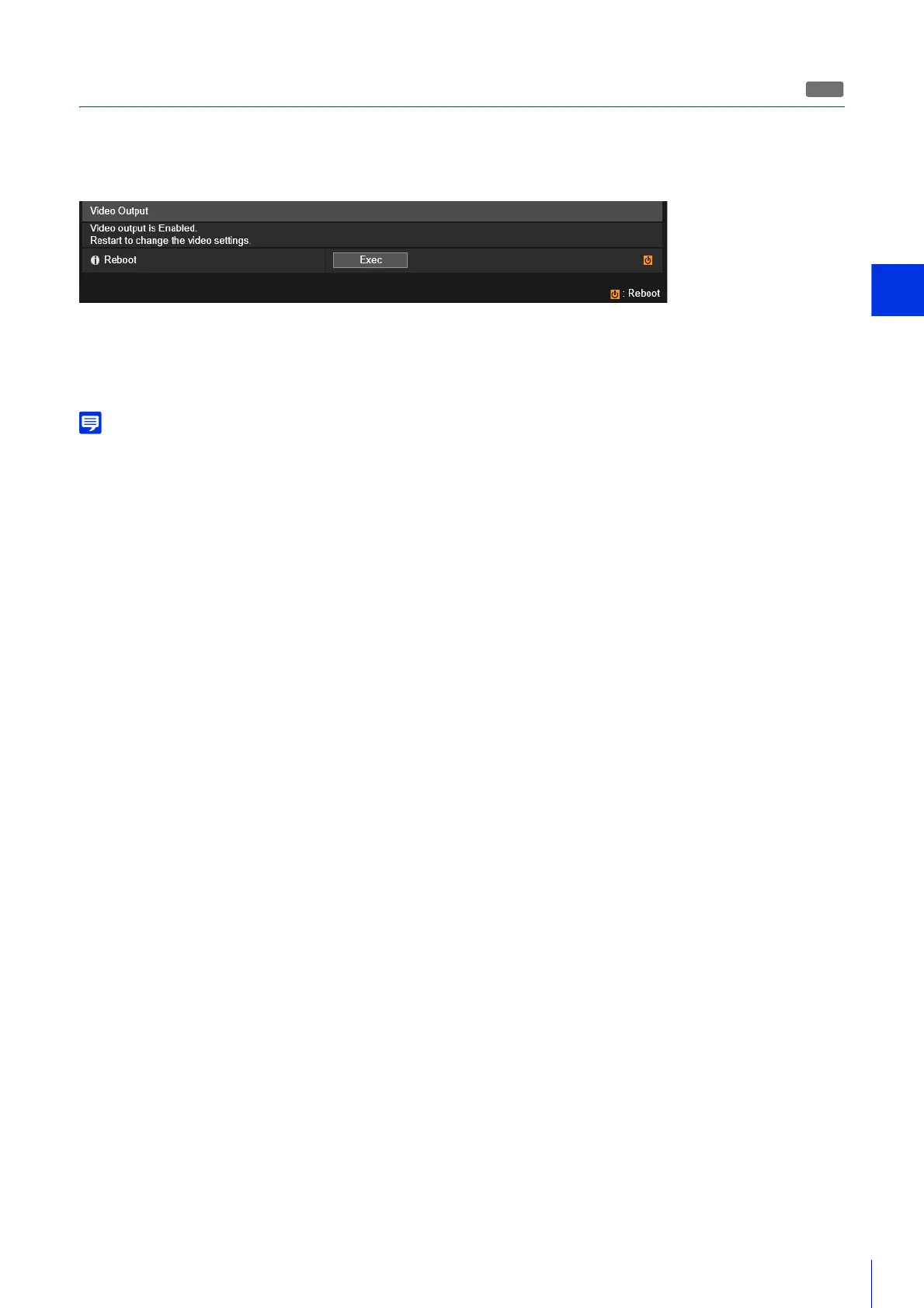
When analog video output is enabled for the camera, a message is displayed in the following submenus of the Setting
Page.
– Video, Initial Setting, Day/Night Mode Focus, Preset, Preset Tour, ADSR, Privacy Mask, RTP Server, Upload, Memory
Card, Intelligent Function
Video output automatically reboots the camera after 30 minutes have elapsed.
After rebooting, video output is disabled and the submenus can be configured.
[Reboot]
To change video settings, click [Exec] to reboot the camera.
For details on analog video output, please refer to the “Installation Guide”.
H652



 To Next Page