Setting Page
161
Operation settings for external device output and for external device input triggered events.
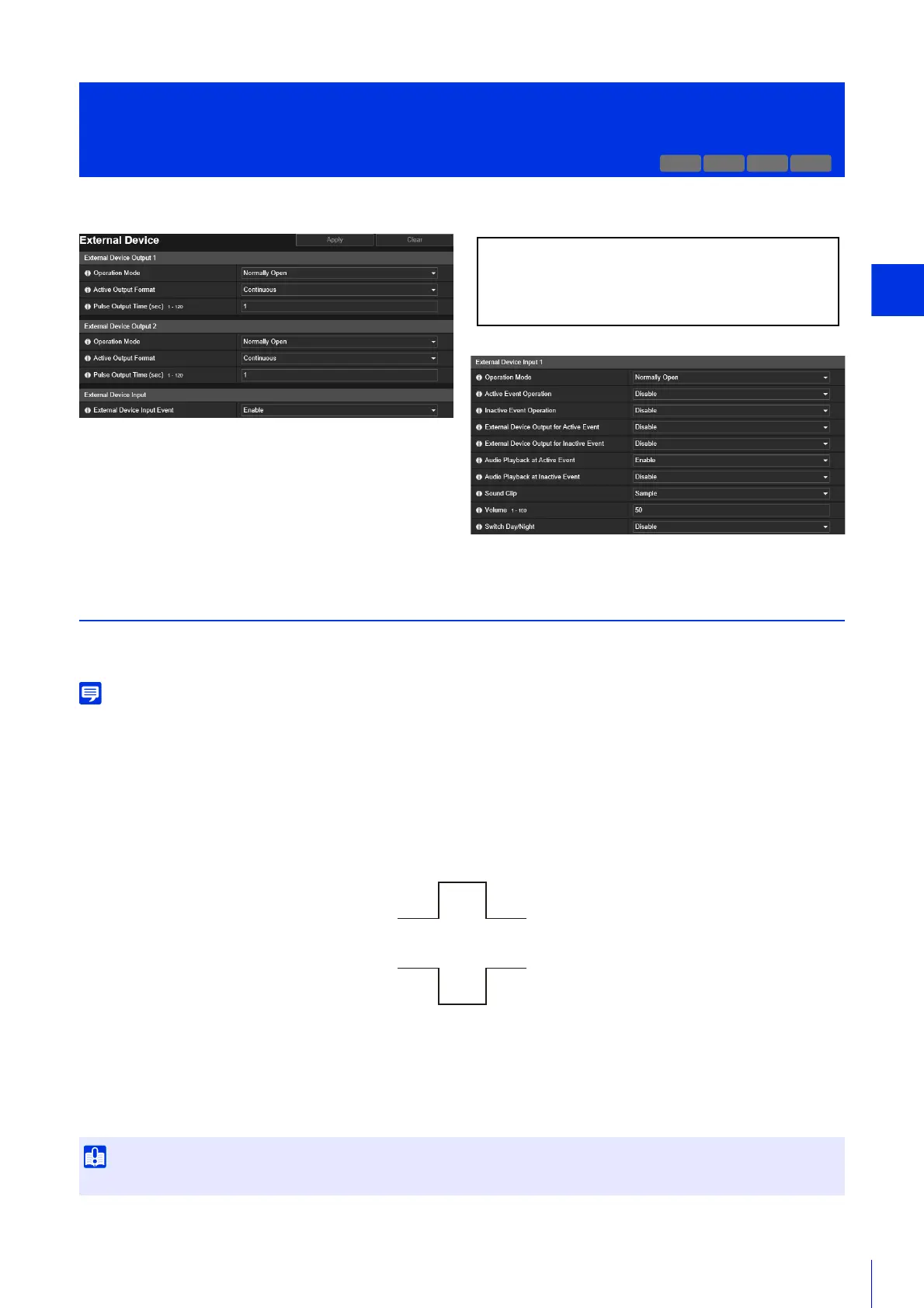
External Device Output 1, 2
Set the operation for output to the external device.
The camera has two external device outputs. You can set the output for each of them.
The output for an external device can be switched between active and inactive with [External Device Output] of the Camera Viewer (P. 84).
[Operation Mode]
Select whether the output terminals are normally open or closed.
If you set [Normally Open], an active event occurs when the output terminal connection closes, and an inactive event
occurs when the output terminal connection opens.
If you set [Normally Close], an active event occurs when the output terminal connection opens, and an inactive event
occurs when the output terminal connection closes.
[Active Output Format]
Select the output format when the external device output is active.
[Pulse Output Time (sec)]
Enter the output duration time (sec.) when [Active Output Format] is set to [Pulse].
[Event] > [External Device]
External Device Input Triggered Operation Settings
When [Active Output Format] is set to [Pulse] and a timer is used (P. 167), contact output is controlled only once when the timer starts.
H652 H651
The following settings can be configured here.
• External Device Output 1, 2
• External Device Input
• External Device Input 1, 2
Normally Open
Active Event Status
Inactive Event Status
1 (The contact is closed.)
0 (The contact is open.)
Normally Close
Inactive Event Status
Active Event Status
1 (The contact is closed.)
0 (The contact is open.)



 To Next Page