26
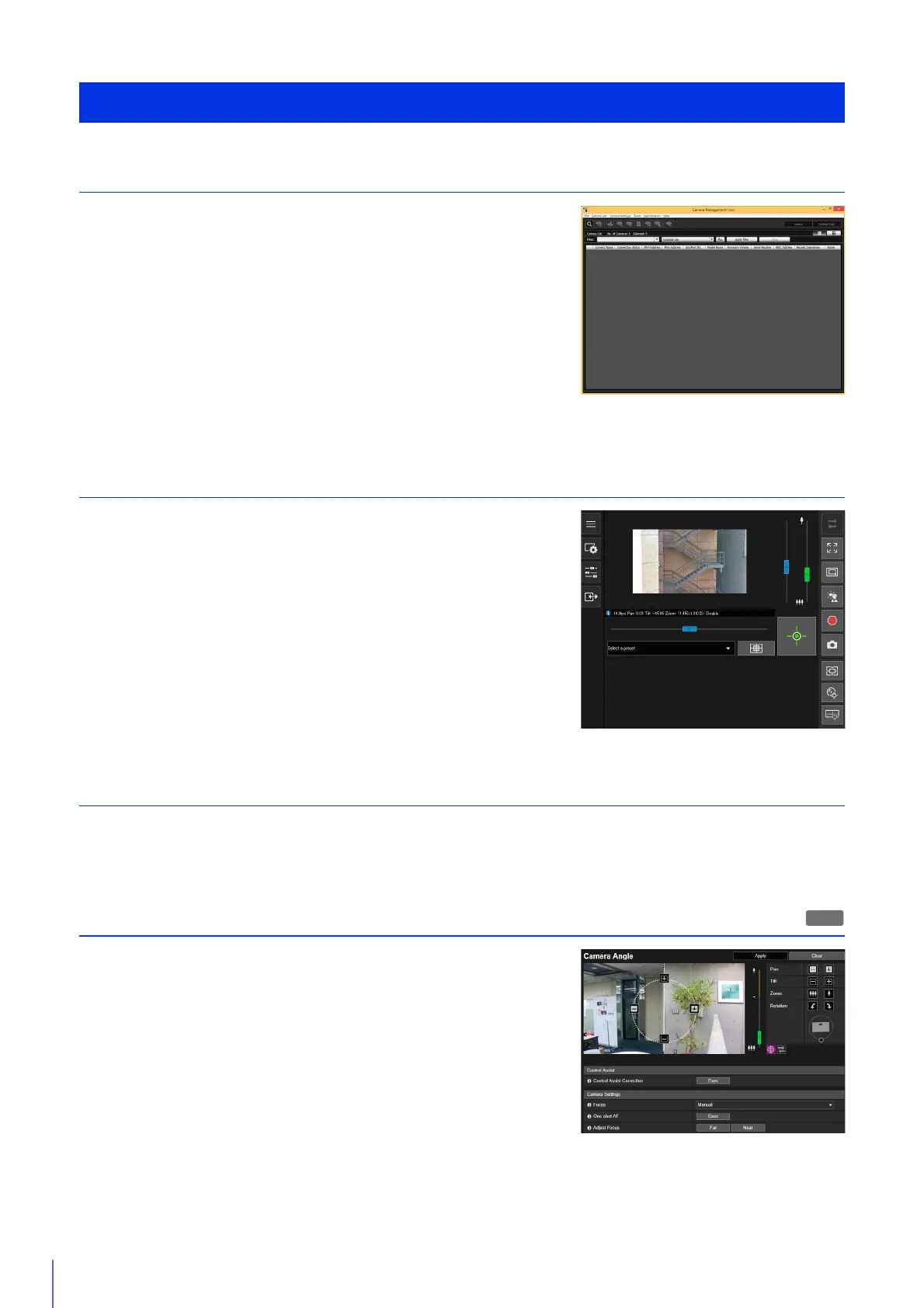
Step 1 Preparing to Install the camera
Make preparations to use the camera via a network.
Install the necessary software
“Installing Software” (P. 30)
Check/configure the computer and web browser security settings
“Checking/Configuring Security Settings” (P. 33)
Use the Camera Management Tool to configure initial camera settings.
“Configuring Initial Camera Settings” (P. 38)
Step 2 Checking the Camera Connection
Access the camera with a computer to ensure preparations have been properly
completed.
Accessing the Camera to Check Videos
Accessing the camera from the Camera Management Tool (P. 41)
Entering an IP Address from a web browser to access the camera (P. 52)
Step 3 Installing the Camera
Install the camera to suit the environment it will be used in.
“Installation Guide”
Step 4 Setting the Camera Angle
Use [Camera] > [Camera Angle] on the Setting Page to set the camera angle
while checking video on the computer screen.
“Setting the Camera Angle” (P. 45)
Steps for Setting Up the Camera
H651



 To Next Page