Before Use
27
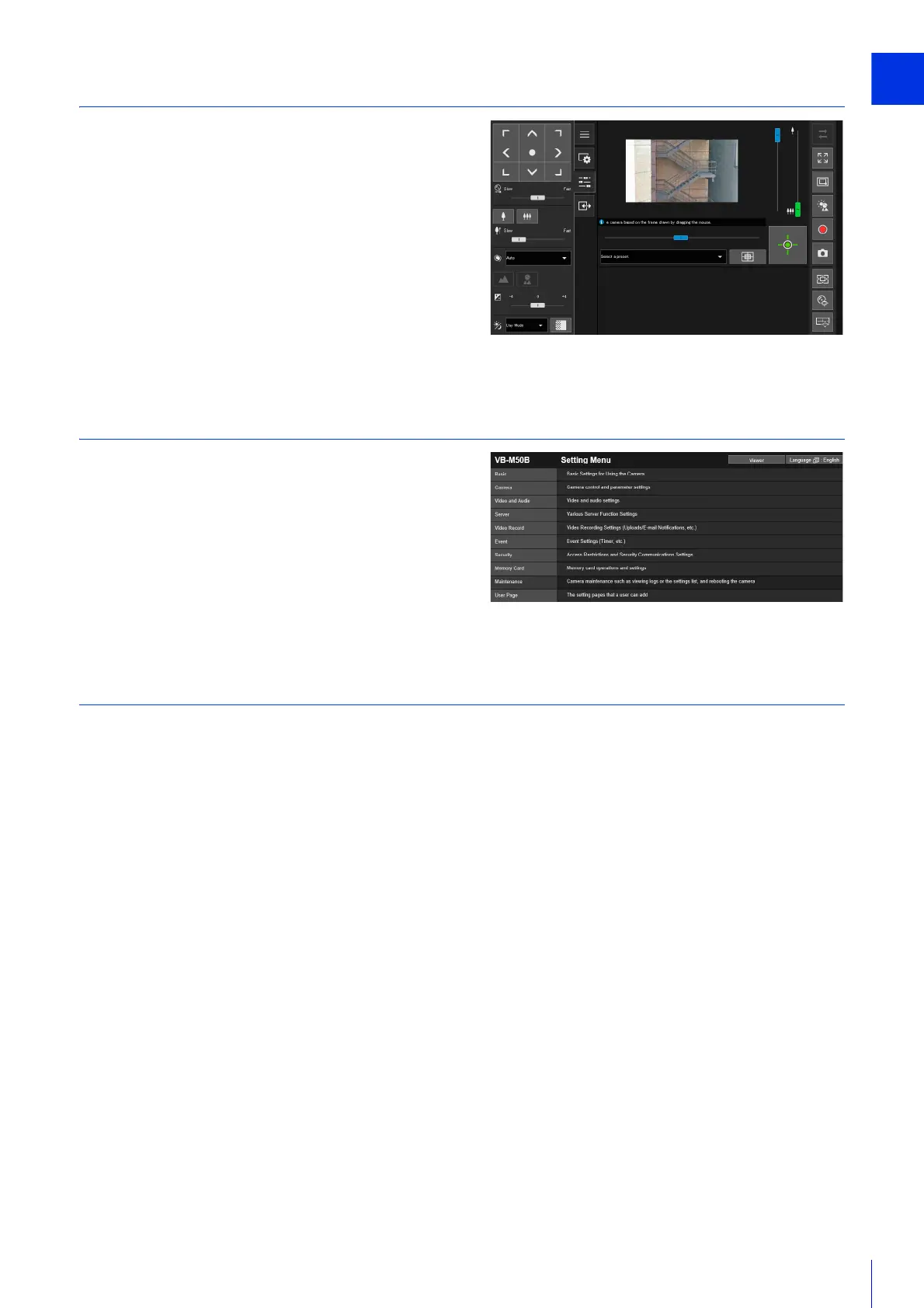
Step 5 Using the Camera Viewers
Operate the camera while viewing the video in the Viewer.
“Camera Viewer” (P. 51)
Step 6 Adjusting Advanced Settings According to its Use
Advanced settings can be made in the Setting Menu, such as for
camera control and security, according to how the camera will
be used.
“Setting Page” (P. 87)
Troubleshooting
Please refer to “Appendix” (P. 225), in case of error messages or problems.



 To Next Page