Camera Viewer
53
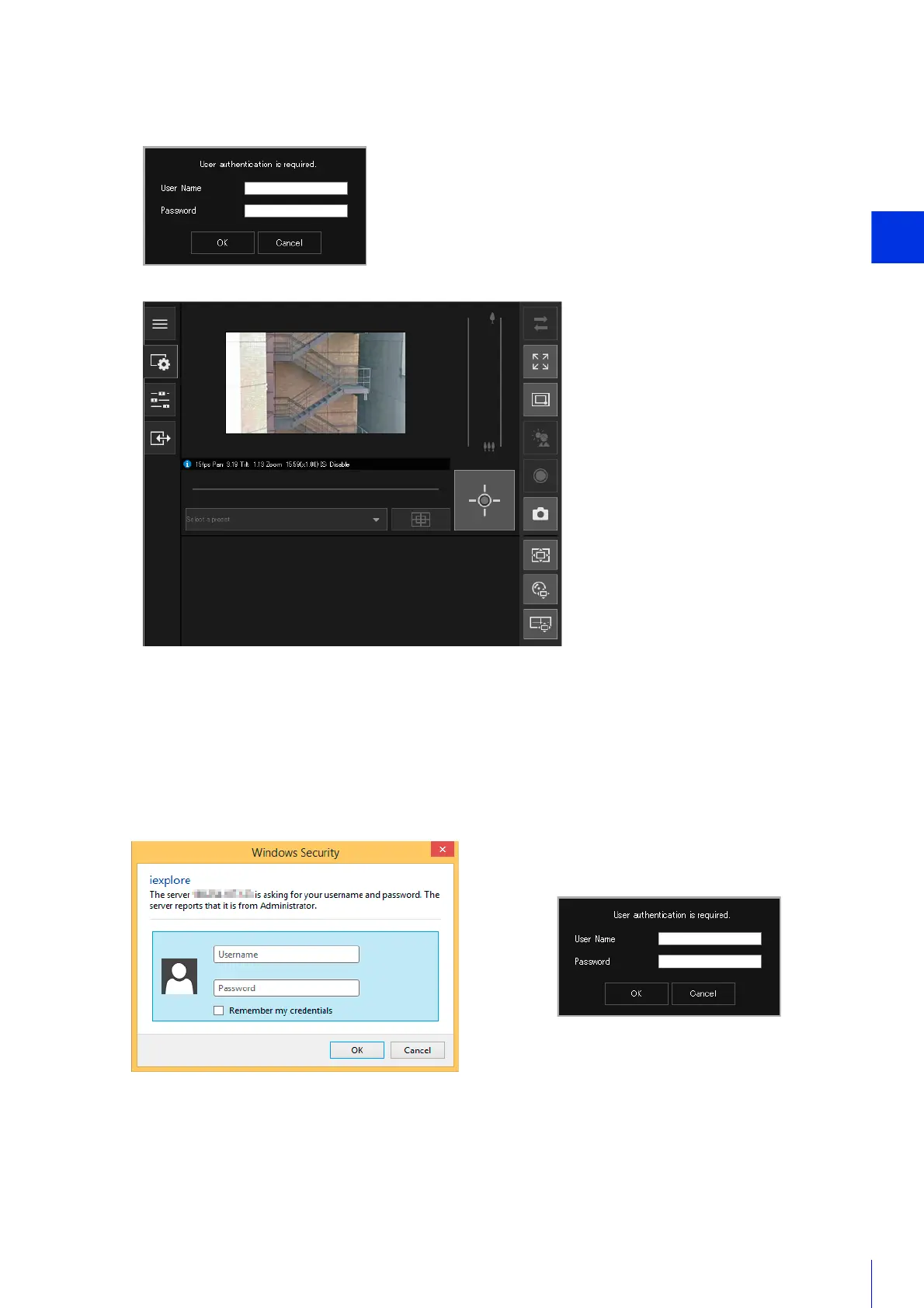
The authentication screen for the Viewer is displayed.
The Camera Viewer is displayed.
User Authentication
When you use the Viewer and the Setting page, an authentication screen is displayed, and you are prompted to enter
a user name and password.
If you enter the wrong user name or password, you will not be able to connect to the camera. Enter the correct user
name and password and connect to the camera.
When [Basic] > [Viewer] > [Viewer Settings] > [User Authentication] on the Setting Page is set to [Do not
authenticate], the authentication screen is not displayed when connecting the Viewer.
The administrator name and administrator password are set using the Camera Management Tool (P. 39).
5
Enter the administrator name and administrator password (P. 39), and click [OK].
Authentication screen for the Setting Page Authentication screen for the Viewer



 To Next Page