Setting Page
221
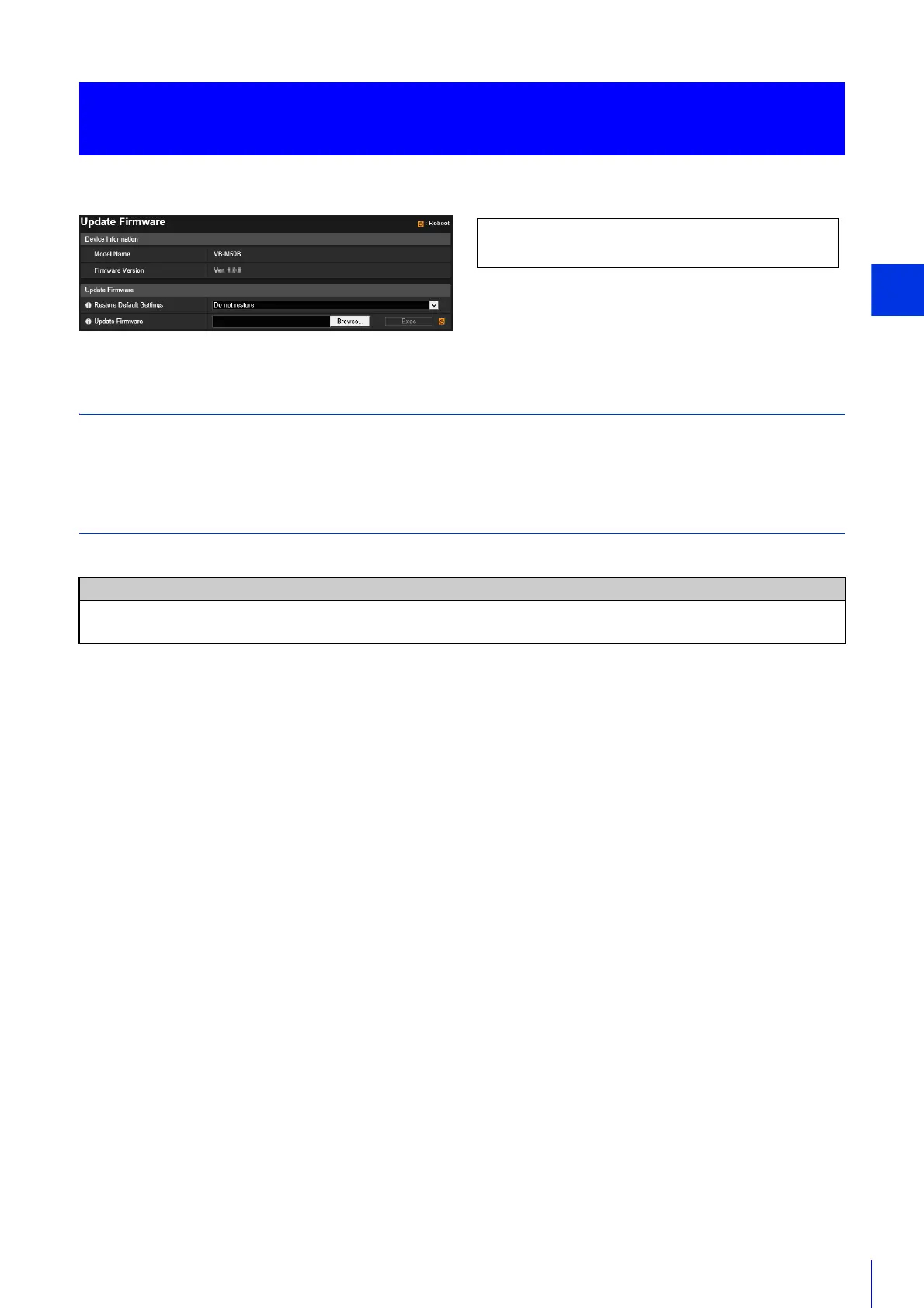
You can update the firmware.
Device Information
[Model Name] and [Firmware Version]
Displays the information about the connected camera.
Updating Firmware
Configure the settings related to firmware updates.
[Restore Default Settings]
The initial settings are restored when the firmware is updated.
If you set this to [Restore], the following settings are retained when initializing.
• Administrator Name
• Password
• Network Settings
• Time Zone
• Certificates
• Private Key
[Update Firmware]
Click [Browse], specify a firmware file for update, and click [Exec]. When the confirmation message is displayed, click [OK]
to start the firmware update.
The camera is rebooted after the firmware is updated.
[Maintenance] > [Update Firmware]
Updating the Camera Firmware
Caution
You must not turn off the camera while it is performing the [Update Firmware] operation. Turning off the camera at this
stage may result in disabling its ability to boot correctly.
The following settings can be configured here.
• Update Firmware



 To Next Page