152
Settings for clients that can connect to a video server.
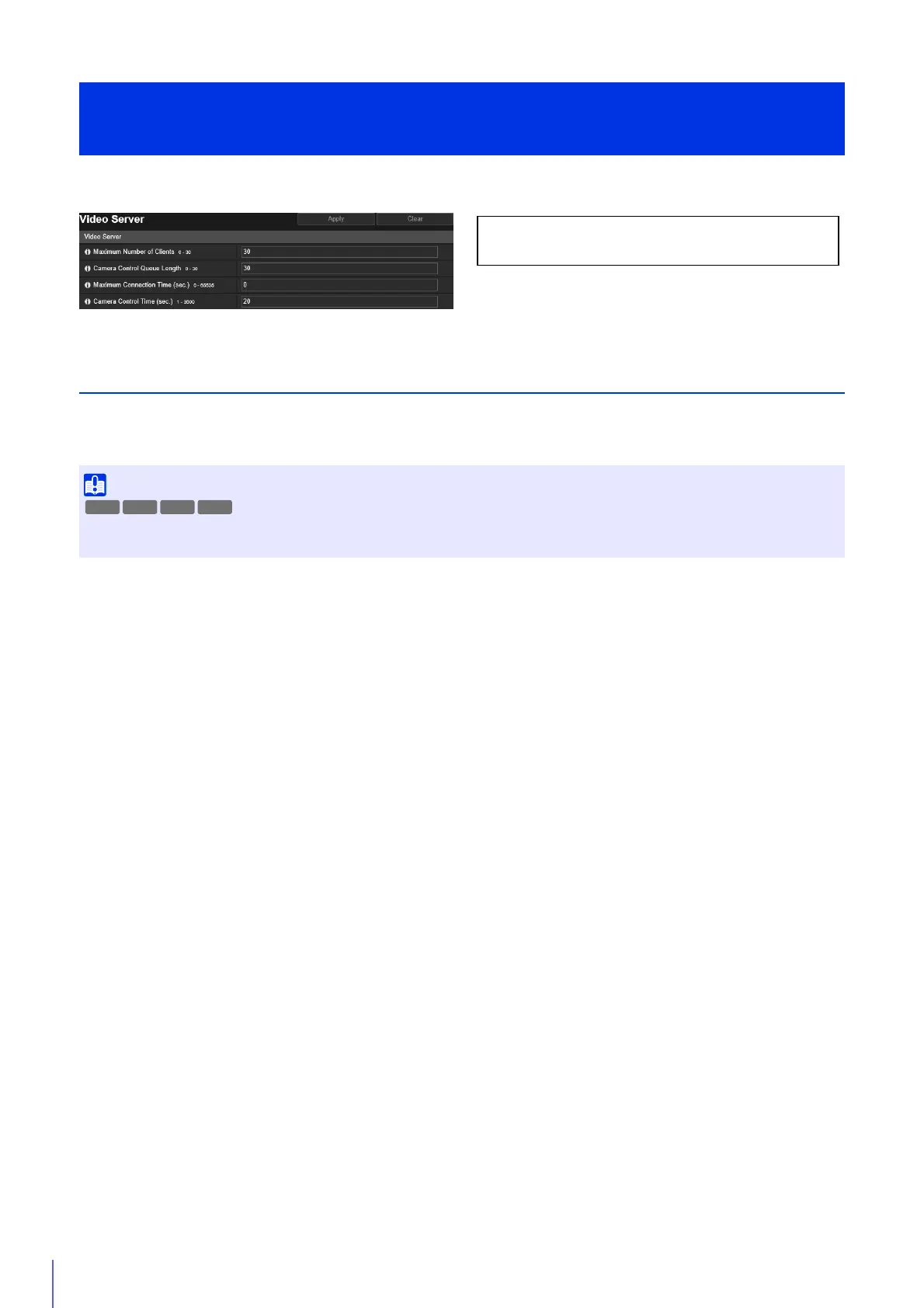
Video Server
[Maximum Number of Clients]
Enter the maximum number of clients that can be connected to the camera at the same time.
If set to [0], only administrators will be able to connect.
[Camera Control Queue Length]
Enter the maximum queue length for clients requesting camera control privileges from the Camera Viewer.
If set to [0], only administrators can queue for camera control.
[Maximum Connection Time (sec.)]
Enter the maximum time in seconds during which an individual client can connect to the camera.
If set to [0], the connection time is unlimited.
[Camera Control Time (sec.)]
Enter the maximum time Camera Viewer can retain camera control privileges.
[Server] > [Video Server]
Video Transmission Settings
When there are many clients or they are connected to the camera over an SSL/TLS connection, the video frame rate may slow down and
the sound may drop out if audio reception from the camera is enabled.
The following settings can be configured here.
• Video Server
R13 M50



 To Next Page