180
Settings Common to Each Detection Type
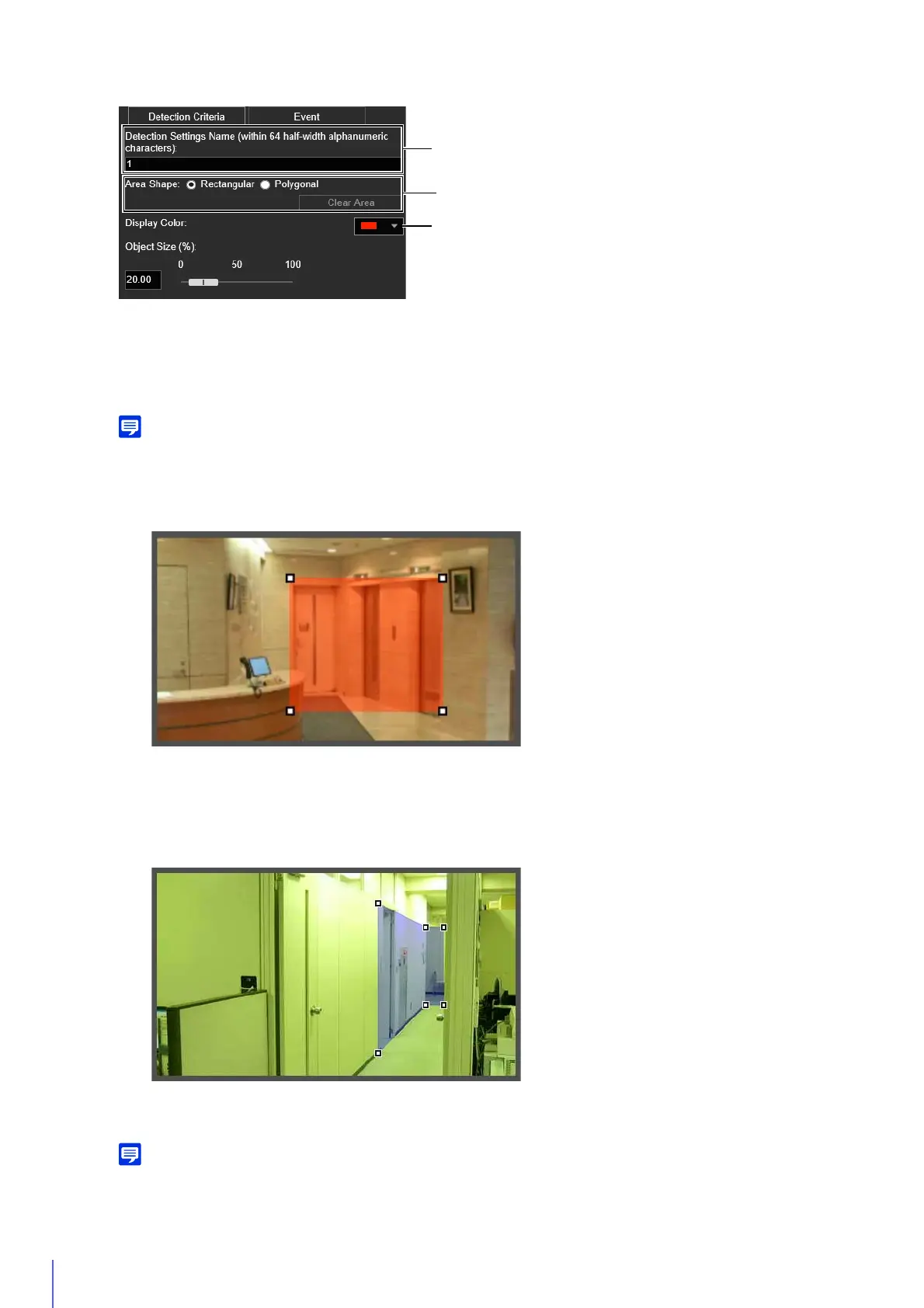
(1) [Detection Settings Name (within 64 half-width alphanumeric characters)]
Enter a detection name. Be sure to enter a name in [Detection Settings Name].
(2) [Area Shape]
Configure whether the detection area is a rectangle or a free-shape polygon.
You cannot select [Area Shape] for camera tampering detection.
Using [Rectangular]
Configure the detection area by moving, resizing or changing the shape of the rectangle that is displayed in the
video display area.
Drag the area to move it, and drag the vertices to resize it.
Using [Polygonal]
Click the video display area to place a vertex for the polygon at the clicked position.
Place the vertices in order, then either click the first vertex again or double-click the last vertex to set the polygon
detection area.
Drag the area to move it, and drag the vertices to resize it.
You can specify polygonal areas with a maximum of 32 vertices.
If you change the shape of a detection area you have already configured, the area is deleted and you switch to configuring a new
area.



 To Next Page