SECTION 00 -- GENERAL INFORMATION -- CHAPTER 2
00-12
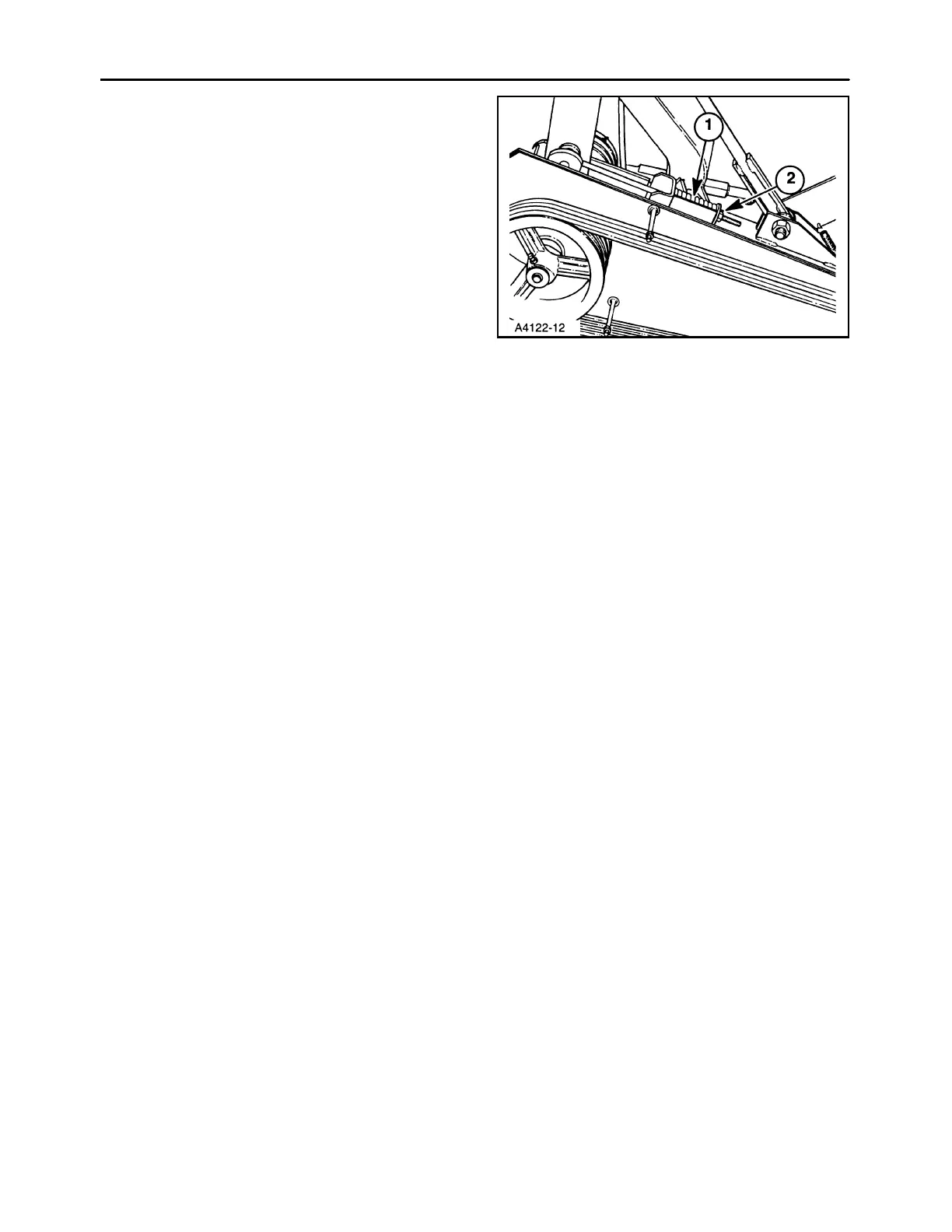
Reduce the belt tension by loosening the locknut, 2,
until the belt can be removed from the sheaves.
Install the new belt onto the sheaves, and tighten the
locknut until the spring length matches the length of
gauge, 1.
Reinstall the outer belt shield using the four locknuts
and flat washers previously removed.
NOTE: A new belt will stretch significantly during the
first few hours of use. Check new belt tension fre-
quently.
13



 To Next Page