1 Operational Manual
B) Press
the cursor moves to the left, and press
the cursor moves to the right, then
redraw the new curve by the upper functional column.
C) Press
the cursor moves to the left, and press
the cursor moves
to the right, then will redraw the new curve by the lower function column.
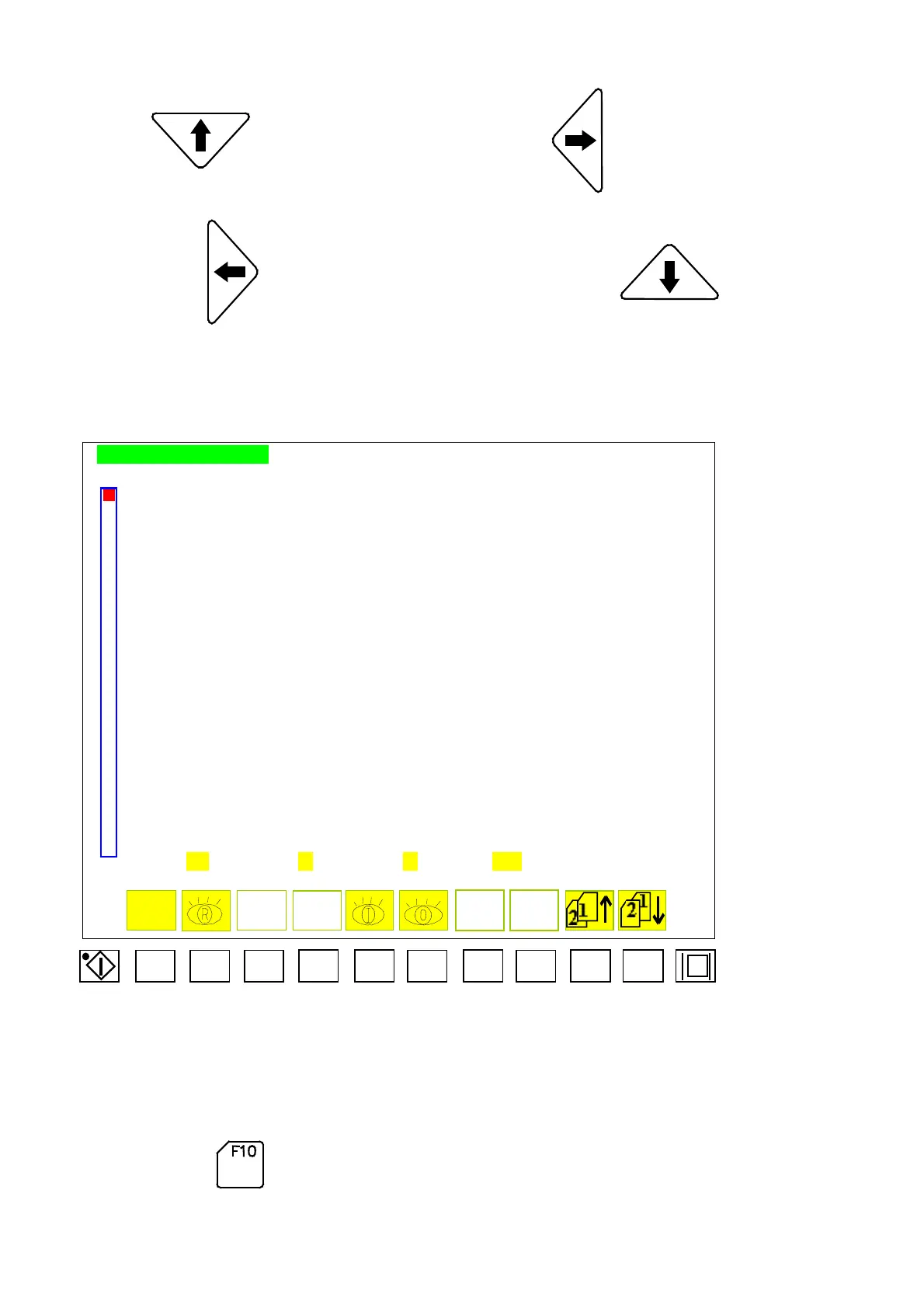
2.36 Program Monitoring
PROGRAM REVIEW PAGE
PROGRAM
0001
–
LOD 009●
0002
–
ANDN 001○
0003
–
OR 100●
0004
–
ANDNE 020○
0005
–
ANDE 001●
0006 - OUT 100●
0007
–
TIM 022● [0002.50-0002.50]
0008
–
LODE 021○
0009
–
AND 056○
0010
–
LOD 001○
0011 - ANDN 002○
0012
–
ORP
0013
–
ORN 060●
0014
–
LOD 165○
0015
–
ANDNT 001○
0016
–
AND 060●
0017
–
CNT 000○ [00020 -00015 ]
0018
–
OUTE 170○
0019
–
ORE 171○
OUT
–
AAA TIM
–
BB CNT
–
CC JMP - DDDD
Menu 36
F1 F2 F3
F4 F5
F6
F7
F8
F9 F10
This menu is used while monitoring and maintenance of computer program become
necessary
:
Press
Program adds 10 lines.
04/08/13
100



 To Next Page