1 Operational Manual
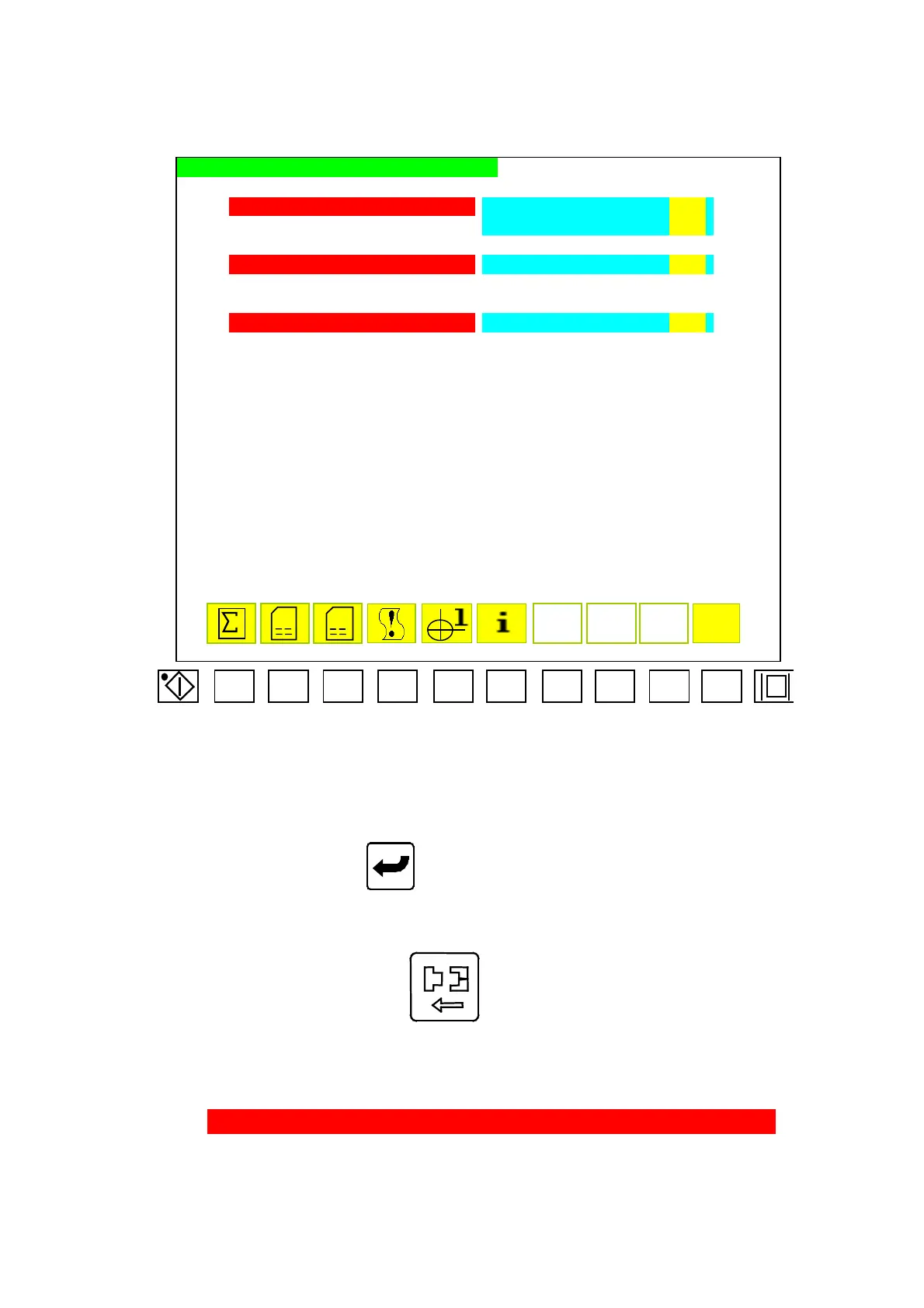
2.45 Restoring Operational Menu for Optical Meter
F1 F2 F3
F4 F5
F6
F7
F8
F9 F10
ENCORDER POSITION CALIBRATION / RESET
MOLD OPEN-CLOSED CALIBRATED MOLD CLOSE END EEEEEP
AAAA.Amm (aaaaaP)
MOLD OPEN END FFFFFP
INJECTION NOT CALIBRATED INJECTION END GGGGGP
BBBB.Bmm (bbbbbP)
EJECTOR NOT CALIBRATED EJECTOR BACKWARD END HHHHHP
CCCC.Cmm (cccccP)
SPEED 1 IIImA PRESS. JJJmA SPEED 2 KKKmA
D
BZ
Menu47
Restoring operation of optical meter at menu 47, move cursor to set parameter in
desired digits and press
to complete a correction. Code descriptions of menu
47 are as follows:
2.45.1 A) EEEEE: When mold-opening is reached the end-position, then to set the initial
position of optical meter. Press to display “restoring” until the mold doesn‘t
move, then loose the button will complete the setting.
B) FFFFF: Set the end-position of optical meter for mold-closing. (standard 30~60)
C) GGGGG: Set the end-position of optical meter for injection (standard 20~40)
D) HHHHH: Set the end-position of optical meter for ejection backward.
E) AAAAA: Display the current position of mold-closing, unit: mm.
F) aaaaa: Display the current position of mold-closing opticalmeter, unit:P.
G) BBBBB : Display the current position of injection, unit:mm.
04/08/13
152



 To Next Page