1 Operational Manual
can press to complete the resetting:
H) Auto-operation time description
H.a)RRRR: Auto operation time,
“
hours
”
.
H.b)SS: Auto operational time,
“
minutes
”
.
Reset the operational time to zero in auto operation is to press
when
“
bb
”
is
in red ground color you can press
to complete the resetting operation.
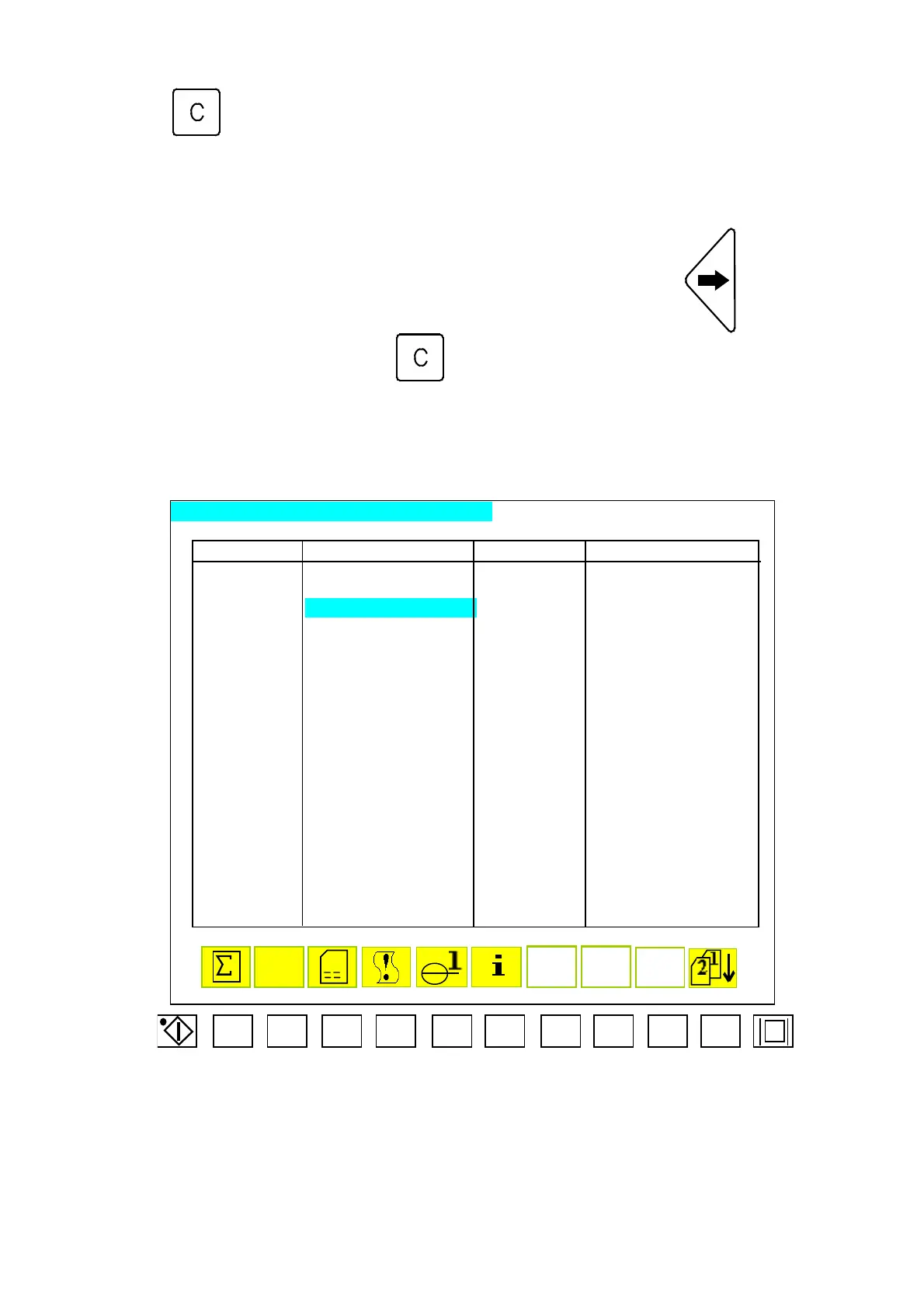
2.48 Record Menu of Parametric Variation
F1 F2 F3
F4 F5
F6
F7
F8
F9 F10
OPERATION PARAMETER CHANGED RECORDS PAGE 1
RECORD TIME CONTENTS RECORD TIME CONTENTS
10/01 15:25:40 3FH[21,03] 00003>00000 10/01 15:25:40 3FH[21,03] 00000>00003
10/01 15:25:30 19H[34,05] SW3>SW0 10/01 15:25:40 19H[34,05] SW3>SW0
10/01 15:25:20
19H[34,04] 00000>01530 10/01 15:25:40 19H[34,04] 01530>00000
10/01 15:25:10 19H[27,05] SW3>SW0 10/01 15:25:40 19H[27,05] SW0>SW3
10/01 15:25:00 19H[27,04] 00000>00033 10/01 15:25:40 19H[27,04] 00033>00000
10/01 15:25:40 3FH[21,03] 00003>00000 10/01 15:25:40 3FH[21,03] 00000>00003
10/01 15:25:30 19H[34,05] SW3>SW0 10/01 15:25:40 19H[34,05] SW3>SW0
10/01 15:25:20 19H[34,04] 00000>01530 10/01 15:25:40 19H[34,04] 01530>00000
10/01 15:25:10 19H[27,05] SW3>SW0 10/01 15:25:40 19H[27,05] SW0>SW3
10/01 15:25:00 19H[27,04] 00000>00033 10/01 15:25:40 19H[27,04] 00033>00000
10/01 15:25:40 3FH[21,03] 00003>00000 10/01 15:25:40 3FH[21,03] 00000>00003
10/01 15:25:30 19H[34,05] SW3>SW0 10/01 15:25:40 19H[34,05] SW3>SW0
10/01 15:25:20 19H[34,04] 00000>01530 10/01 15:25:40 19H[34,04] 01530>00000
10/01 15:25:10 19H[27,05] SW3>SW0 10/01 15:25:40 19H[27,05] SW0>SW3
10/01 15:25:00 19H[27,04] 00000>00033 10/01 15:25:40 19H[27,04] 00033>00000
10/01 15:25:40 3FH[21,03] 00003>00000 10/01 15:25:40 3FH[21,03] 00000>00003
10/01 15:25:30 19H[34,05] SW3>SW0 10/01 15:25:40 19H[34,05] SW3>SW0
10/01 15:25:20 19H[34,04] 00000>01530 10/01 15:25:40 19H[34,04] 01530>00000
10/01 15:25:10 19H[27,05] SW3>SW0 10/01 15:25:40 19H[27,05] SW0>SW3
BZ
Menu31-A
04/08/13
157



 To Next Page