1 Operational Manual
speed/pressure setting of Mold Screw in and Mold Screw out.
c) Check the Mold Screw directional control valve.
d) Check the Mold Screw mechanism.
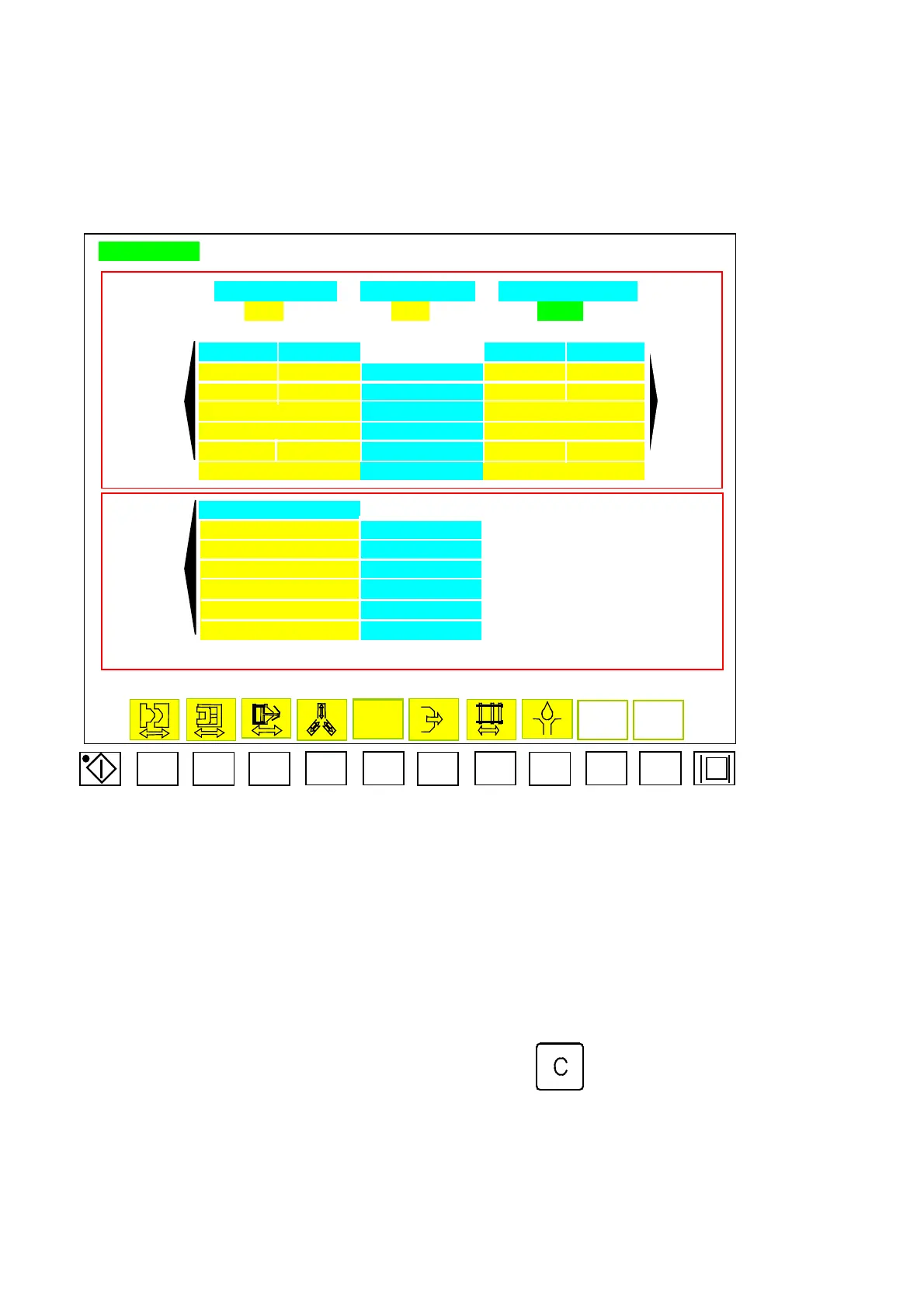
UNSCREW
FAST TURNS + SLOW TURNS = TOTAL TURNS
EEEE FFFF GGGGG
OUT-SLOW OUT-FAST IN-SLOW IN-FAST
RR OO SPEED % HH KK
SS PP PRESSURE % II LL
CCCCCCCCCCCCCC MODE AAAAAAAAAAAAAA
DDDD.D POSITION mm BBBB.B
TTT.T QQQ.Q TIME SEC JJJ.J MMM.M
UUUUUU FEEDBACK NNNNNN
UNSCREW 3 OUT
XX SPEED %
YY PRESSURE %
VVVVVVVVVVVV MODE
ZZZ.Z TIME SEC
aaaa COUNT TIMES
bbbbbb FEEDBACK
Menu07
F1 F2 F3
F4 F5
F6
F7
F8
F9 F10
3.25 “041 Product is Reaching the Setting”
(A) If the volume counting option in menu 43 is to be
“
counting
”
. When the finished
part number has reached the setting, this message will come out as the counting
function is set on. Machine will stop operating after one cycle.
(B) Remedy: Switch to manual mode, then press key.
04/08/13
170



 To Next Page