1 Operational Manual
to its percentage.
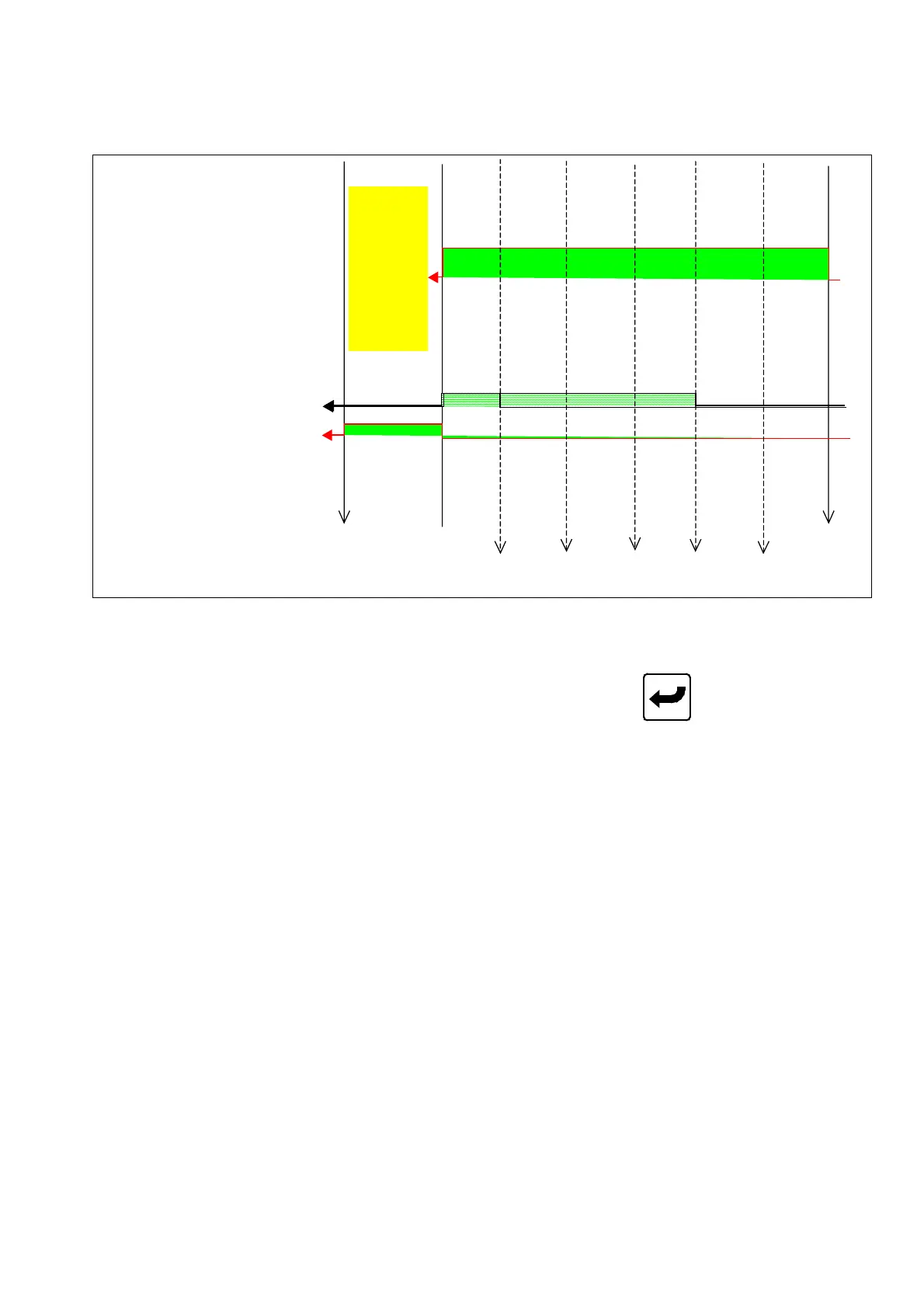
2.13.2 Sequence Diagram of Injection
Injection Position 6 5 4 3 2 1
Holding pressure switchover
by position
Holding pressure
switchover by time
Speed setup UU QQ MM II EE AA
Press setup VV RR NN JJ FF BB
(Injection Zero 0.0mm)
(End-position
End Position Setup SSS.S OOO.O KKK.K GGG.G CCC.C
of plasticizing)
Holding
Pressure
Stroke
2.13.3 Setup for Injection pressure holding
Move cursor to set parameter for injection. Key in desired digits and press
to complete a
correction. Code descriptions for Menu (11) injection are as below:
A) aa : Holding pressures 1 speed setup.
B) bb : Holding pressure 1 pressure setup.
C) cccc.c : Holding pressures 1 time setup.
D) nn.n% :Holding pressure 1 switch over to holding pressure 2
acceleration/deceleration time.
E) dd: Holding pressures 2-speed setup.
F) ee : Holding pressures 2-pressure setup.
G) fff.f : Holding pressures 2-time setup.
H) oo.o : Holding pressure 2 switch over to holding pressure 3
acceleration/deceleration time.
I) gg : Holding pressures 3-speed setup.
J) hh : Holding pressures 3-pressure setup.
K) iii.i : Holding pressures 3-time setup.
L) pp.p : Holding pressure 2 switchover to holding pressure 3
acceleration/deceleration time.
M) jjj :In case injection hydraulic pressure goes over set value, system will switch
to hold pressure mode automatically.
04/08/13
62



 To Next Page