Refer to "Distance Measurement (Distance)”
Refer to "Area Measurement (Trace)”
Refer to "Area Measurement (Trace)”
StA%=(A Out-A In)/ A Out*100%
Refer to "Distance Measurement (Distance)”
Refer to "Distance Measurement (Distance)”
StD%=(D Out-D In)/ D Out*100%
Refer to "Area Measurement (Trace)”
Refer to "Distance Measurement (Distance)”
5.3.2
Measurement in M mode
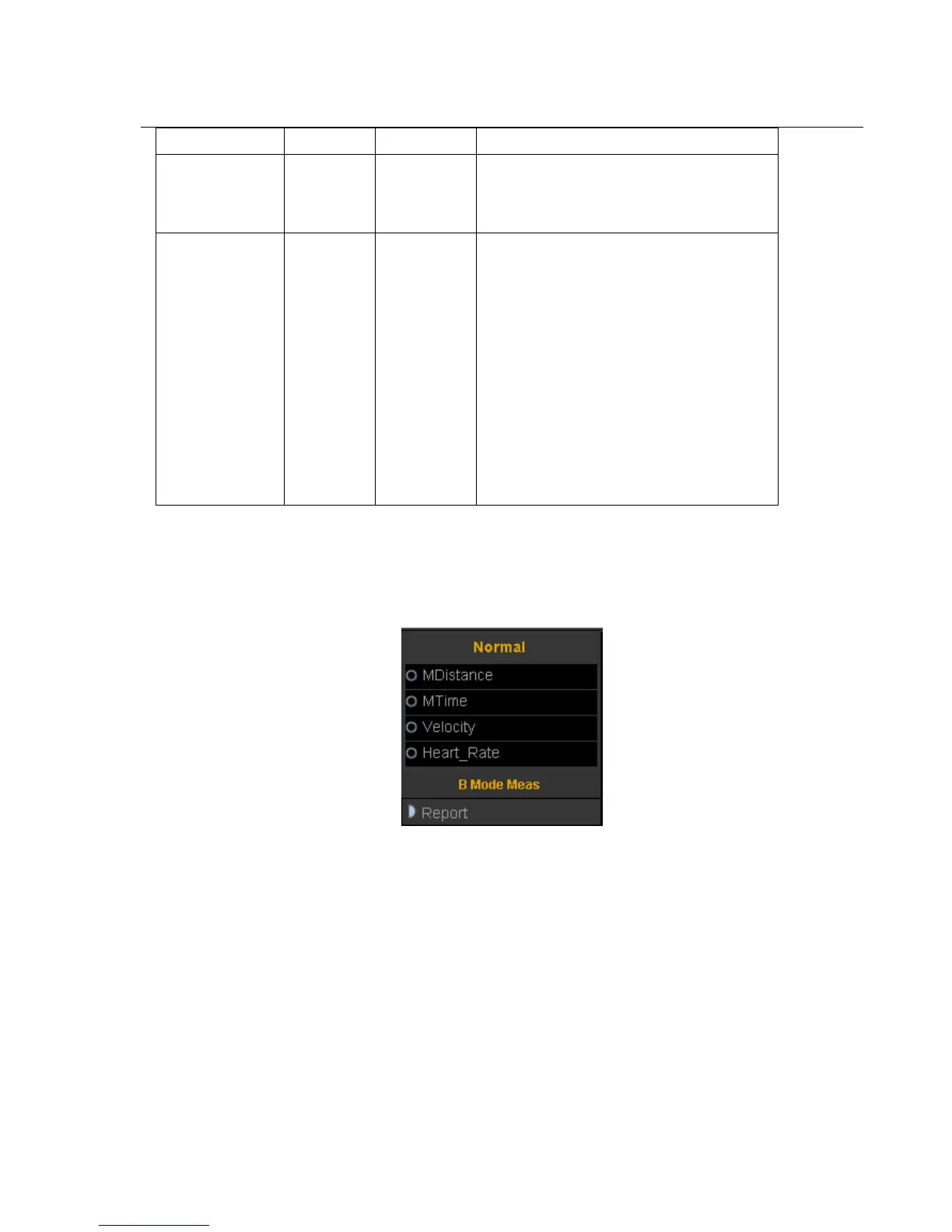
5.3.2.1 General Measurement in M mode
1. M distance
This feature allows the measurement of the distance between two points. It is a measurement between the two
horizontal lines that lean on the two cursors. The position of the vertical time line does not affect the distance
measurement
Operation:
Rotate the trackball to select the “M distance” item in the menu. A start cursor“+” will appear on the screen. Move
the cursor through rotating the trackball and press Enter-key to fix the first point. The second cursor will appear.
Move the second cursor to the end point and press Enter-key to fix it. The measurement result will appear on the
right side of the screen.
2. M time



 To Next Page