Q9 Digital Color Doppler Ultrasound System
43
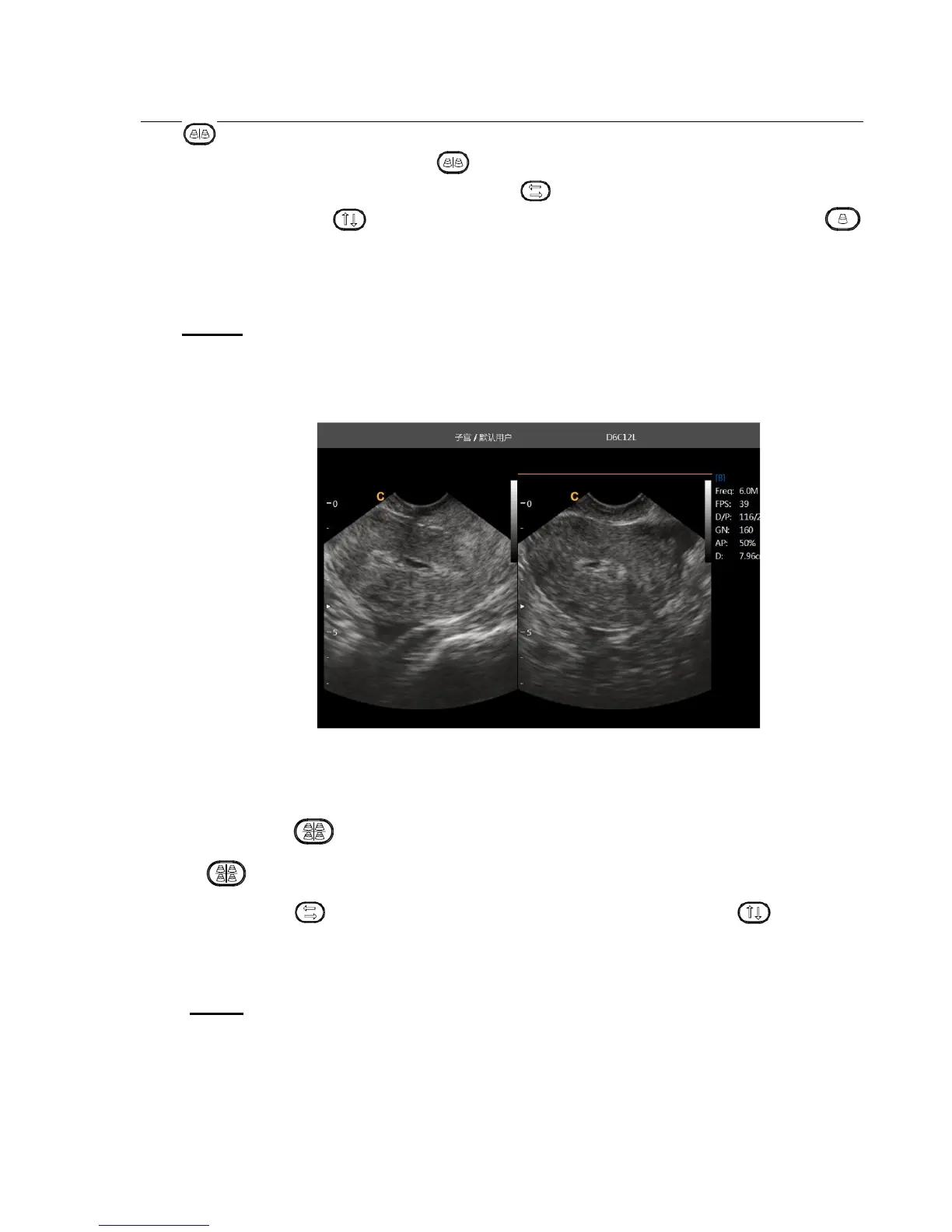
key second time, system will freeze the image displayed at the left side and activate the image displayed
at the right side at the same time. Press key continuously to achieve exchange of the freeze/real status
between left side image and right side image. Use the key to invert image which is activated in left and
right direction. Use the key to invert image which is activated in left and right direction.. Press
key to go back to B mode.
NOTE:
There is only one image could be activated
Dual display is also available for the Color Mode
Fig. 4-7 B/B Mode
4.3.5. Quad Mode
In B Mode, press key, the image which is activated will be displayed at the upper left side of the screen,
press key continuously will freeze and activate the upper right image, lower left image, and lower right
image in order. Use key do the Left/Right invent for current archiving image, use the key which on
the control panel can do the up/down invert for current achieving image. It will go back to B Mode if press [Single
mode] key again.
NOTE
:
There is only one image could be activated at one time
Quad display is also available for the Color Mode.



 To Next Page