Q9 Digital Color Doppler Ultrasound System
39
exchange between each option. E.g., patient name, birthday (birthday result will be automatic calculated
after entering the age), age (age result will be automatic calculated after entering the birthday), sex, weight,
height.etc.
2) Click “OK” key to save the data after entering the appropriate information, then the system will go back to B
mode.
4.2.3. Display Interface
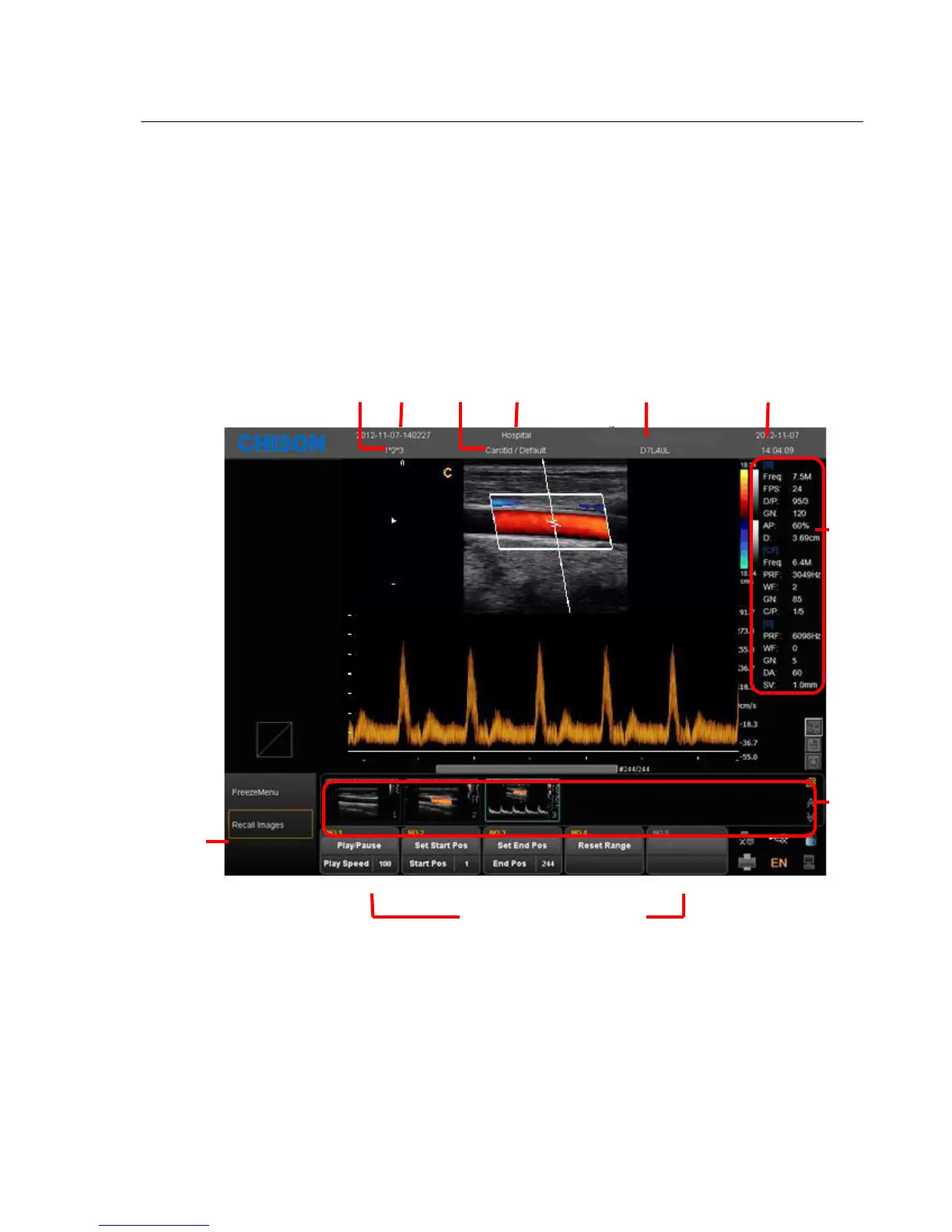
Fig. 4-3
image parameter area: Display the parameters under current mode. The different modes have different parameters.
thumbnail area of saving images:This area displays the thumbnail images of current patient. Selecting
thumbnail images can recall this image immediately.
shortcut key SK1—SK5:SK1—SK5 is corresponding to the menu of NO.1-NO5. Press the shortcut key to
select the function in the first line. Rotate the shortcut key can adjust the parameters in the second line.
Patient Patient Application/ Hospital



 To Next Page