Q9 Digital Color Doppler Ultrasound System
122
6.3. Manage Preset
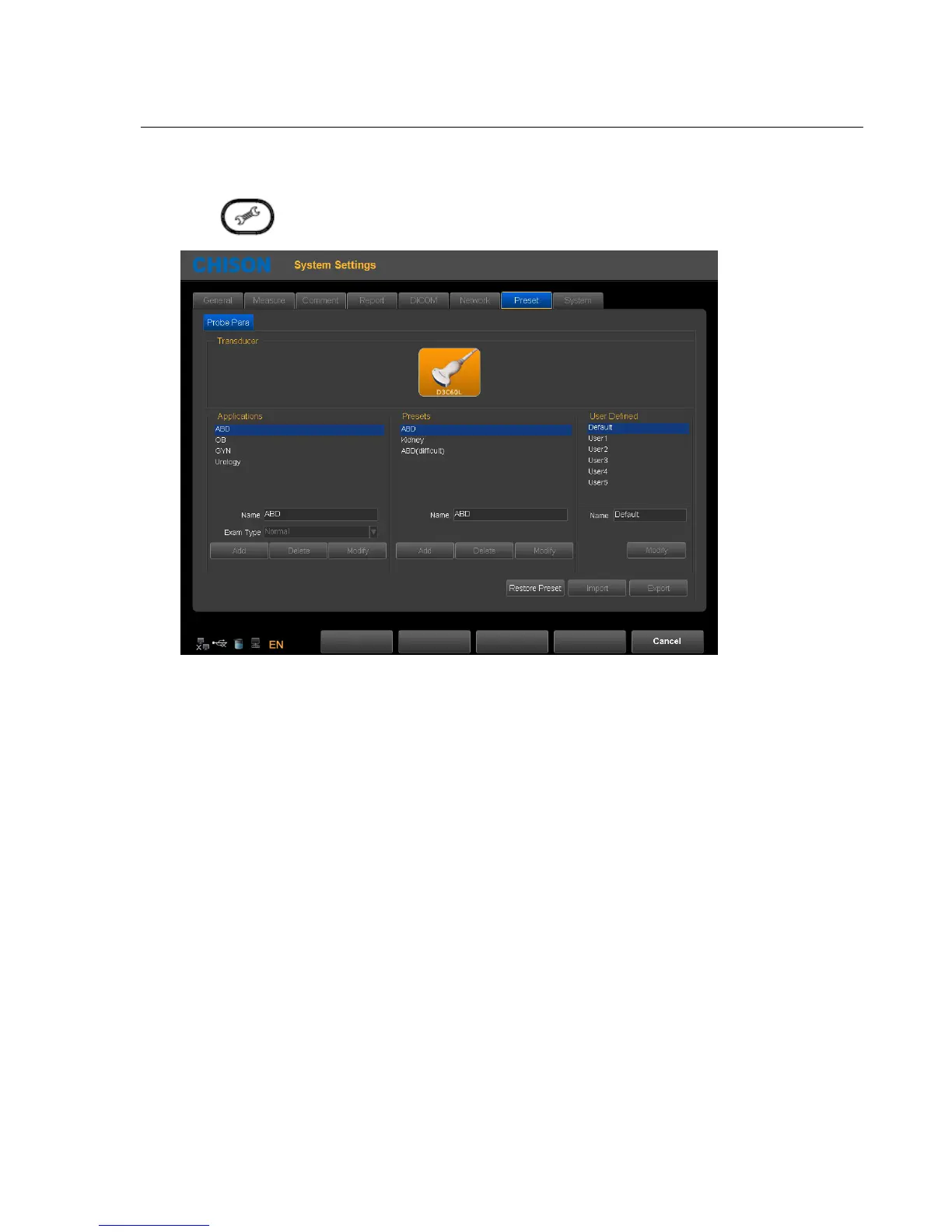
Press key to enter into system setting interface. Select preset page. Add or delete the current preset.
Name: input Application/Preset/User Defined name.
Exam Type: select clinical application.
Add: add Application/Preset.
Delete: delete a Application/Preset .
Modify: revise Application/Preset/User Defined name
Restore Preset: restore the preset to factory setting.
Import: import preset to system. Plug in U disk which has preset. Press Import key ,preset can be imported into
the system .
Export: export system preset. Plug in USB, Press the Export key ,System automatically derive the preset to U
disk.
Cancel: exit system setting interface



 To Next Page