Q9 Digital Color Doppler Ultrasound System
25
Carefully position the probe cord so it is free to move and is not resting on the floor.
When the probe is connected, the system will be automatically recognized.
CAUTION:
Fault conditions can result in electric shock hazard. DO NOT touch the surface of probe connector
that is exposed when the probe is removed. DO NOT touch the patient when connecting or
disconnecting a probe.
Take precautions with probe cables. DO NOT bend the cable acutely.
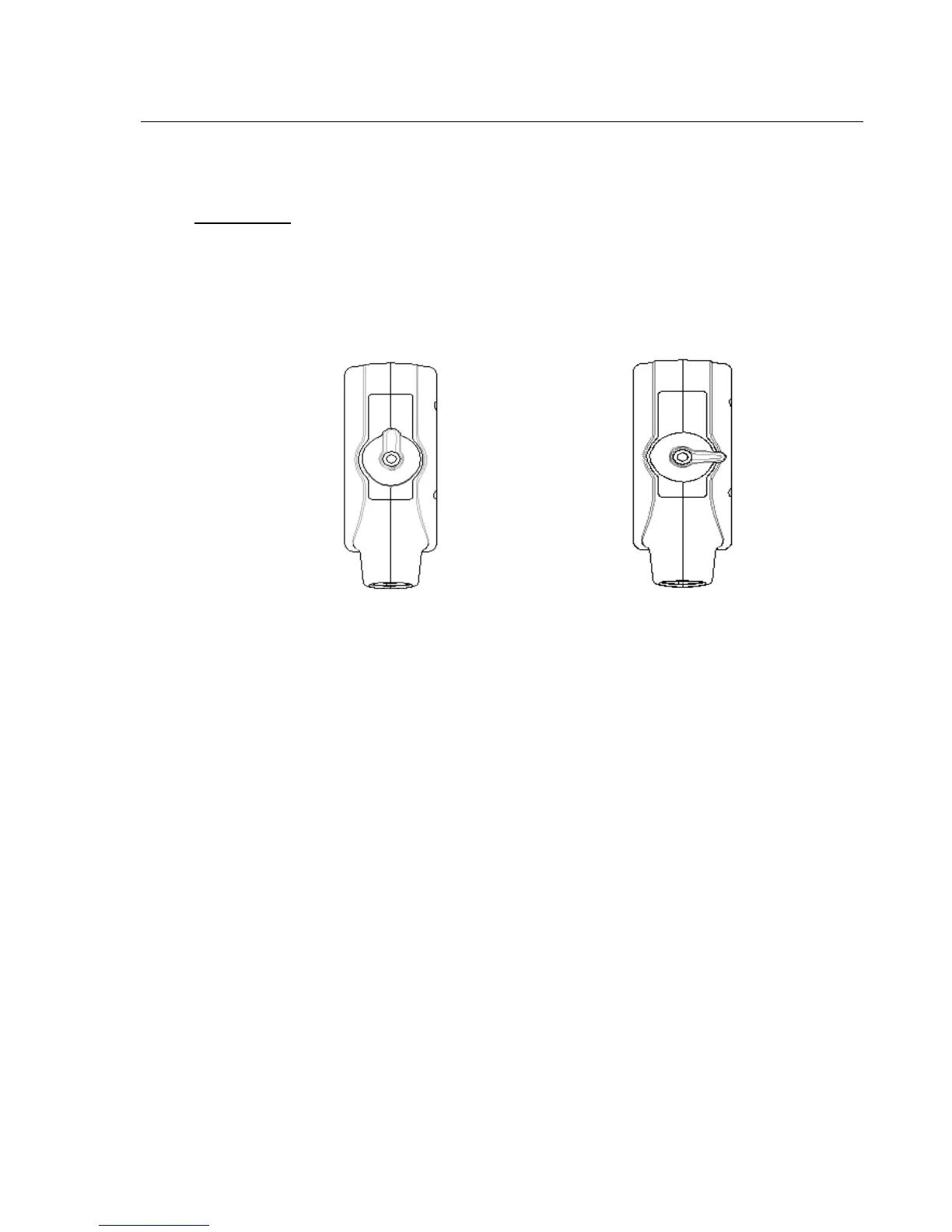
Fig.3-2 a Probe connector “Unlock” status Fig.3-2 b Probe connector “Lock” status
Deactivating the Probe
When deactivating the probe, the probe is automatically placed in a standby mode.
To deactivate a probe:
Ensure the system is in “Transducer Selection” interface. If necessary, press the PROBE-key to return. .
Gently wipe off the excess gel from the probe surface.
Carefully slide the probe toward the probe holder, and place the probe gently in the probe holder.
Disconnecting the Probe
Probes can be disconnected when the system is “Transducer Selection” interface.
To disconnect a probe:
Turn the connector locking lever to an “Unlock” position.
Pull the probe and connector straight out of the probe port.
Carefully slide the probe and connector away from the probe port.
Ensure that the head of the probe is clean before placing the probe in its storage box.
Transporting the Probe



 To Next Page