Q9 Digital Color Doppler Ultrasound System
67
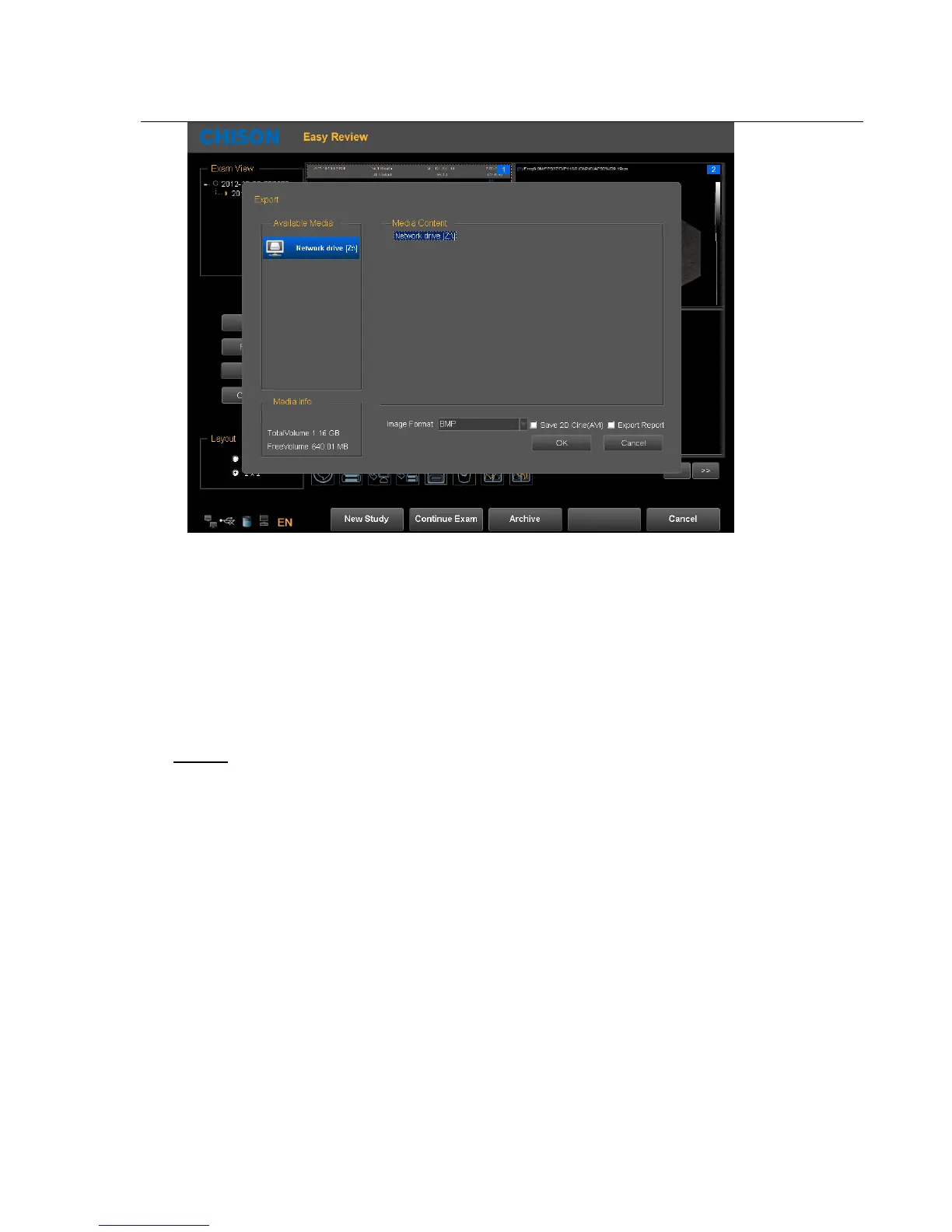
After transmit into the target computer, open the shared folder, you can see the pictures you sent.
4.4.9. DICOM Function(Option)
The system support DICOM storage, DICOM print, MPPS, WORKLIST, DICOM SR storage.
1. Connect the machine into LAN before setting the DICOM
2. Enter into DICOM Setting interface.
Press Utility key to enter into system setting interface. Press DICOM page to enter into DICOM interface.
Note:
If the DICOM function is not open, the system setting interface will not display DICOM page.
Please make sure the DICOM function is open before you use DICOM function.



 To Next Page