Q9 Digital Color Doppler Ultrasound System
27
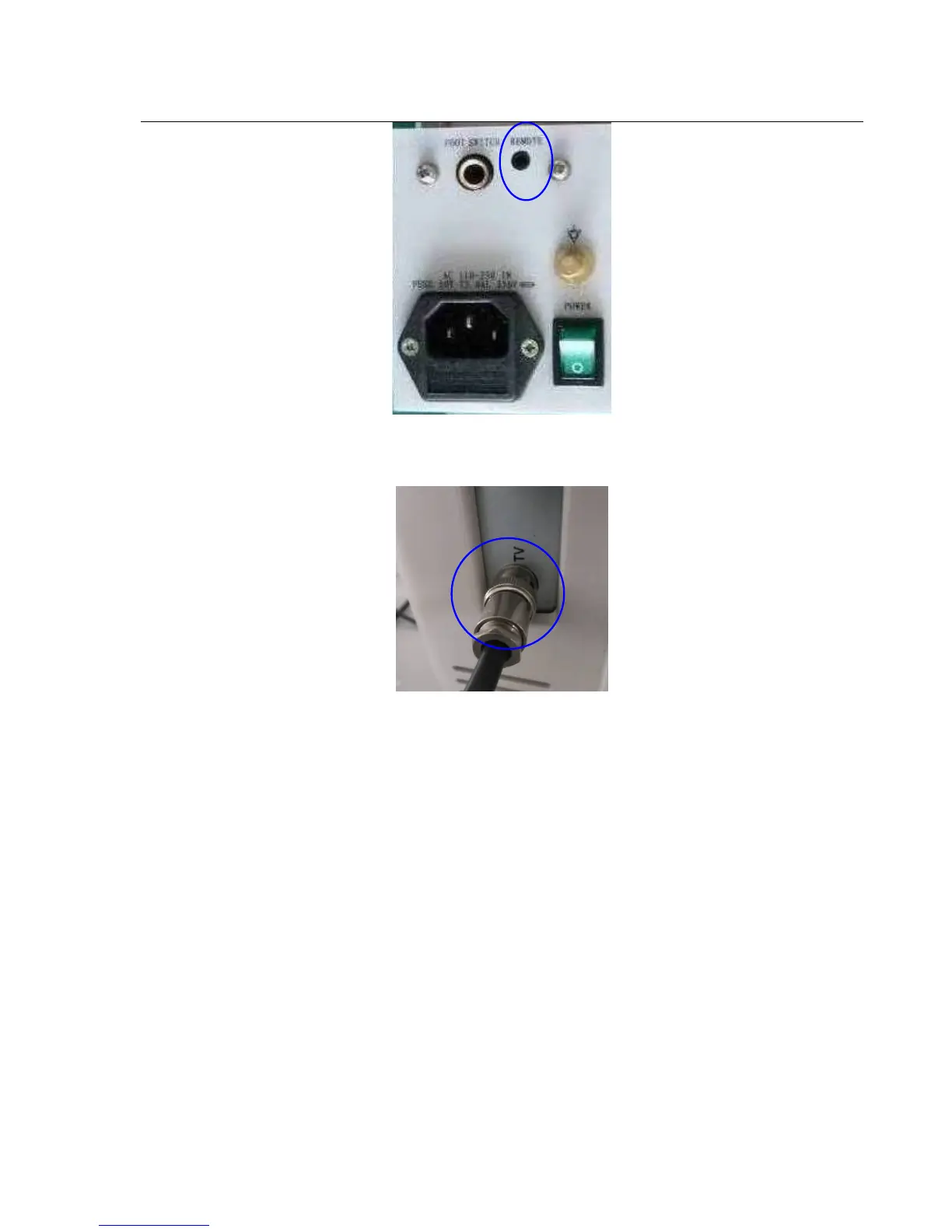
Fig. 3-3b
3) Connect the video signal cable to the TV port of the ultrasound system as below. See picture in Fig. 3-3c.
Fig. 3-3c
3.6.2 Set the system for Video Printer.
Caution:
Please confirm the video printer is turned on and connected well with the main unit, then you can do below setting.
1) Press the “setup” key; enter "system" interface, then select "Display Setting ". See picture in Fig.3-4.



 To Next Page