Q9 Digital Color Doppler Ultrasound System
109
5.3.3.1
General Measurement in PW mode
1. Velocity
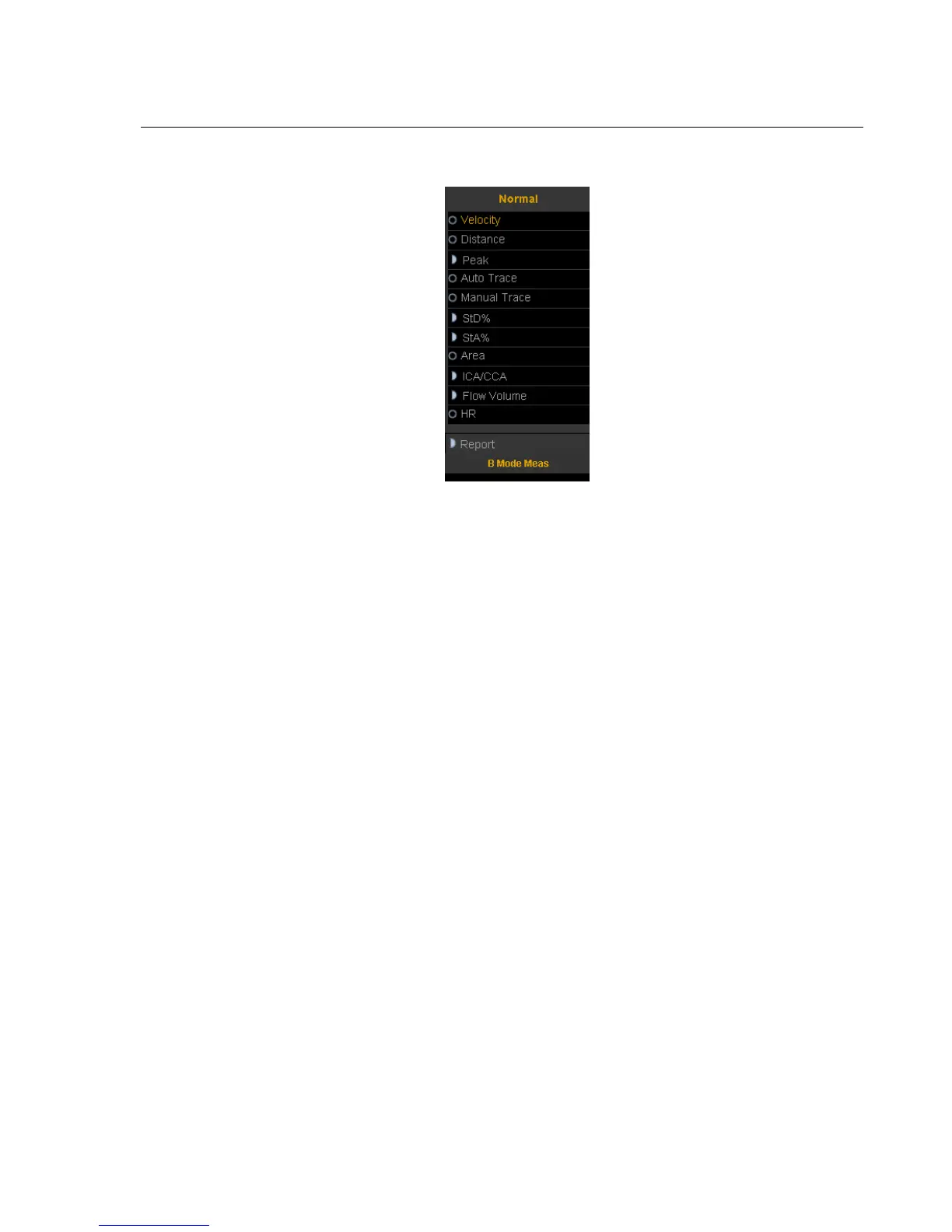
1) Rotate the trackball to move the cursor to the velocity item in the menu and press Enter-key to select
it. A cursor”+” will appear on the screen.
2) Move the cursor “+” to the place where need to be measured and press Enter-key to fix it.
3) The value of velocity and pressure will appear on the screen.
4) Repeat step 1) to 3) to measure the next point.
2. Distance
The measurement method is the same as distance in general measurement in B mode.
3. Peak
Calculate the velocity over one cardiac cycle. The velocity, slope, RI and SD ratio are calculated.
1) Scan the object area in PW mode and freeze the image
2) Rotate the trackball to move the cursor to the Peak item in the menu and press Enter-key to select.
3) A cursor”+” will appear on the screen. Move the cursor “+” to the peak point where the cardiac systole
and press Enter-key to fix it.
4) A second cursor”+” will appear on the screen again. Fix the second cursor to the end point where the
cardiac diastole
5) When the two points are all fixed, the value of Vs,Vd,RI,SD(Vs/Vd) will appear on the right side of
the screen.
4. Full Trace
1) Rotate the trackball to move the cursor to the auto trace item in the menu.
2) Press Enter-key to select it. A cursor”|” will appear on the screen.



 To Next Page