Q9 Digital Color Doppler Ultrasound System
72
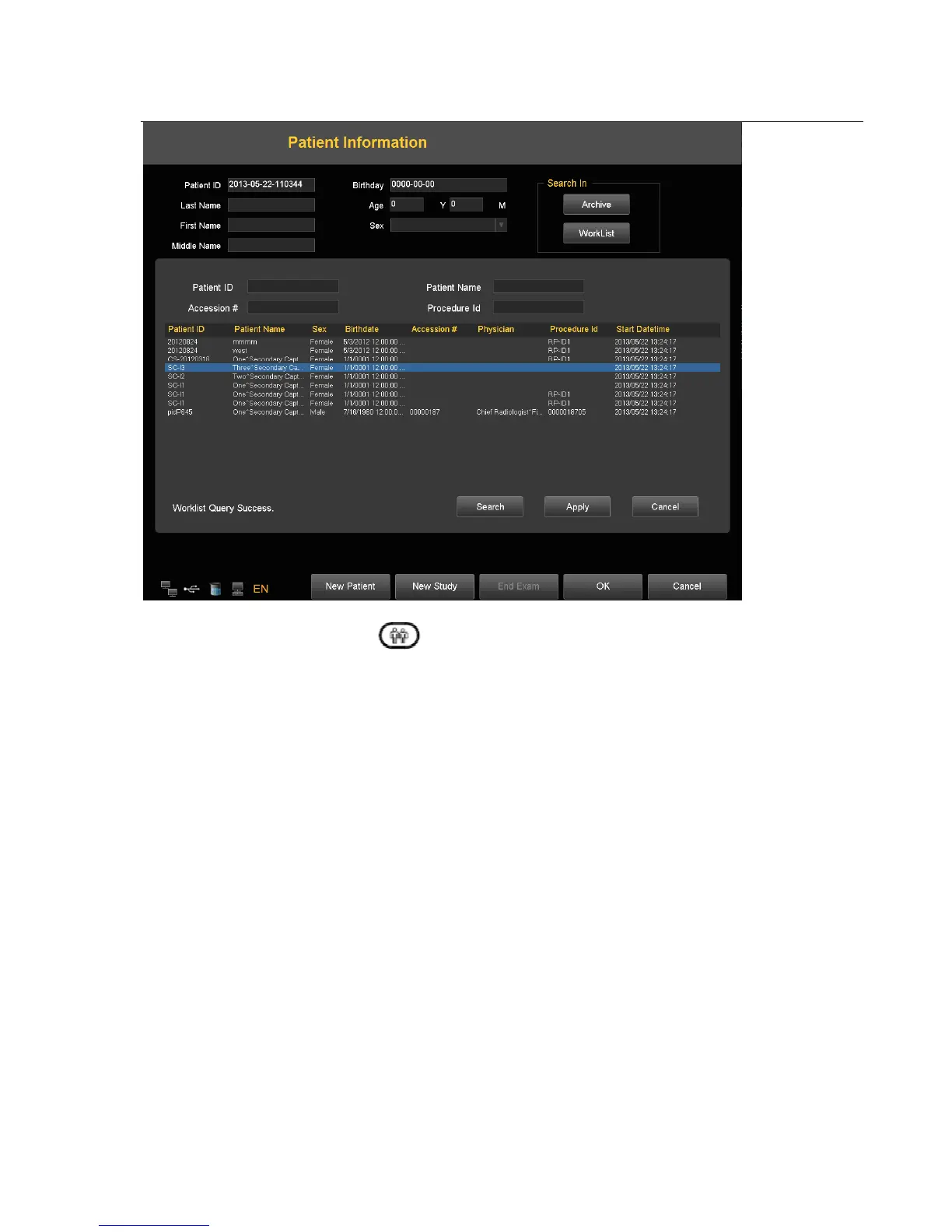
Press the keyboard button shaped as “ ”, and press “Worklist”
Press “Search” to start a worklist update by the matching key specified in Worklist Configuration, all the matched items
will be queried in worklist table. User also can add additional for matching keys, which are “PatientID”, “PatientName”,
“Accession#” and “ProcedureId” , for a more precise query.
Select one matched item and press “Apply” for the current exam application. At this moment, a MPPS service will be
started which will be introduced in MPPS section.
6. DICOM MPPS



 To Next Page