Q9 Digital Color Doppler Ultrasound System
73
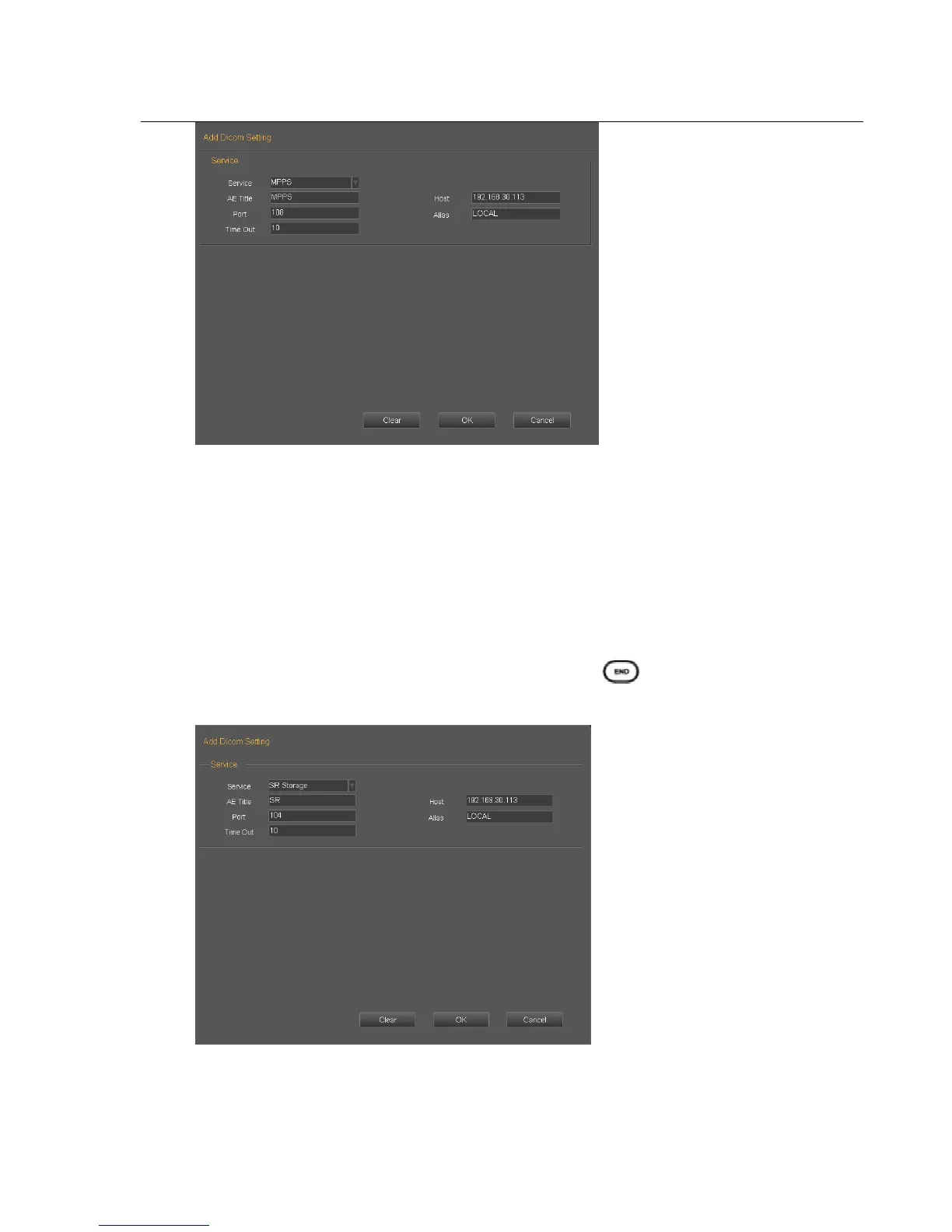
Service: Click the drop list to select MPPS function.
AE title: Name the server at will
Host: Set the IP of the server
Port: Make the port of the work station the same as the port of the server.
Alias: The name of current link
Time out: time delay
Applying the selected worklist item will result in automated creation of an MPPS instance.
Completion of the MPPS is performed by pressing the keyboard shaped as “ ”.
7. DICOM SR Storage
Service: Click the drop list to select SR Storage function.
AE title: Name the server at will



 To Next Page