Q9 Digital Color Doppler Ultrasound System
45
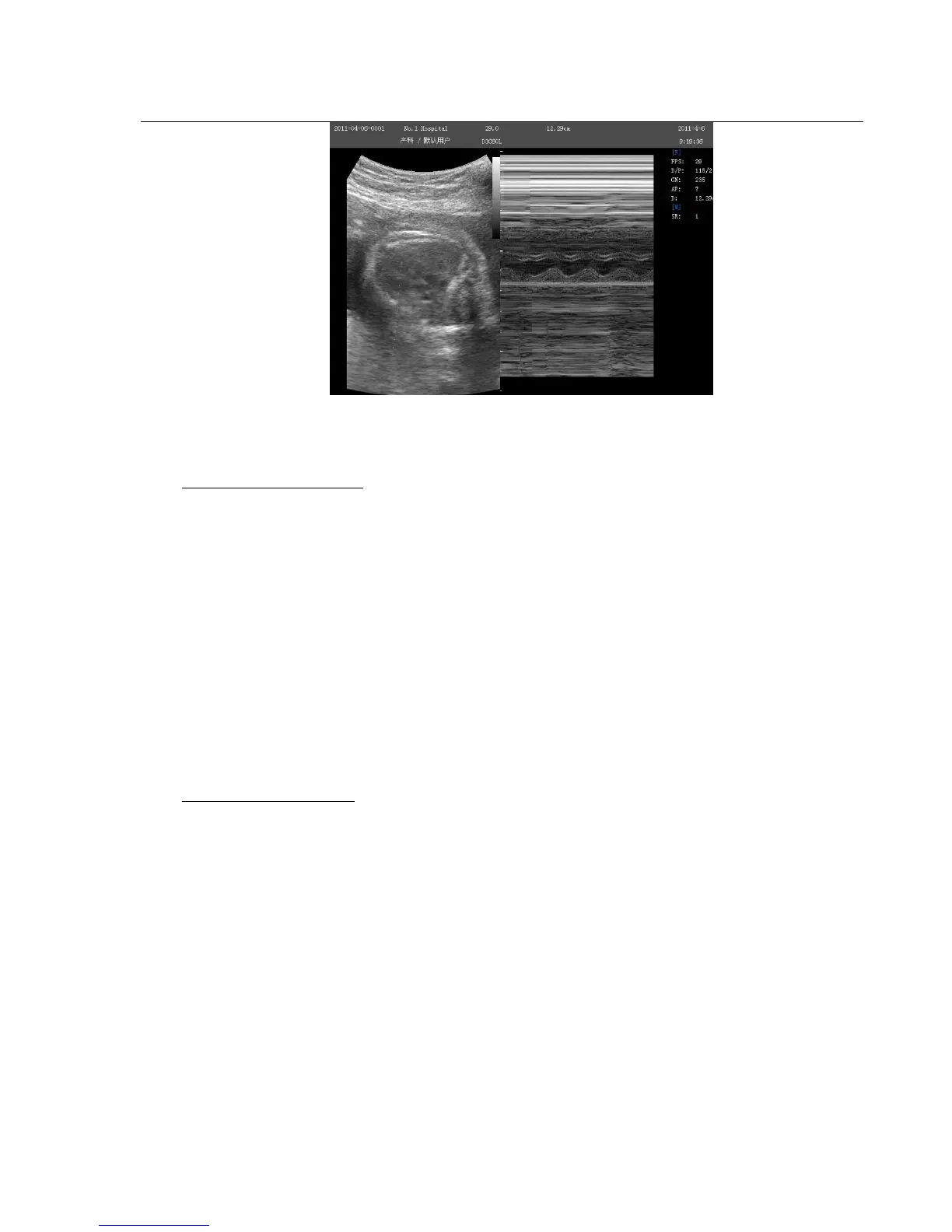
Fig. 4-8 B/M Mode
M-mode Exam Procedure:
Get a good B-mode image. Survey the anatomy and place the area of interest near the center of the B-mode
image.
Press the M-knob, move the Trackball to position the M cursor over the area that you want to display in M-
mode.
Adjust the Sweep Speed, TGC, Gain etc, as needed.
Press the FREEZE-key to stop the M scanning.
Record the image to hard disk or to the printer (hard copy device).
Press FREEZE-key to continue imaging.
Press M-knob to enter into M-mode.
Press M –knob again to exit M-mode.
M-mode Scanning Hints:
Sweep speed: control speed of M-mode update.
4.3.8. Steer M mode
Steer M mode is only available on phased array probe.
This mode can give you the ability to manipulate
the cursor at different angle and position. The M-mode display changes as per the M cursor position.
User can activate the Steering M mode using Soft-Menu. Turn the item Steering M on, and turn Angle to rotate
Steering M line .The system provides maximum 3 Steer M line and you can select either of them with SET-key.



 To Next Page