Q9 Digital Color Doppler Ultrasound System
48
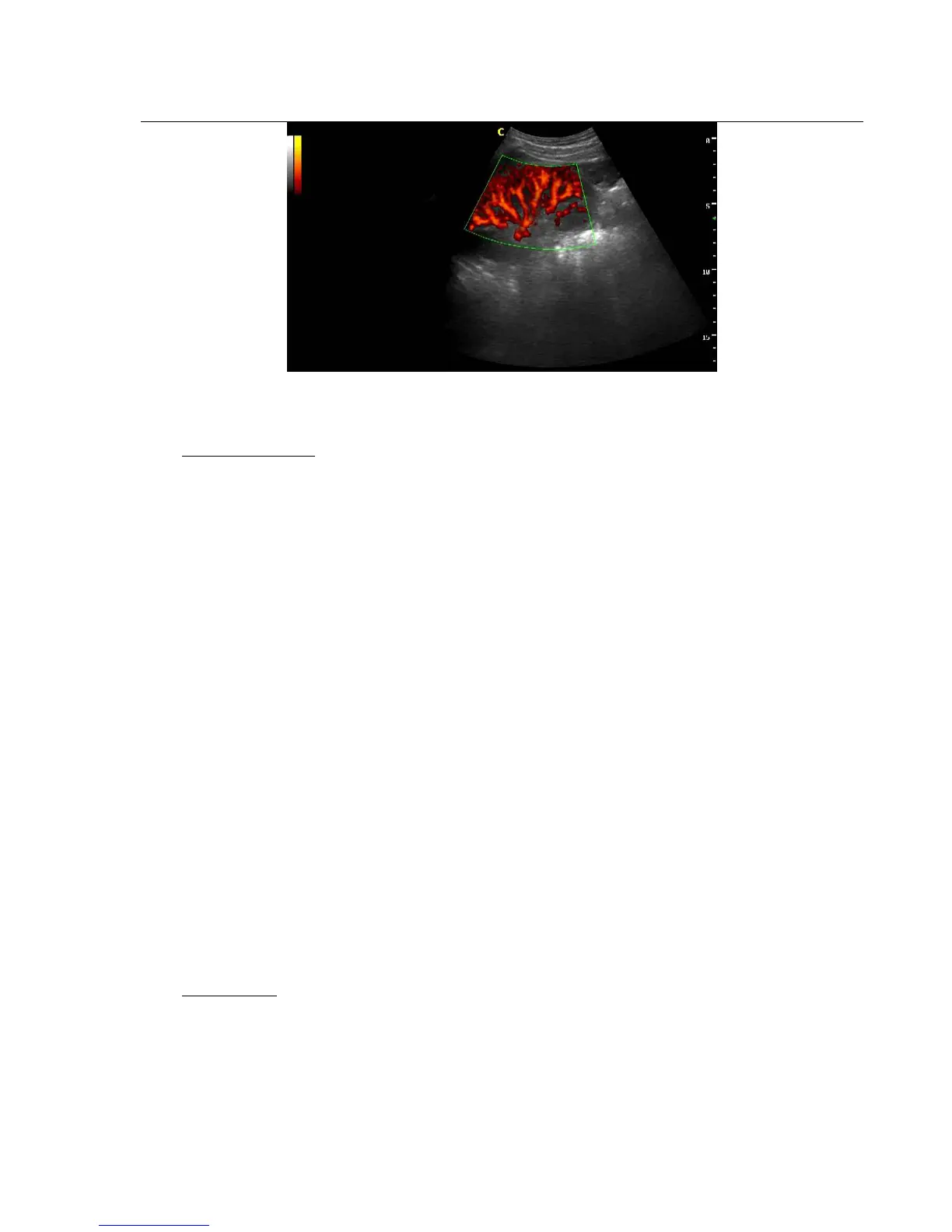
Fig. 4-10 PD Mode
Press CPA -key to enter into the CPA mode and then CPA lights is on
Direction PD mode
In Power Doppler(CPA) mode, press MENU -knob to pop up the PD Menu . Rotate MENU- knob to select the
PD (CPA) Mode and press MENU-knob to enter into DPD mode.
If you need go back to PD mode from DPD mode, you could press CPA key or select the PD mode item in the
DPD mode.
4.3.11. Color M mode
Color M mode is used for fetal cardiac applications. Color flow overlays color on the M-mode image using
velocity and variance color maps. The color flow wedge overlays the B-mode image and M-mode timeline. The
color flow maps available in M-mode are the same as in CFM mode.
Color M-mode is a Doppler mode intended to add color-coded qualitative information concerning the relative
velocity and direction of fluid motion within the M-mode image.
If the system is in color mode and the probe supports Color M mode (e.g. phased array probe), press M-knob to
enter Color M mode.
4.3.12. PW mode
Intended Use:
Doppler is intended to provide measurement data concerning the velocity of moving tissues and fluids. PW
Doppler lets you examine blood flow data selectively from a small region called the Sample Volume.
The X axis represents time while the Y axis represents velocity in either a forward or reverse direction.
PW Doppler is typically used for displaying the speed, direction, and spectral content of blood flow at selected



 To Next Page