Q9 Digital Color Doppler Ultrasound System
52
4.3.16. Elastography mode
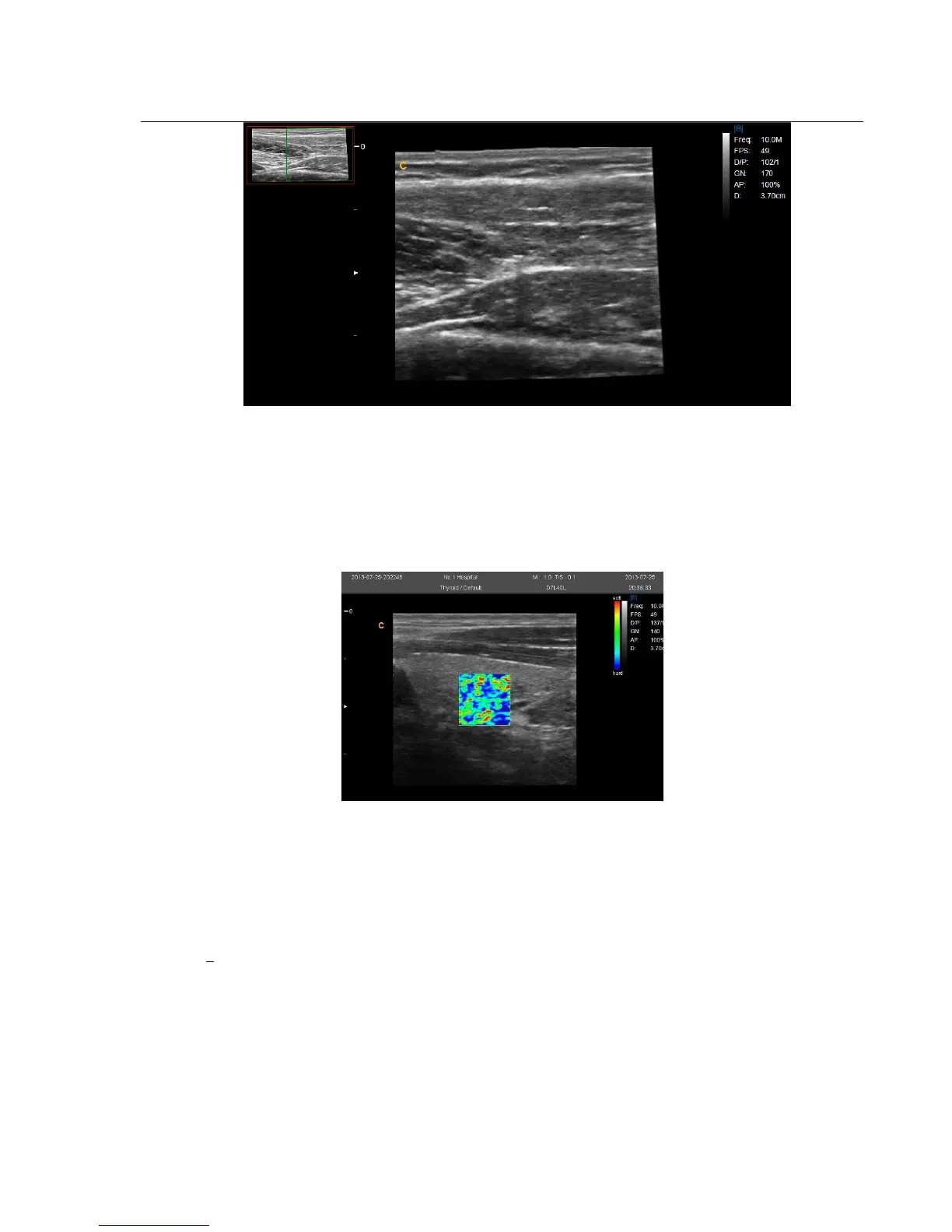
Ultrasound elastography is a new ultrasound technology to study traditional ultrasound can not detect tumors and
spread of disease imaging, can be applied to the breast, thyroid, prostate and other aspects.
In B mode, turn elastography menu on can enter into elastography mode.
4.3.17.
Optimize Image
Methods for optimizing:
1. Use soft menu
Press MENU- knob under the display mode and tune out the soft menu. Press Change –key now can do the exchange of
the menu to different exam mode. Rotate MENU- knob to select the menu items. Press MENU- knob to enter. Now
rotate MENU -knob can change the parameter of selected item. After adjustment, press Menu-knob to exit from
selected item, at this time rotate the Menu-knob can select the item again. Select the “EXIT” icon or press Menu-knob
to exit from the menu.
2. Use shortcut menu
SK1—SK5 shortcut key respectively corresponding NO.1—NO5 menu. Press shortcut key will choose the menu



 To Next Page