Q9 Digital Color Doppler Ultrasound System
128
Edit notes:
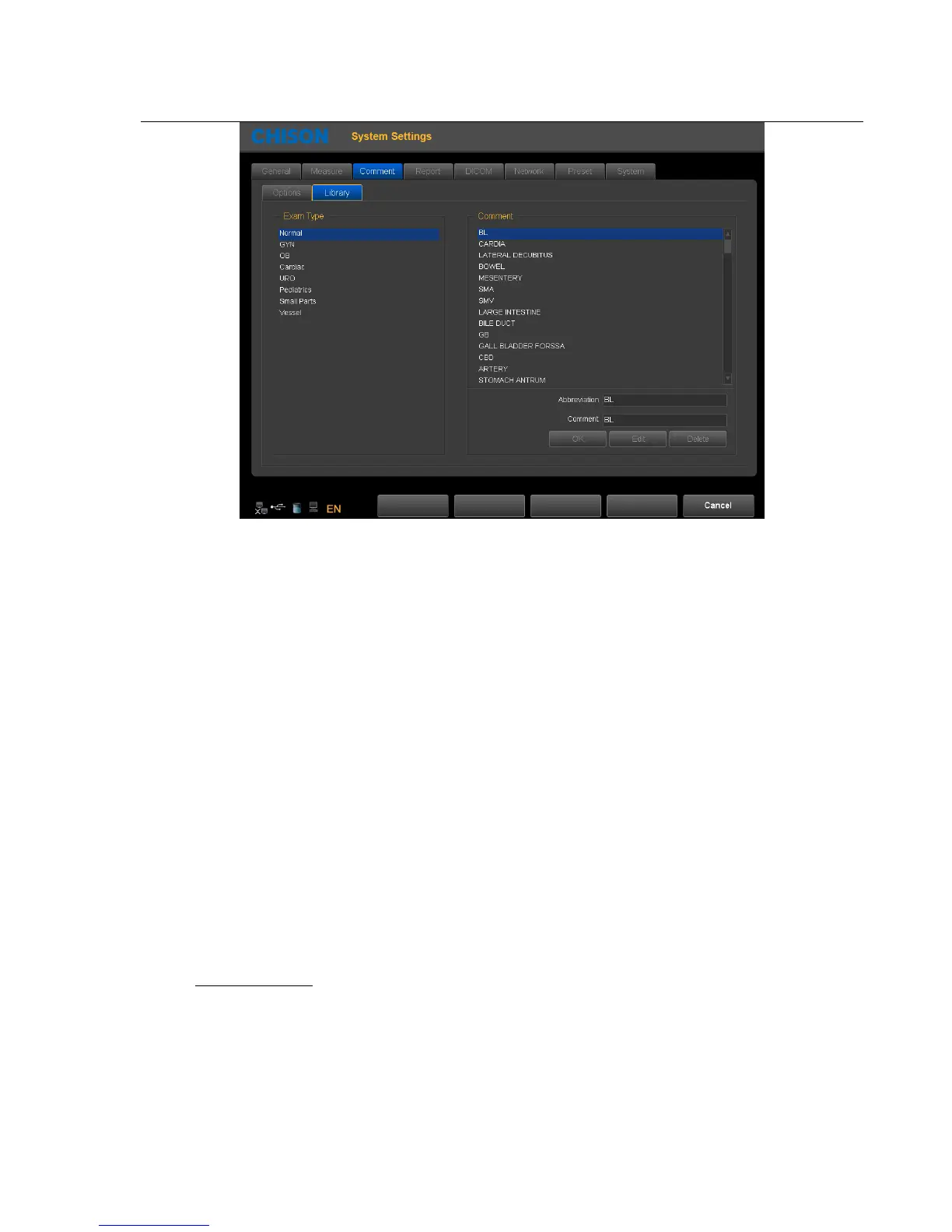
1. Select exam type, select annotation that needs to be edited
2. Input the comments in the lower right corner of the comment box. Input the abbreviations in the abbreviation box.
3. Press the edit-key, finish the edition of current comment.
Add notes:
1. Select the exam mode which the added notes belong to.
2. Input the comments in the lower right corner of the comment box. Input the abbreviations in the abbreviation box.
3. Press the SET-key, current comment will be added to the comment library.
Delete notes:
1. Select the exam mode, and select the notes that need to be deleted
2. Press delete-key to delete current comment.
Exit: exit current page
7.4 Report
Including the report design and report template
Customize settings: set the design of the report



 To Next Page