Q9 Digital Color Doppler Ultrasound System
129
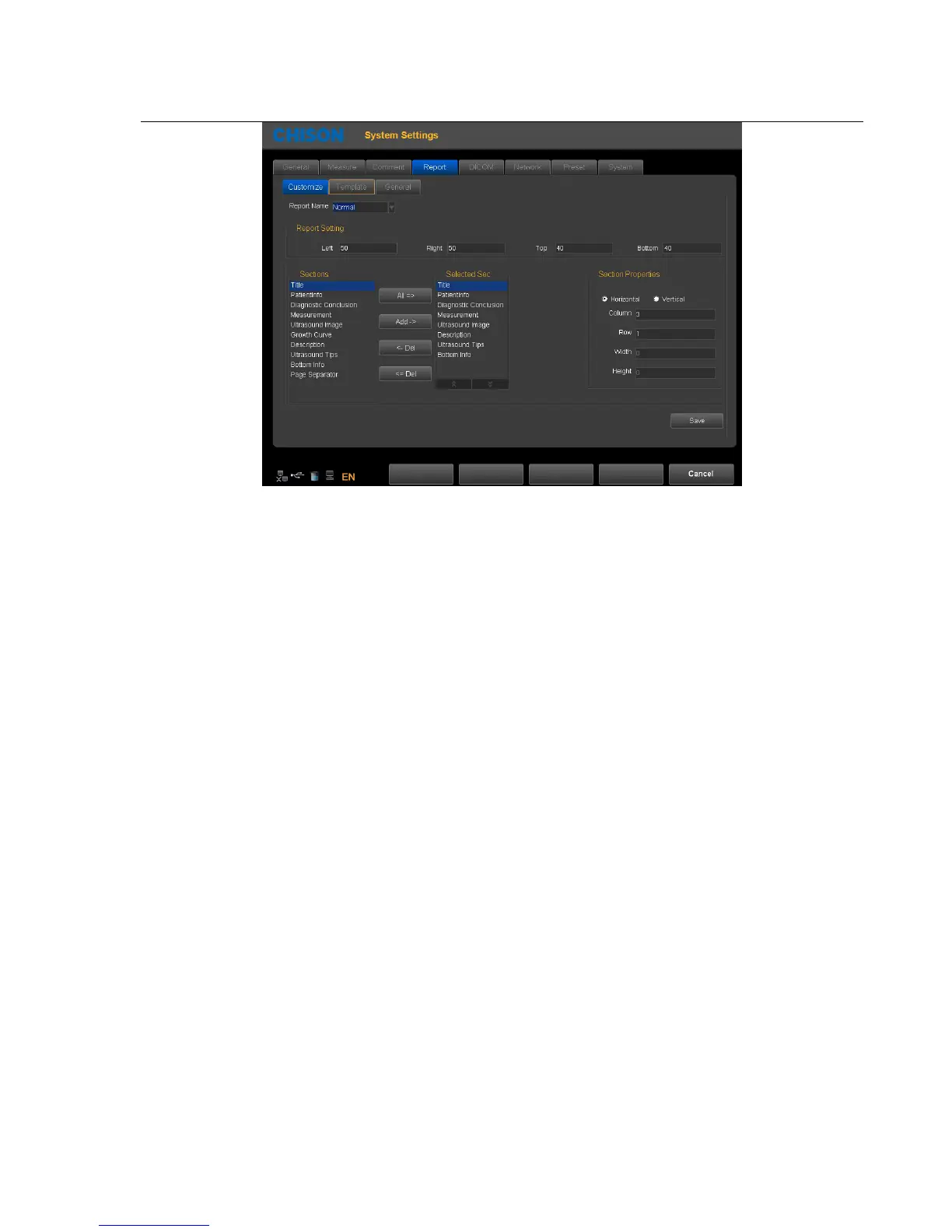
Report Name:select report type
Left:Set left margins
Right:Set right margins
Top:Set top margins
Bottom:Set bottom margins
Sections: list all the sections which can be added
Selected sections: Section used in current report
All: Click this button to add " available section " to " selected section
Add: Select the section that need to be added, then click this button, add selected section "selected section"
Delete: Select the section that need to be deleted, then c
"selected section"
Delete all: Click this button to empty the content of "selected section"
Section attribute: Set the display of section, you can select arrange horizontally or vertically
Set rows and columns of the arrangement.
Select the "Ultrasound image", set the width and height of the image
Save: After setting the current report, click the button, save the settings
Exit:Exit the page
Template Page:



 To Next Page