Q9 Digital Color Doppler Ultrasound System
130
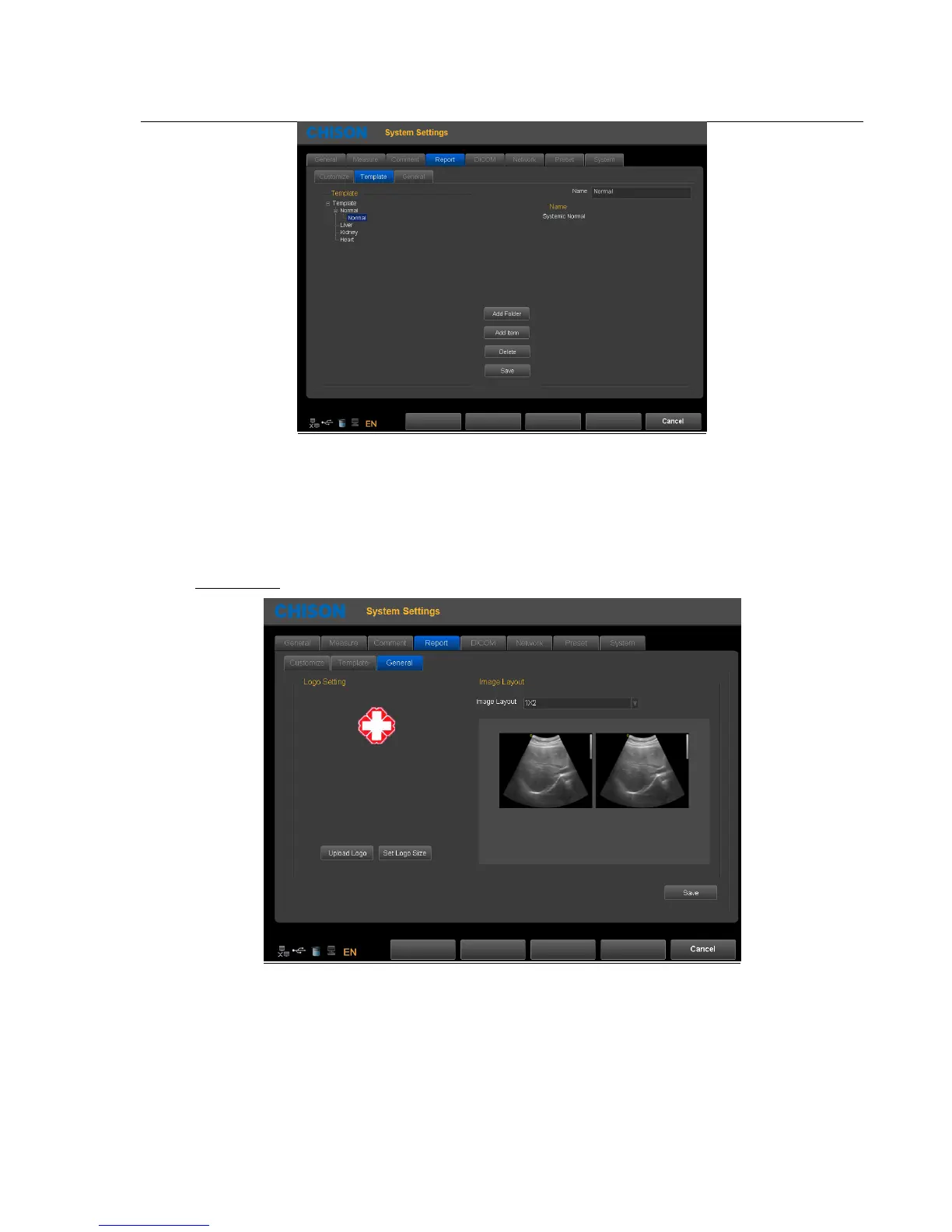
Modify template note: Select the template note which you want to change, input modification content in the right box
Add Folder: Press this icon to add a new Folder and name it.
Add Item: Press this icon to a new Item under current folder, and name it.
Delete: Press this icon to delete the template, which you selected.
Save: Save the changes.
General Page:
Logo Setting: Upload Logo and set logo size.
Image Layout: Choose different styles of image layout.
Save: Save the changes.
Note: the LOGO should be named with ‘hLogo’ in PNG format, which resolution is 168x169. And put LOGO file into
the folder named ‘hLogo’.



 To Next Page