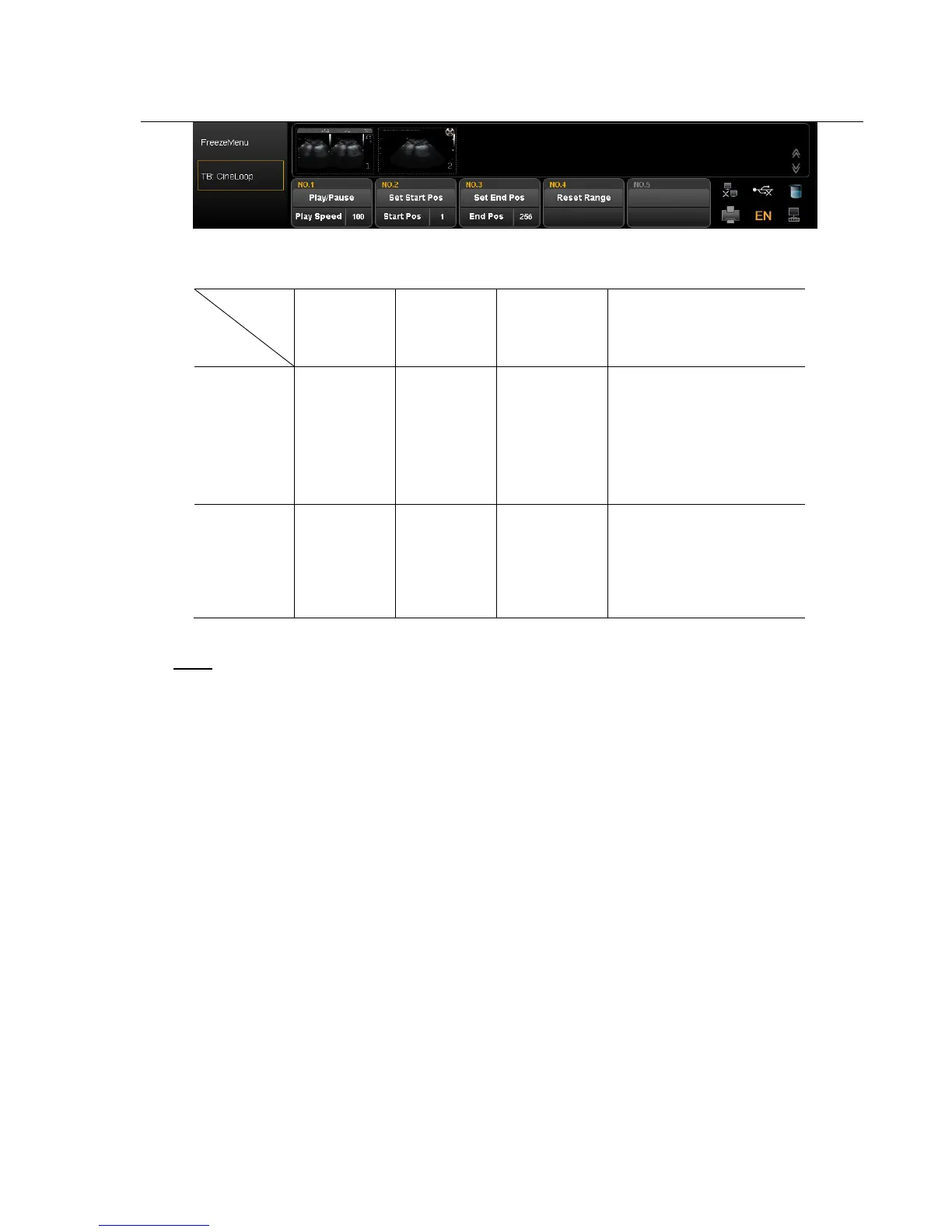
Action
SK1 SK2 SK3 SK4
Press
Play or Pause
cine playback
Set the initial
point of
playback
Set the final
point of
playback
Reset the range of cine
playback,the default range of
playback is 1-maximum
frame of current cine
Rotate
Adjust the
playback
speed of cine
The frame of
start position
The frame of
final position
Manual playback cine:Press arrow key and back to recall status then manual playback through trackball.
Note:
When you save the still images or cine images, if you do not establish a new patient, the system will
establish a new ID according to the current date of the system automatically and save the data and operation
under the folder of this ID.
Quick transmission of image:
Image transmission: Press arrow key. Choose the image which you want to transfer or delete, and press Update
key. Three icons will display in the thumbnail area.



 To Next Page