Q9 Digital Color Doppler Ultrasound System
65
Continue/Edit Exam:continue to check the current patient and back to B mode if press this key. If current exam is
24 hours later than last exam, the system will not allow you to continue the exam. The function will be changed to
“Edit”
New Study:create a new patient, then the system will automatically go to this new page.
Archive: Pop up Files Management interface. Multiple patients can be compared and browsed
Cancel:Exit.
4.4.6 Fast Storage
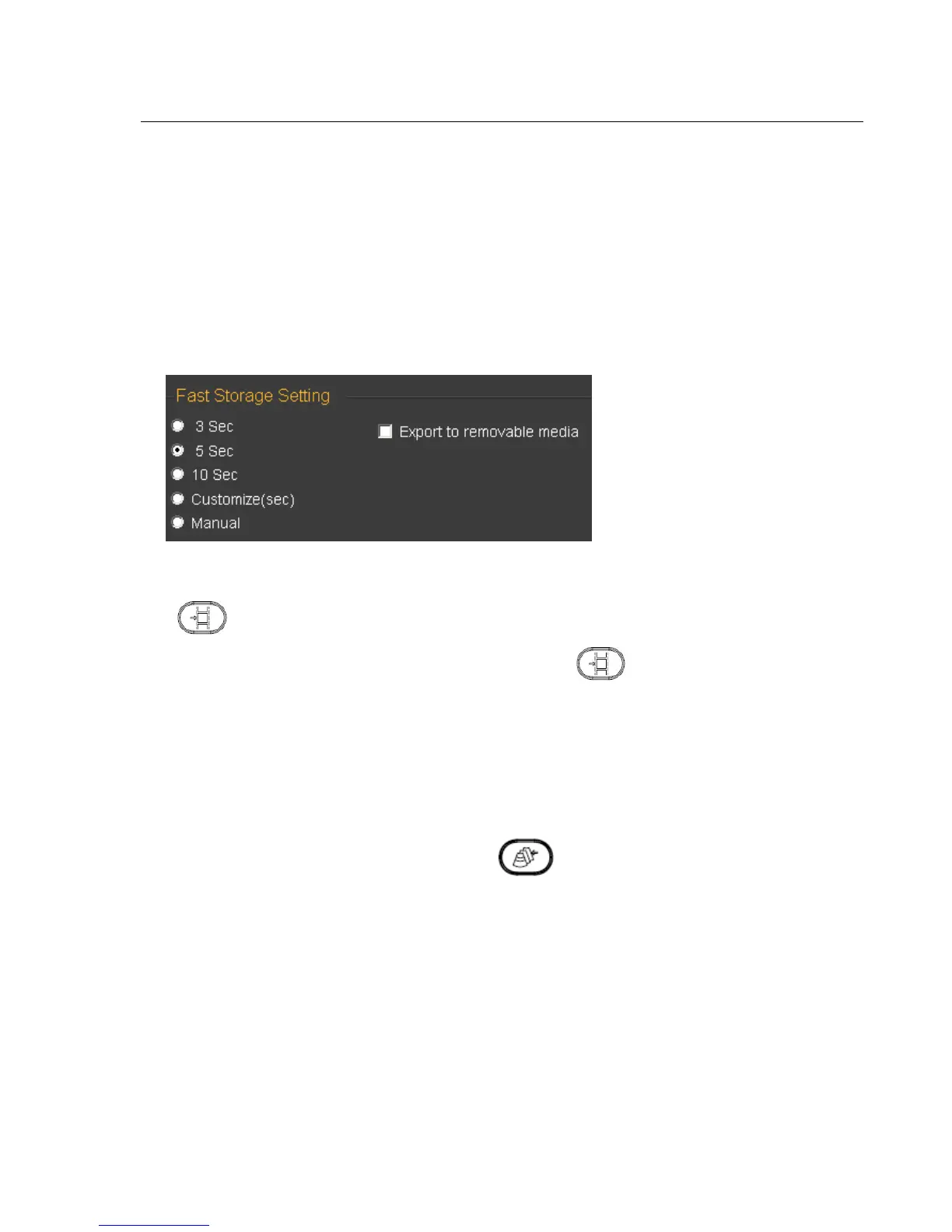
Setting: Enter into System Settings . Press General Menu and choose Normal Sub Menu to do fast storage setting.
After confirming time, back to examination.
For example, choose 5 seconds in the fast storage setting. The system begins to save cine in the 5 seconds after
press .
If you choose Manual in the fast storage setting, you should press for two times. First time is to start
saving and the second time is to finish .
If you choose Export to removable media, it will save the images to the removable media.
4.4.7. Files Management
In this interface you can manage patient's files. Press key to enter into the browse interface. Then click
“Archive” to enter into file management.



 To Next Page