Q9 Digital Color Doppler Ultrasound System
34
Browse
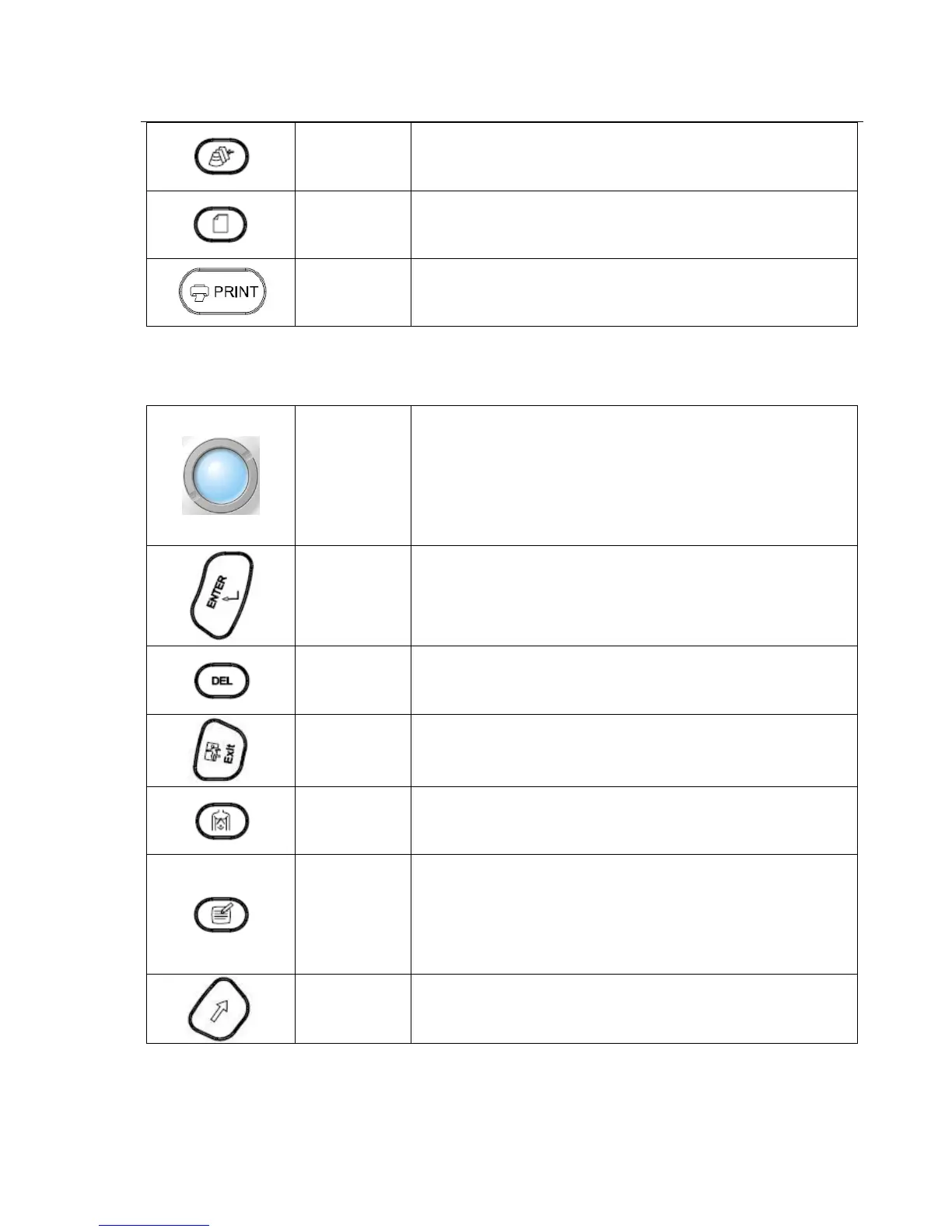
Press the key to browse images, edit or print the stored images,
etc.
REPORT Press this key to generate a report with all the measurements
PRINT Print the images when the printer is working.
3.7.4 Measurement & Annotation
This group of controls performs various functions related to making measurements, annotating etc.
Trackball
Position calipers in measurement;
Position ‘mouse’ cursor for exam mode selection;
Position the M-mode, PW cursor;
Select entry in soft-menu; Select EXAM mode;
Position and re-size the Color Region of Interest (CROI);
Position and re-size the Doppler Sample Volume Gate;
Control digital cine review frames.
Enter
Confirm the command entry;
Confirm EXAM mode and menu setting;
Confirm caliper and measurement setting;
Toggle Trackball function between Re-sizing and Re-positioning
for the CROI, and Doppler Sample Volume Gate.
DEL
Press DEL-key to clear all measurement path, measurement result,
comments, body marks from the imaging screen
EXIT Exit from current operation status
Body Mark
Press the Body Mark-key in real time or cine mode to bring up the
entire sets of available Body Mark icons associated with the
current application.
COMMENT
Comments can be added in the image area in real time or cine mode.
Manual entry or recalling the phrases from annotation library is
allowed.
Press COMMENT-key to enter Comment mode.
Press this key during annotation entry to confirm the annotation
and quit from Comment mode.
ARROW
Press the ARROW-key and the mouse cursor will appear on the
screen.



 To Next Page