Q9 Digital Color Doppler Ultrasound System
125
7.2 Measurement
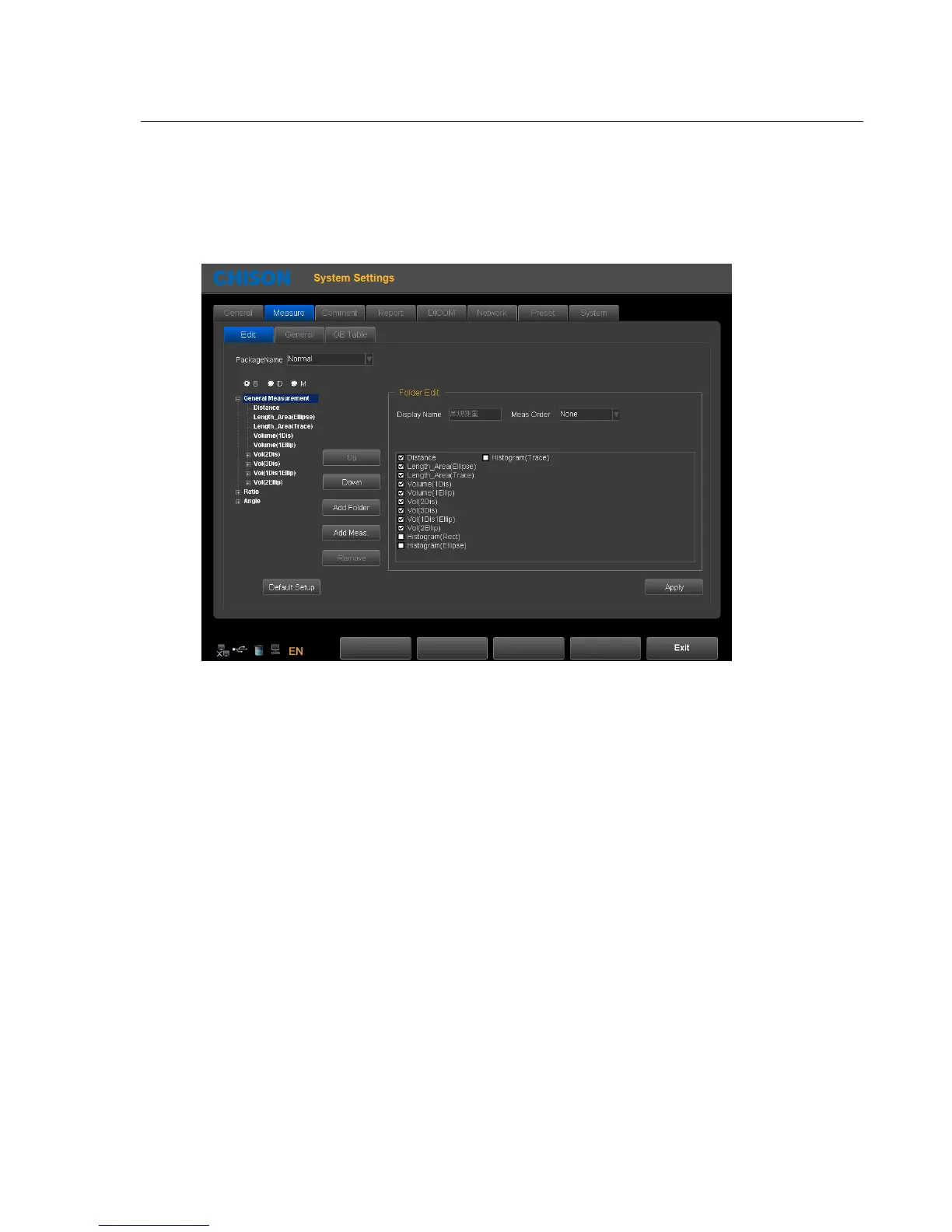
Set the measurement formula of measurement.
Edit Settings: Click the measurement page, and click on the Edit page, then users can edit custom
configuration measurement.
1、Package Name: Choose the different examinations.
2、Choose the different exam modes.
3、Choose the measurement item and click "UP" or "Down" button to move it`s position
4、Add Folder: Click this button to add a new item.
5、Clicking “Add Meas.” can add a new measurement.
General Settings: Click the General page, and you can do some general settings of measurement items



 To Next Page