Q9 Digital Color Doppler Ultrasound System
28
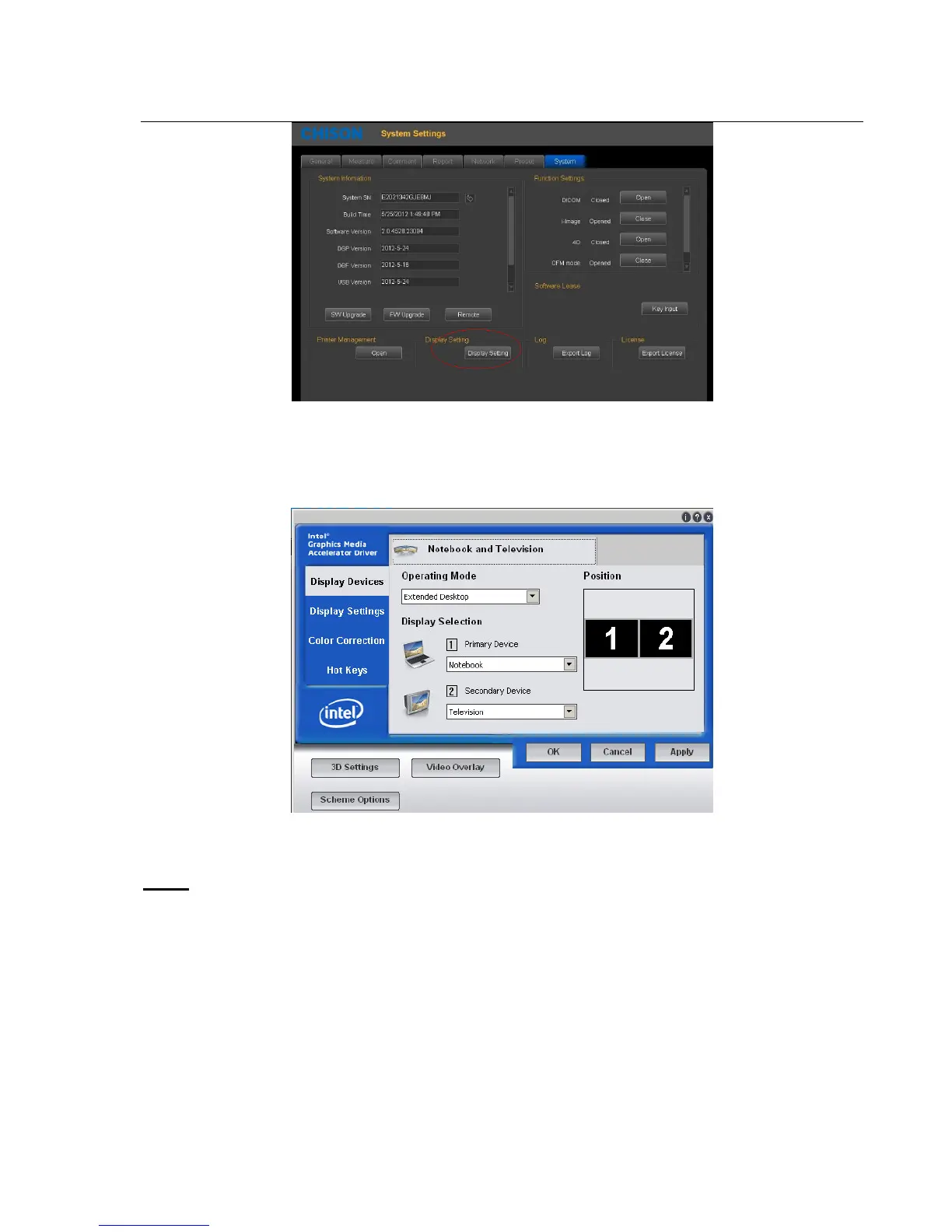
Fig.3-4
2
) Choose "Extended Desktop" for “Operation Mode”.
3)
Choose “Notebook” for “Primary Device”, and choose “Secondary Device” for “Television”, and then press
“apply”. See picture in Fig.3-5
Fig.3-5
4)
The below dialog box will appear, and press “OK”. See picture in Fig.3-6.
Note:
The screen will be black for a while.



 To Next Page