Q9 Digital Color Doppler Ultrasound System
40
operation note area:The first line shows the status of the current system. The second line indicates the current
function of the trackball. In the picture Fig. 4-3, the first line display “freeze menu”. It means the system is in
frozen status. The second line display “recall image”. It means moving the trackball can recall the images in
current status.
system information area:Display the current system information. Moving the mouse to different icon will
display detailed information accordingly.
Display current network situation. It will display the IP address after connecting to the network.
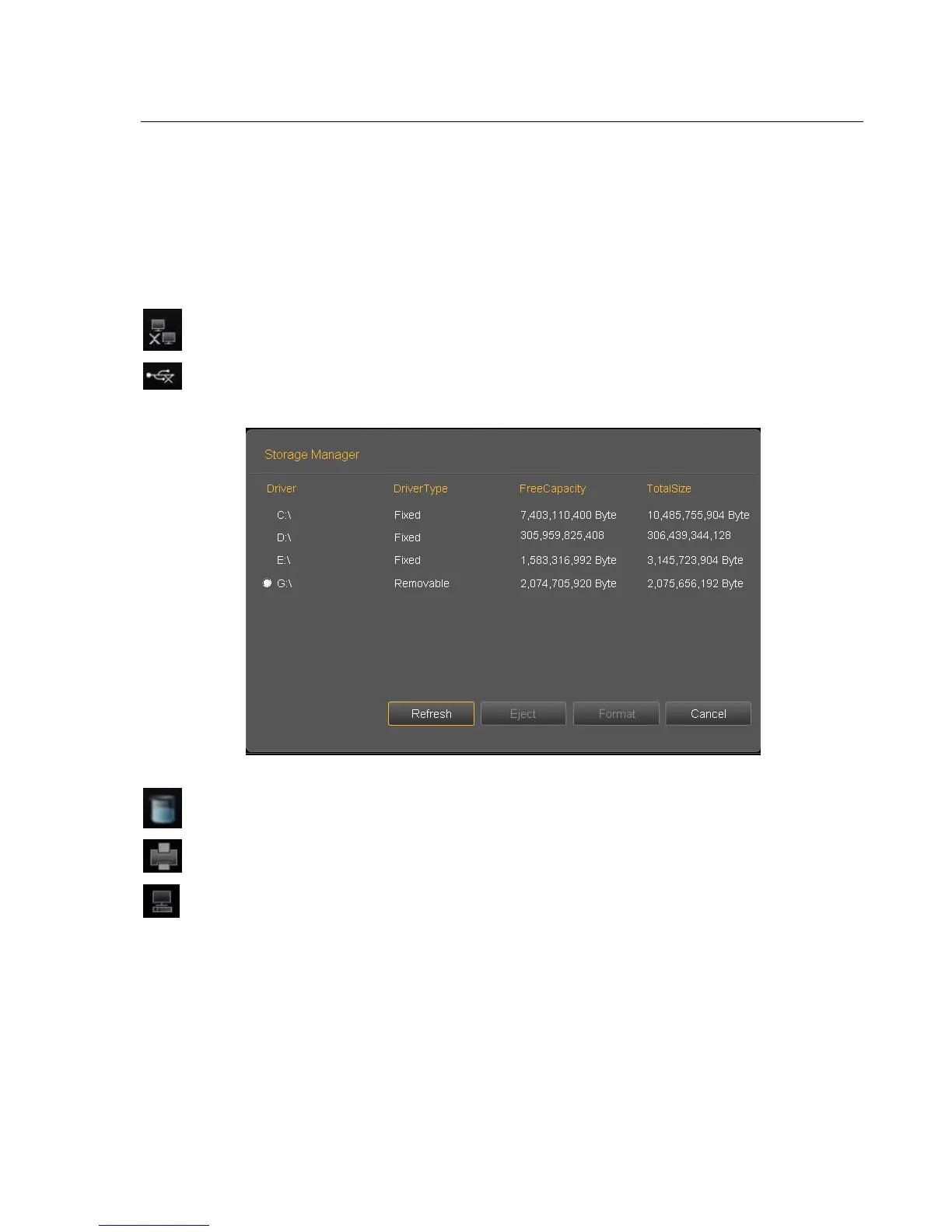
Display the status of current removable disks. If exist removable disks, click this icon can quickly
enter into the storage manager interface and do the operation for disks.
Fig. 4-4
Display space size of all the drivers.
Printer management, refer to section 7.6
Task manager: display the state of current task



 To Next Page