Q9 Digital Color Doppler Ultrasound System
119
report to remove it.
Preview: preview the whole report and its format before printing
Print: print the current report, please make sure that the printer is nomal working.
Save: store the report on the disk.
OK: confirm the operation and exit the interface
Undo: cancel the operation and exit the interface
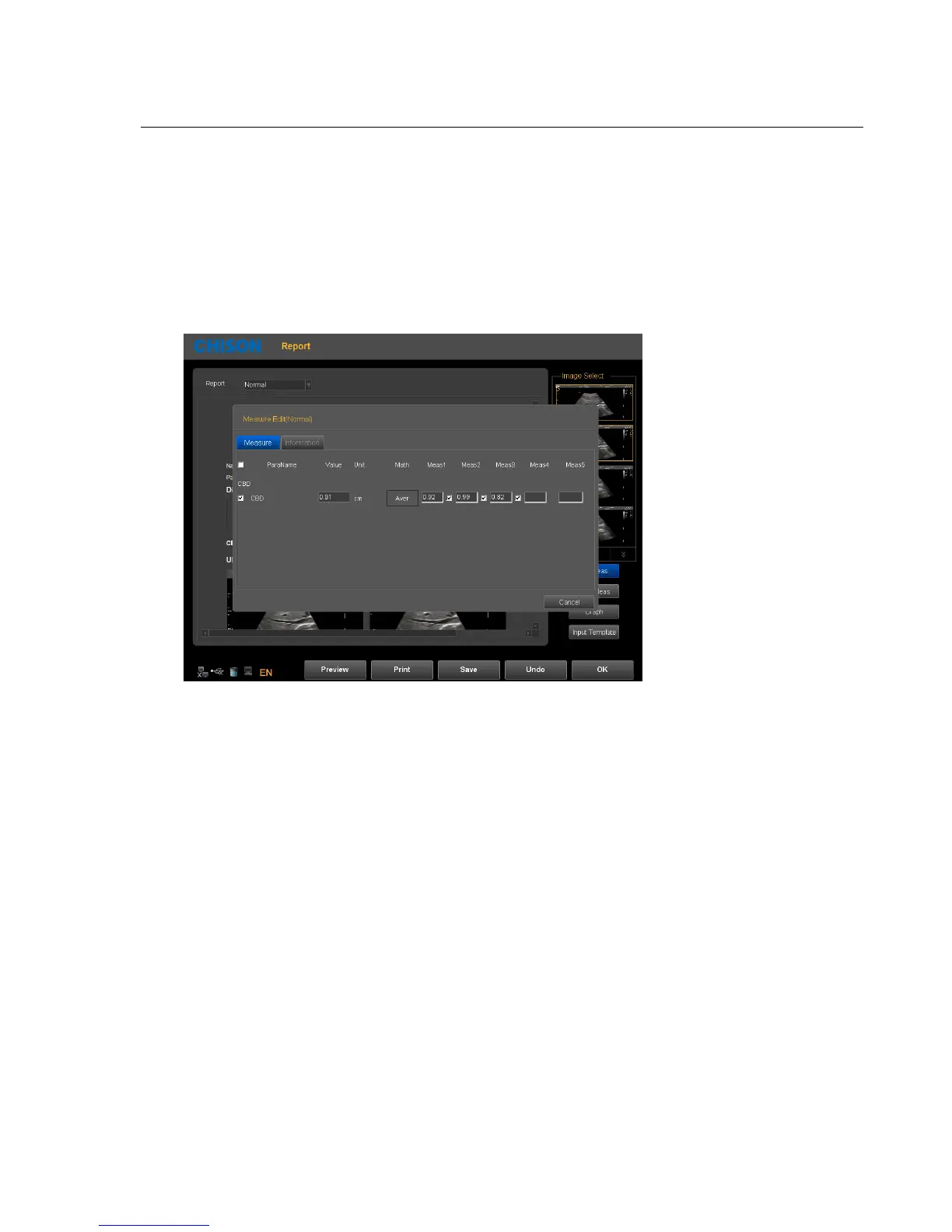
Edit Meas: Press this icon to enter into Measurement Edit Item. Choose the measurement result, which you want
to display in the report. Customer also can edit the result.
Graph : Under OB report you can press this icon to enter in to see the fetal production graph.



 To Next Page